Features
Import
You can easily import documents you've been working on elsewhere and continue editing them in Arky. Currently, you can import from Markdown and Notion.
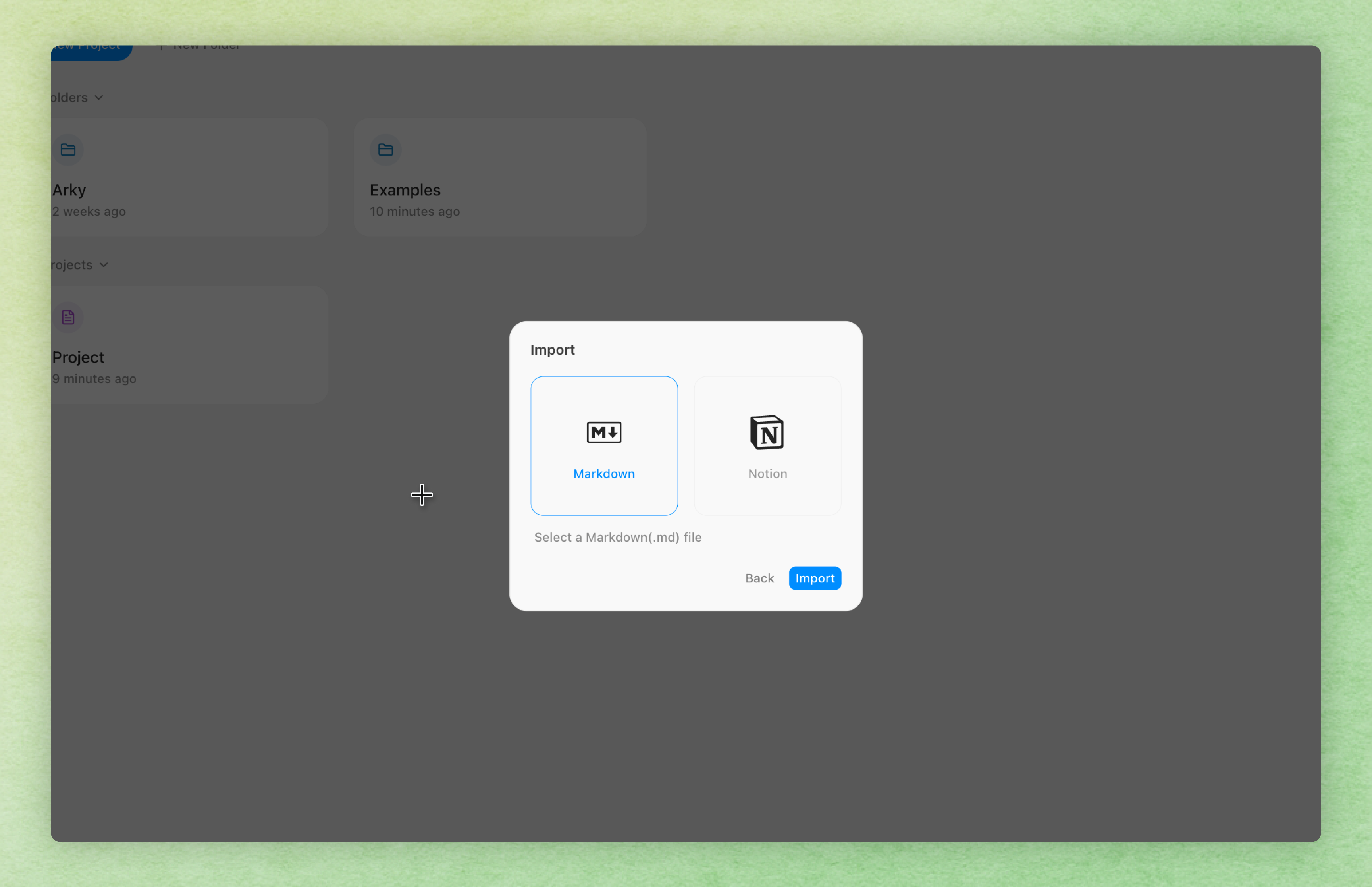
In the Arky workspace, click Create Project and then Import to open the import menu.
Markdown
You can import Markdown files used in tools like Obsidian.
- In the Import menu, select Markdown.
- Upload a
.mdfile or a.zipcontaining Markdown files.
Notion (.zip)
You can import pages exported from Notion.
- In Notion, click Export and download the workspace as a zip.
- In the Import menu, select Notion.
- Upload the exported
.zipfile.
Bulk import of multiple files into a workspace will be available soon.