🖥️ The Desktop App is Here!
- Now you can use Arky without a web browser.
- We support both macOS and Windows.
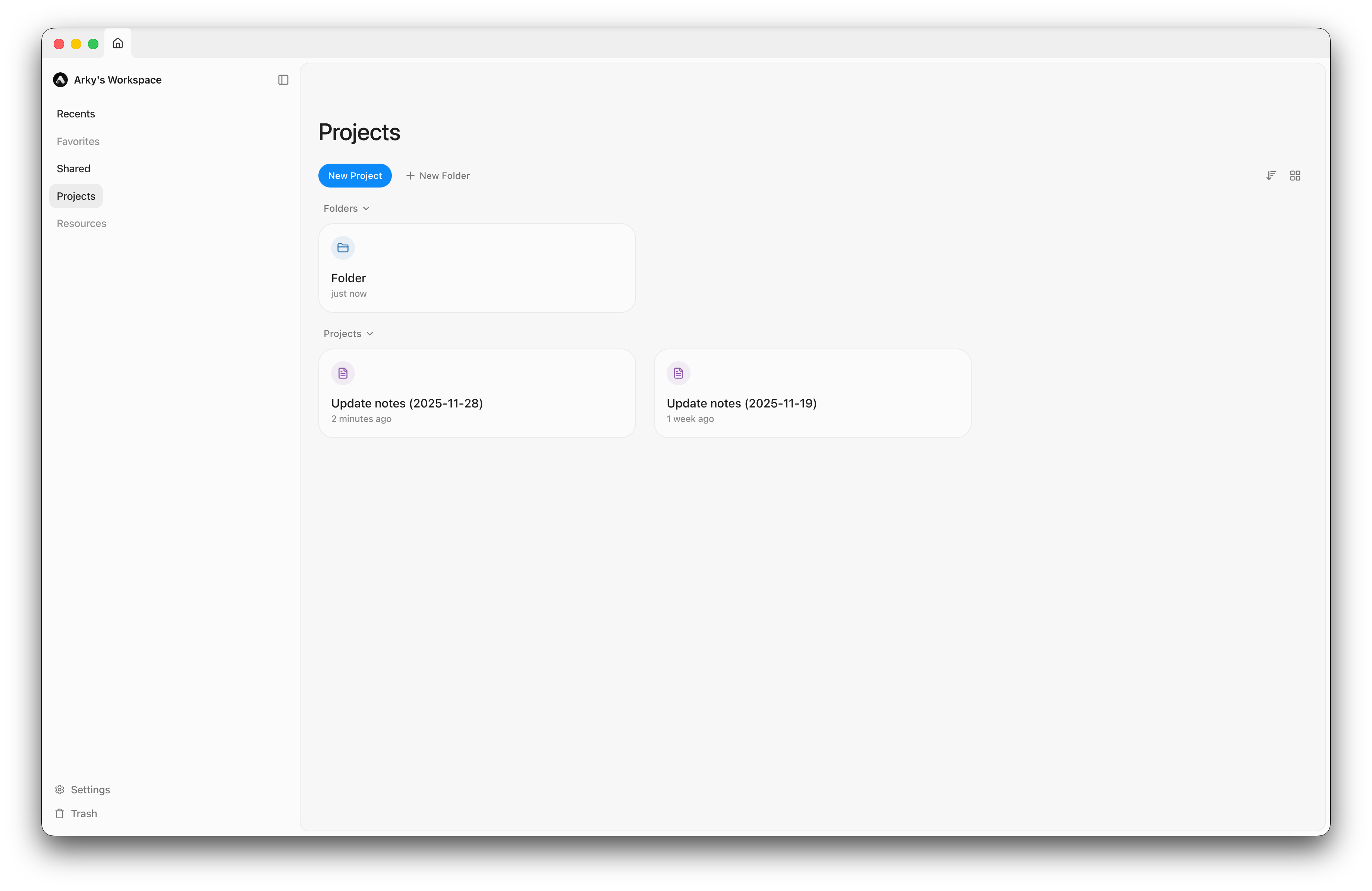
Download the app now for a faster, seamless Arky experience!
You can also download it by clicking the button in the top-left corner or at this link.
🧠 AI Just Got Smarter!
New Features
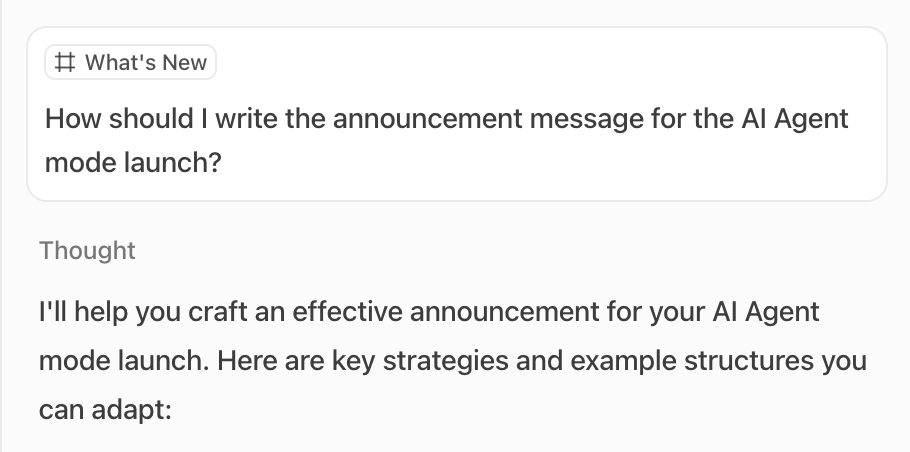
- AI Agent: The AI can now create and edit content on the canvas directly.
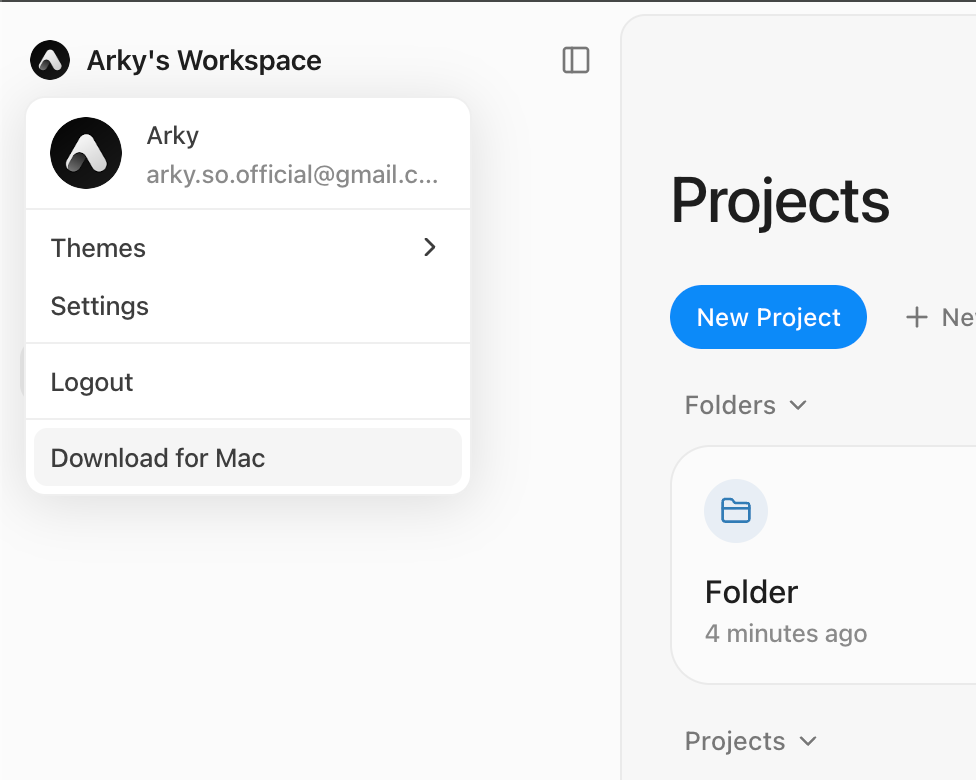
- Attached Context: Attached shells or blocks are now displayed as chips above each message.
Model Updates: Goodbye, Gemini 2.5 Flash
We are discontinuing support for Gemini 2.5 Flash.
Try GPT 5.1 Instant instead! It delivers faster, higher-quality responses.
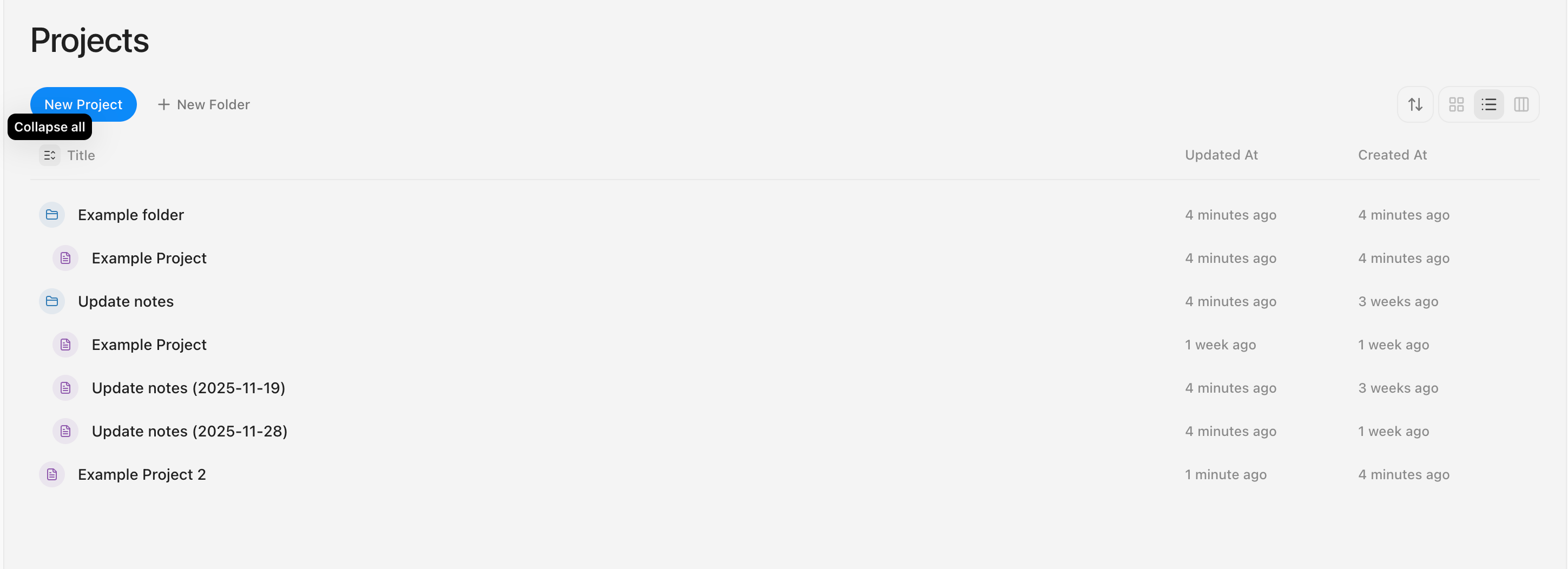
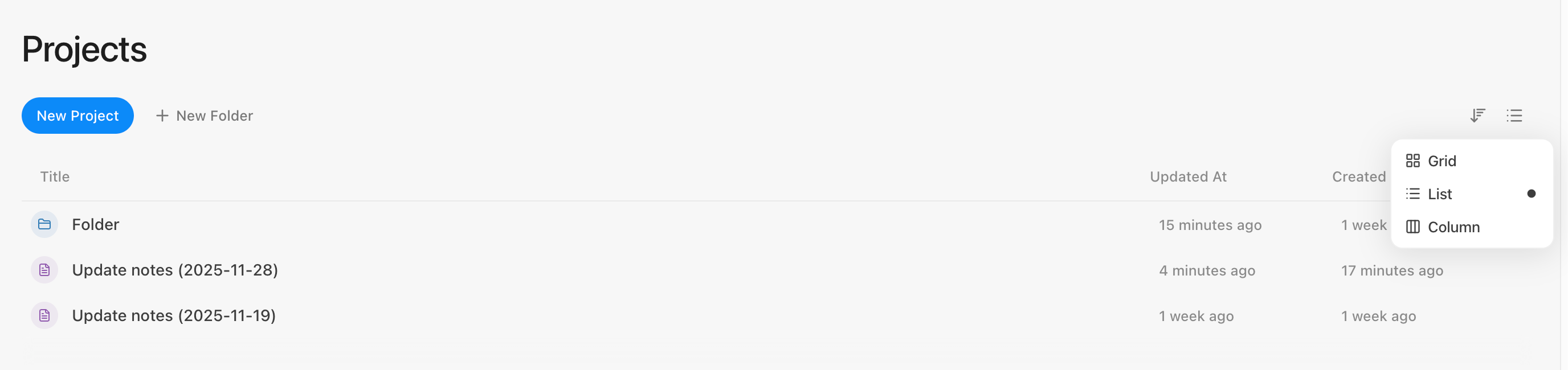
👀 More Workspace Views
- Layout Options: Choose your preferred view on the dashboard: Grid, List, or Column.
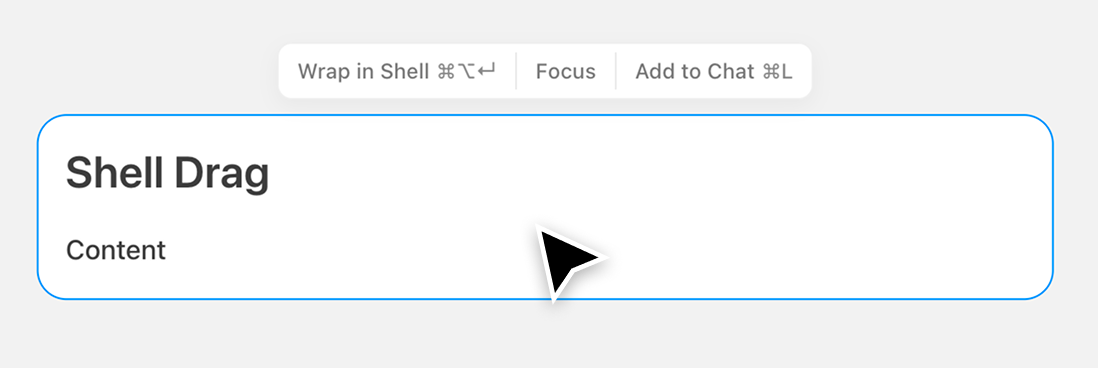
💬 Improved Shell Dragging Logic
We heard your feedback that dragging shells on the canvas often caused child content to detach unintentionally.
Now, dragging a shell keeps all its nested content intact, making it much easier to reorganize your canvas.
✨ What Else is New
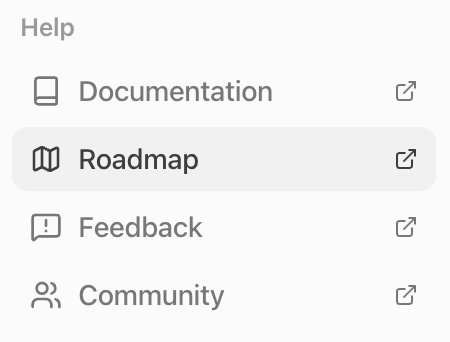
- You can view our Roadmap directly in Settings.
- We've added a new page dedicated to Feedback and Feature Requests.
- Image Zoom: Double-click any image in the editor to view it in full size.
🐛 Bug Fixes & Improvements
- Fixed an issue where keyboard shortcuts were conflicting on macOS.
- Enabled horizontal scrolling on the canvas using
Shift + Scroll on Windows.
- Added a prompt message if you try to proceed without selecting an AI model.