Changelog

New updates and improvements to Arky.

Global Search, Color Shortcuts & More

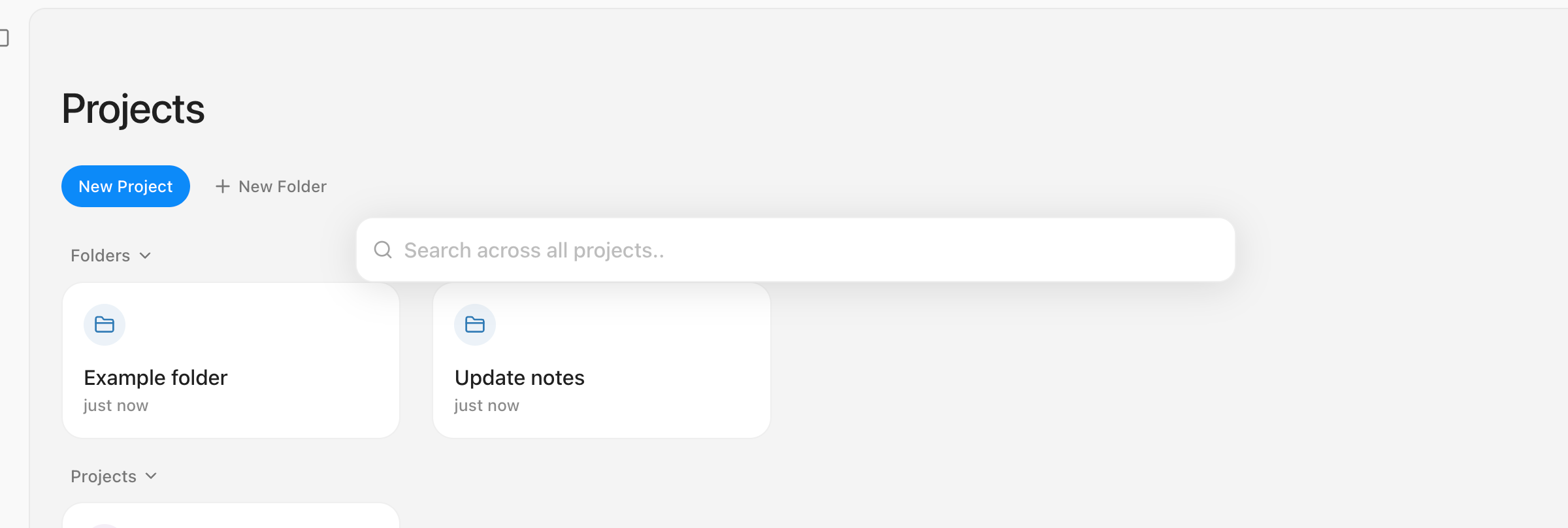
🔍 Global Search is Now Available!

Now you can navigate anywhere instantly. Just press Cmd (Ctrl) + K or Cmd (Ctrl) + P to find other projects or specific content anytime, with ease.

Global Search

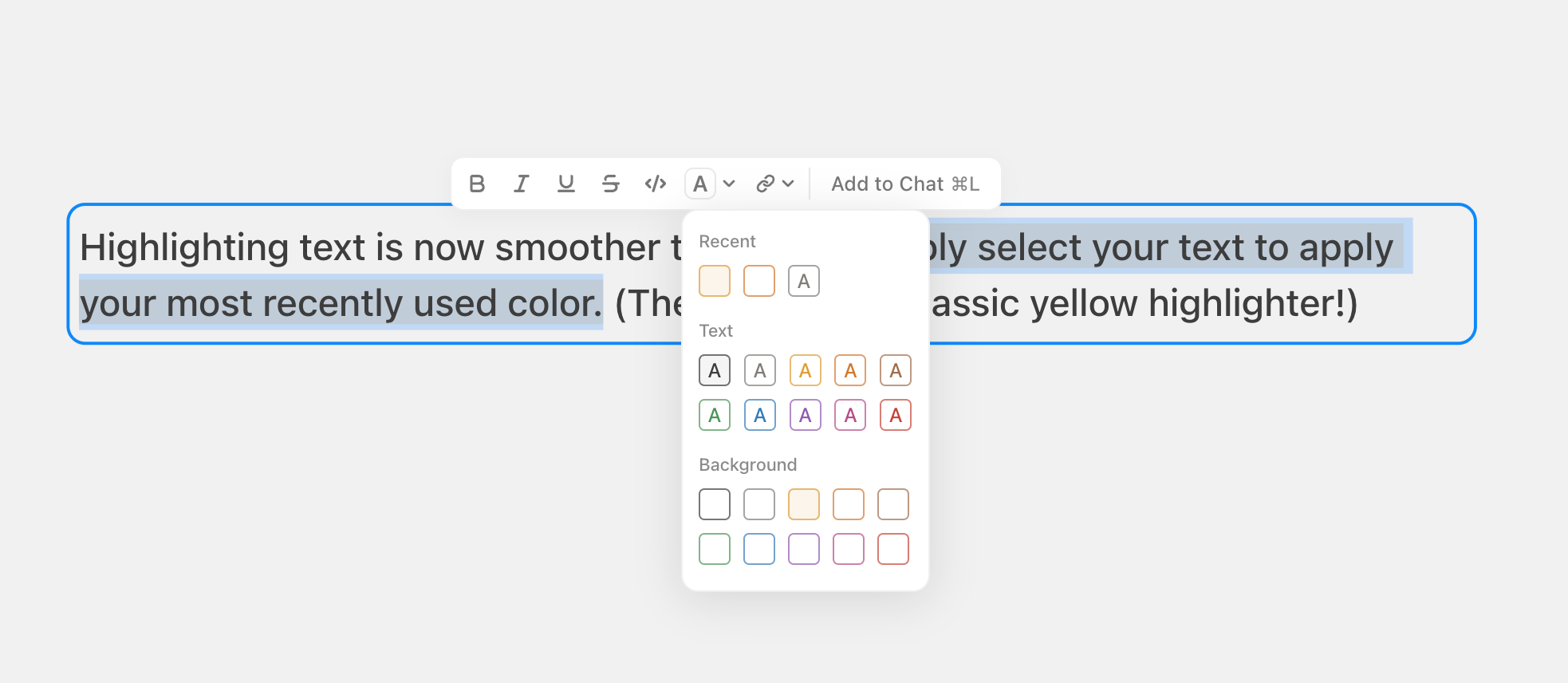
🎨 Added Shortcut for Recent Colors

Highlighting text is now smoother than ever. Simply select your text to apply your most recently used color with Cmd + Shift + H (The default is a classic yellow highlighter!)

Recent Colors Shortcut

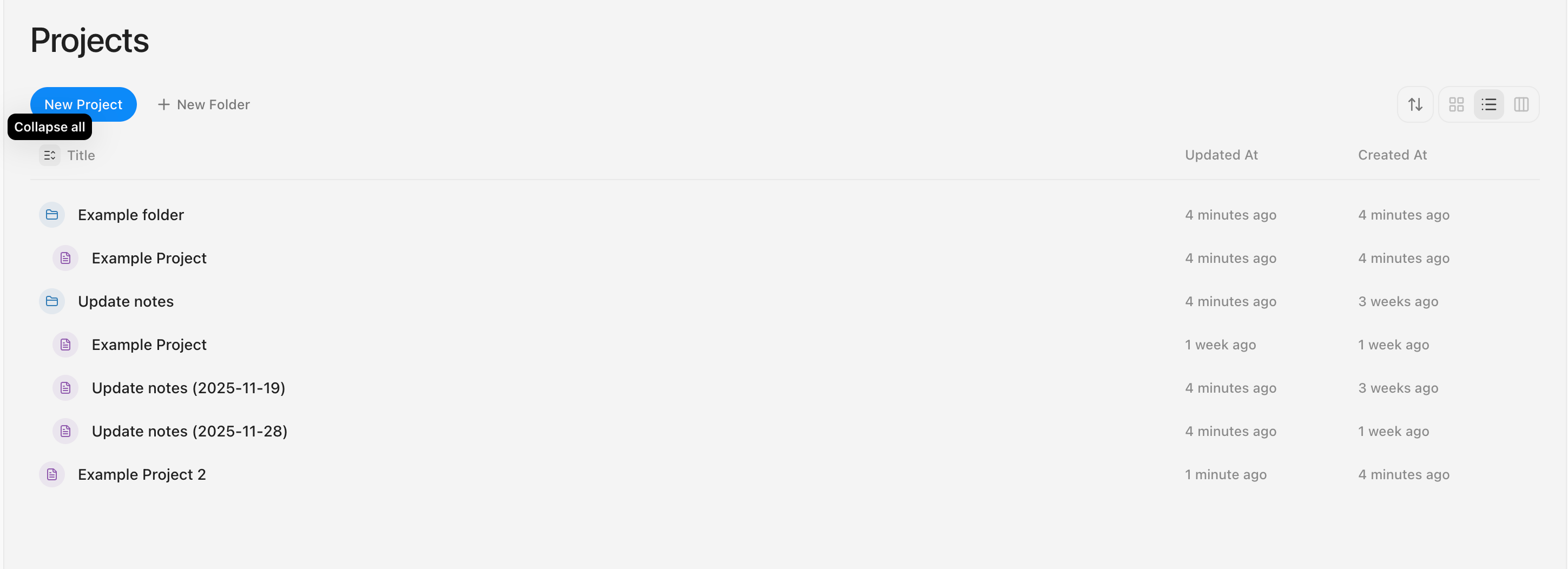
🗂️ Expand Everything in List View!

Now you can view all sub-items directly in the List View.

Simply click the folder icon to expand specific folders, or use the button next to Title to expand or collapse all items at once.

Expand in List View

Desktop App, AI Agent & Workspace Views

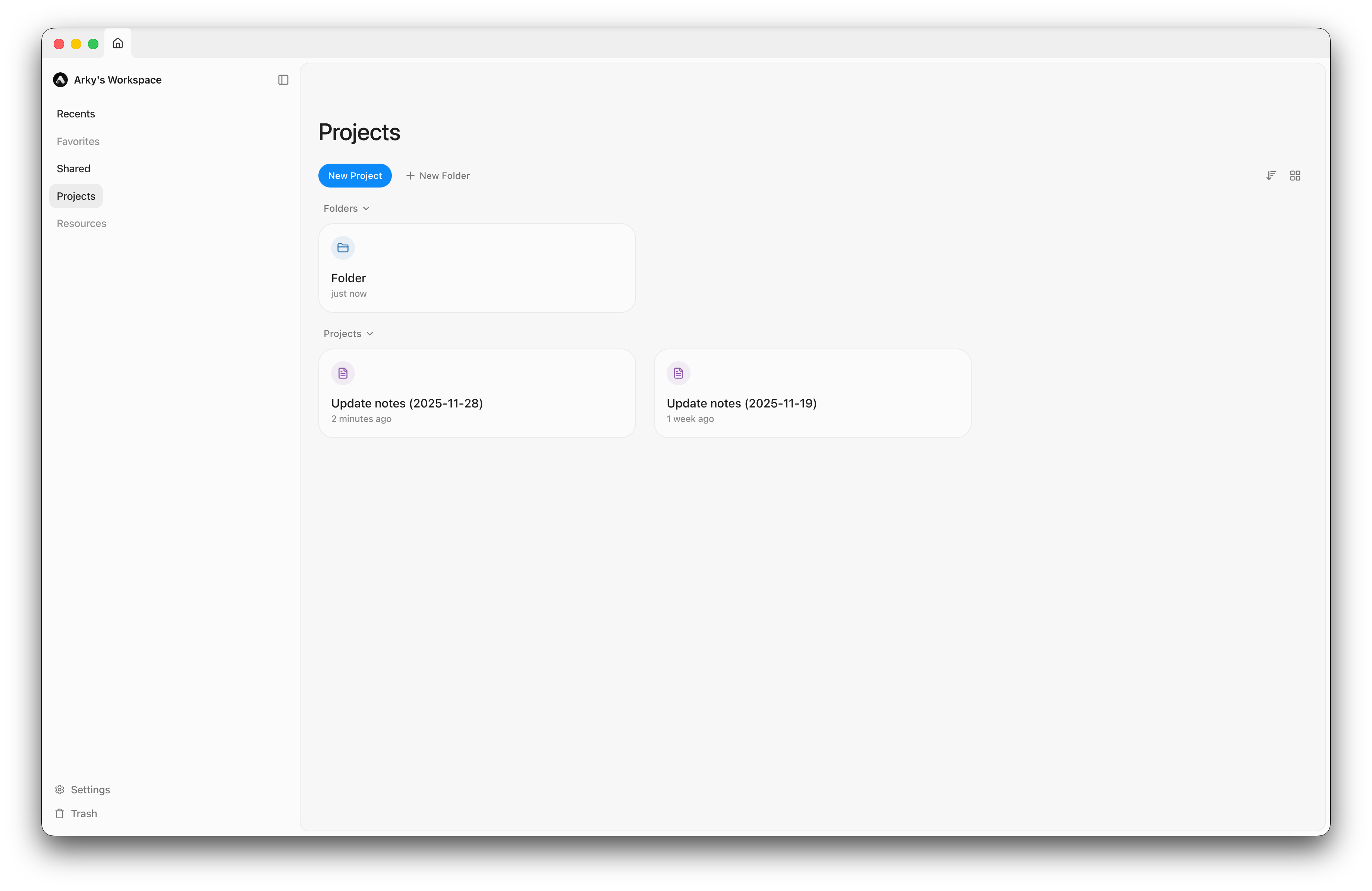
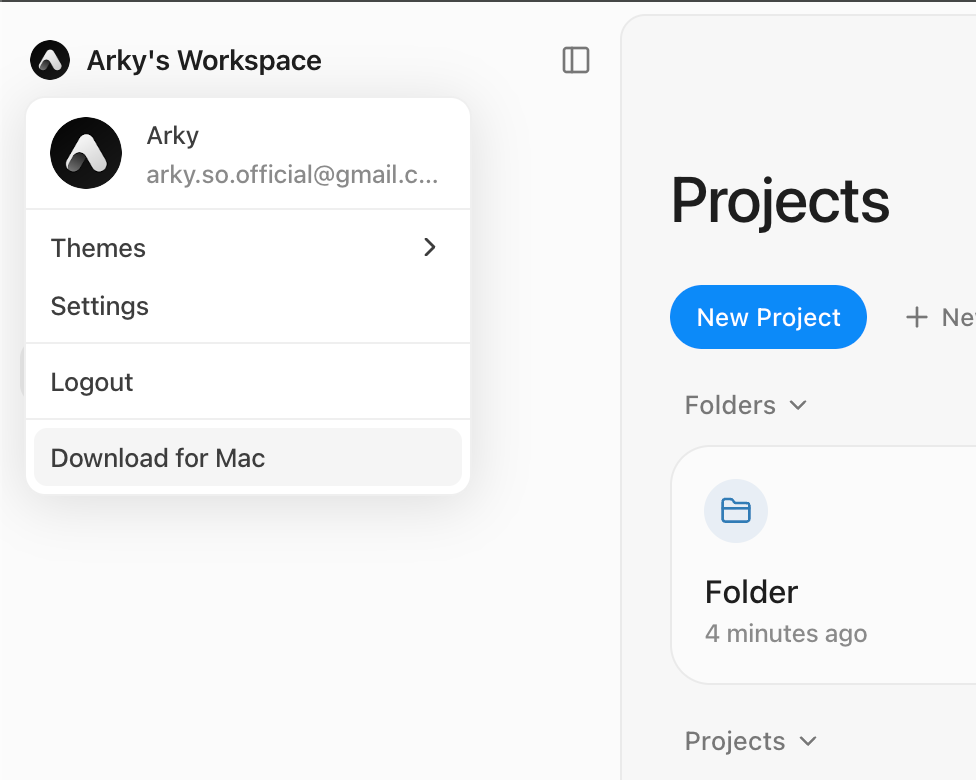
🖥️ The Desktop App is Here!

  • Now you can use Arky without a web browser.
  • We support both macOS and Windows.

Desktop App

Download the app now for a faster, seamless Arky experience!

You can also download it by clicking the button in the top-left corner or at this link.

🧠 AI Just Got Smarter!

New Features

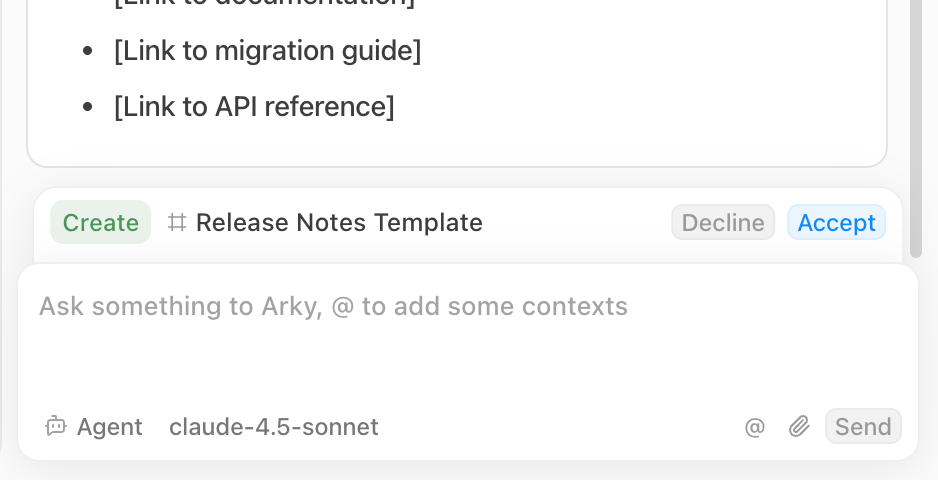
  • AI Agent: The AI can now create and edit content on the canvas directly.
AI Agent

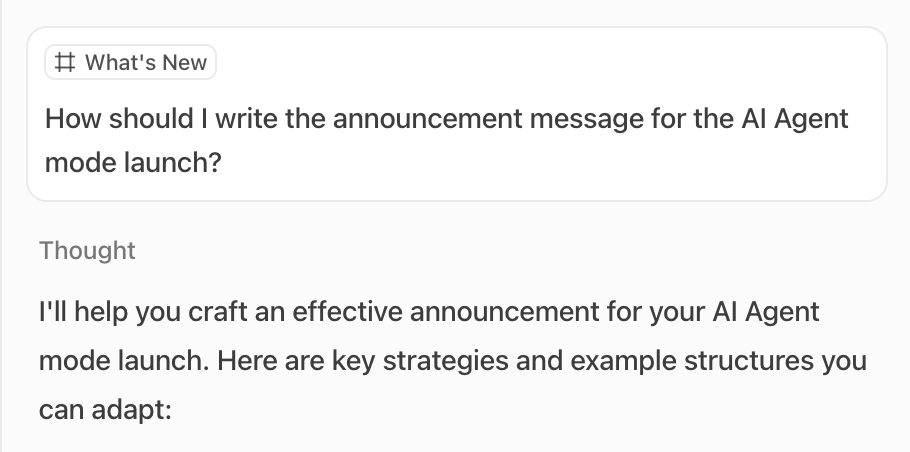
  • Attached Context: Attached shells or blocks are now displayed as chips above each message.
Attached Context

Model Updates: Goodbye, Gemini 2.5 Flash

We are discontinuing support for Gemini 2.5 Flash.

Try GPT 5.1 Instant instead! It delivers faster, higher-quality responses.

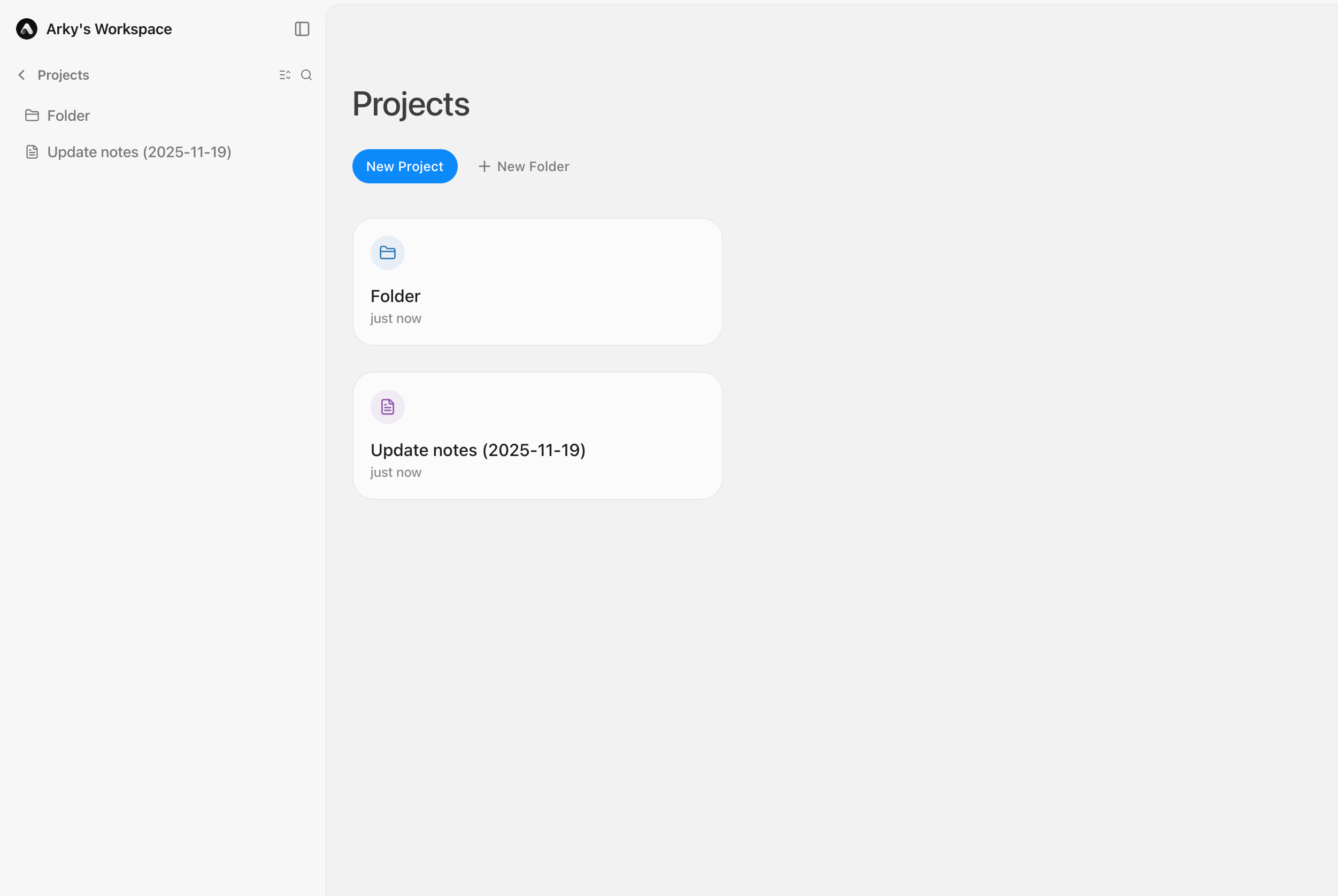
👀 More Workspace Views

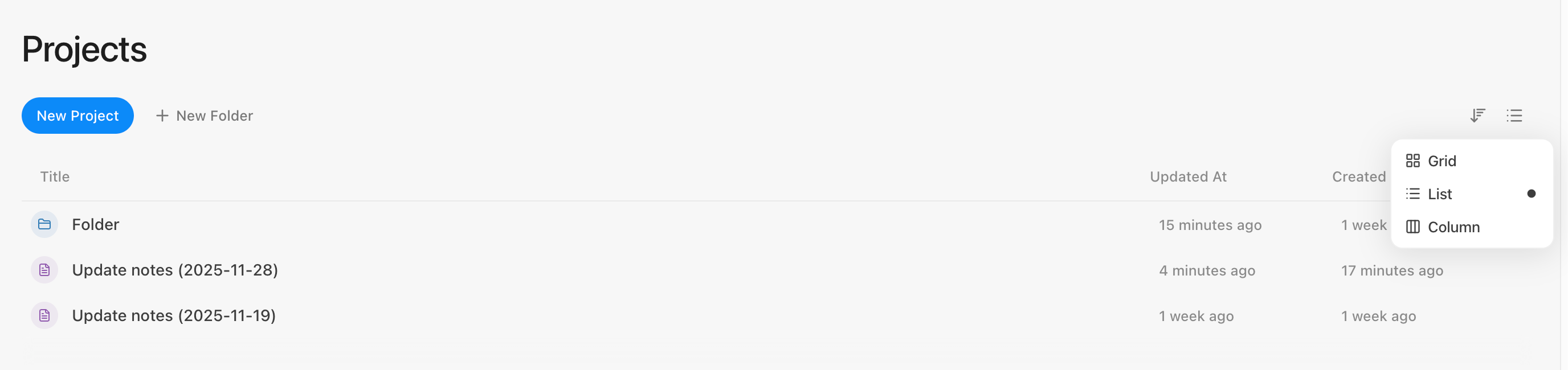
  • Layout Options: Choose your preferred view on the dashboard: Grid, List, or Column.
Workspace Views

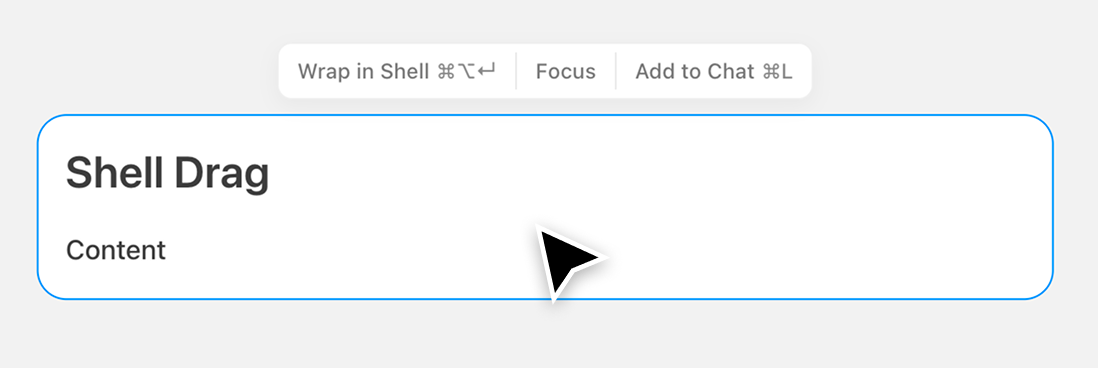
💬 Improved Shell Dragging Logic

We heard your feedback that dragging shells on the canvas often caused child content to detach unintentionally.

Now, dragging a shell keeps all its nested content intact, making it much easier to reorganize your canvas.
Shell Dragging

✨ What Else is New

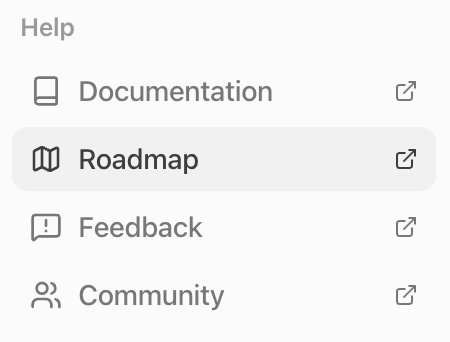
  • You can view our Roadmap directly in Settings.
Roadmap in Settings

  • We've added a new page dedicated to Feedback and Feature Requests.
Feedback Page

  • Image Zoom: Double-click any image in the editor to view it in full size.
Image Zoom

🐛 Bug Fixes & Improvements

  • Fixed an issue where keyboard shortcuts were conflicting on macOS.
  • Enabled horizontal scrolling on the canvas using Shift + Scroll on Windows.
  • Added a prompt message if you try to proceed without selecting an AI model.
Smarter AI Models & Design Improvements

1. AI Model Updates

You can now use the smarter AI models GPT-5.1 and Gemini 3 (preview).

AI Model Updates

2. Design Improvements

  • Dashboard cards now look cleaner and more polished.
  • The cursor design on the canvas has been updated for a smoother editing experience.

Design Improvements

3. Interaction Improvements

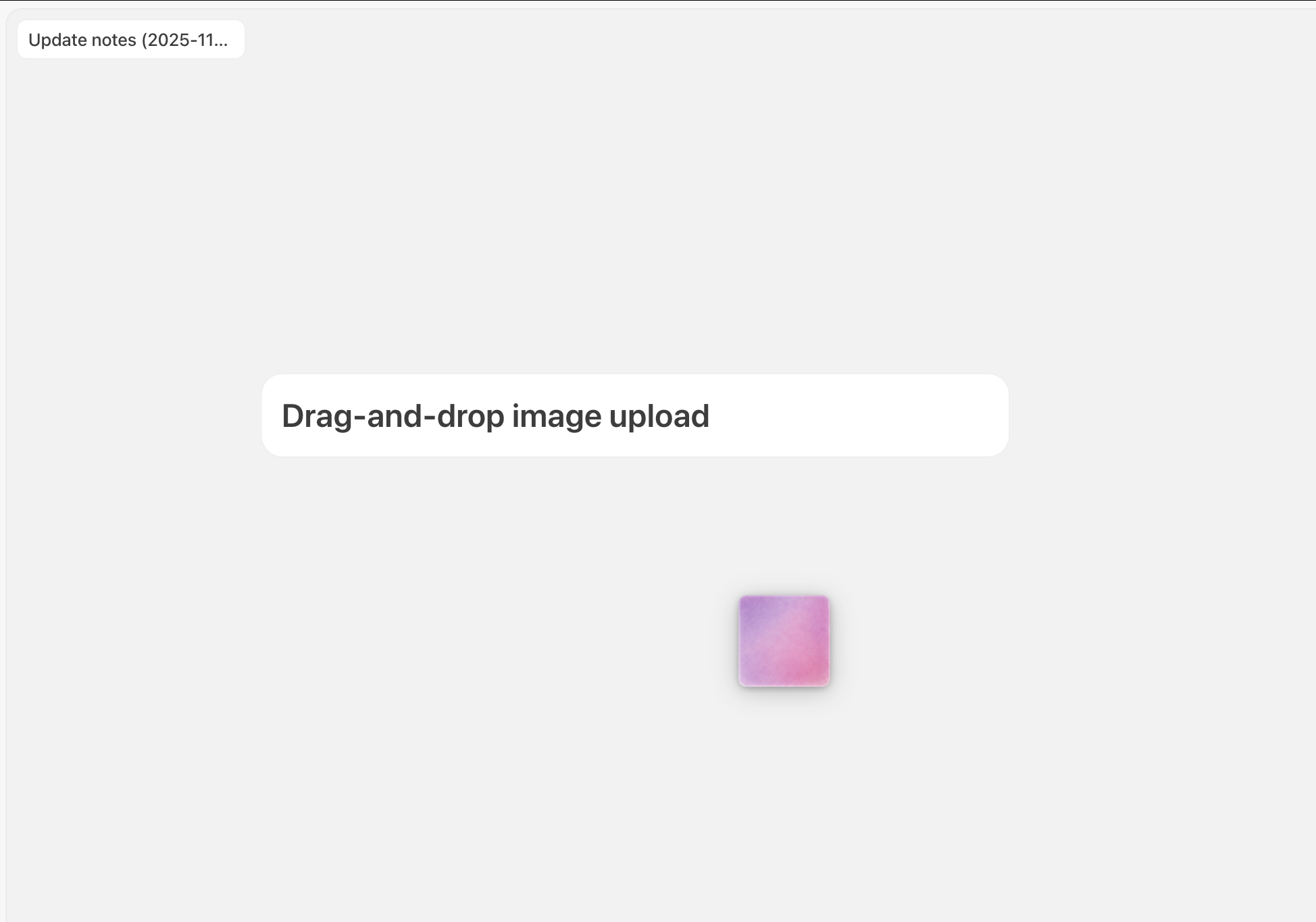
  • You can now add images with simple drag and drop.

Interaction Improvements

4. Language (Korean)

  • We updated a few parts that weren't translated before.

Language Updates

5. Other Bug Fixes & Improvements

  • Overall performance is now faster.
  • You can now check your server connection status from the top-left corner.
  • The login screen has been redesigned.
  • Back-swipe gestures no longer interrupt your work on the project screen.
  • After logging in, you'll safely return to the page you were viewing.
  • Fixed an issue where deleted projects were still accessible.

Welcome to Arky

Hi everyone!

We're kicking off our official changelog to keep you updated on what's new in Arky.

If you're signed up for Arky, you'll get our updates by email. And you can unsubscribe anytime.

We're still in closed beta for now, aiming to move into open beta once we hit the quality bar we're shooting for. That'll likely be around late this year or early next year.

Thanks so much for using Arky.

Minseo from Arky