GPT-6 Sol, Luna, and Claude Opus 5.5
More models to choose from
GPT-6 Sol and Luna, along with Claude Opus 5.5, are now available in Arky chat. Choose one of them or GPT-6 Astra from the model picker.
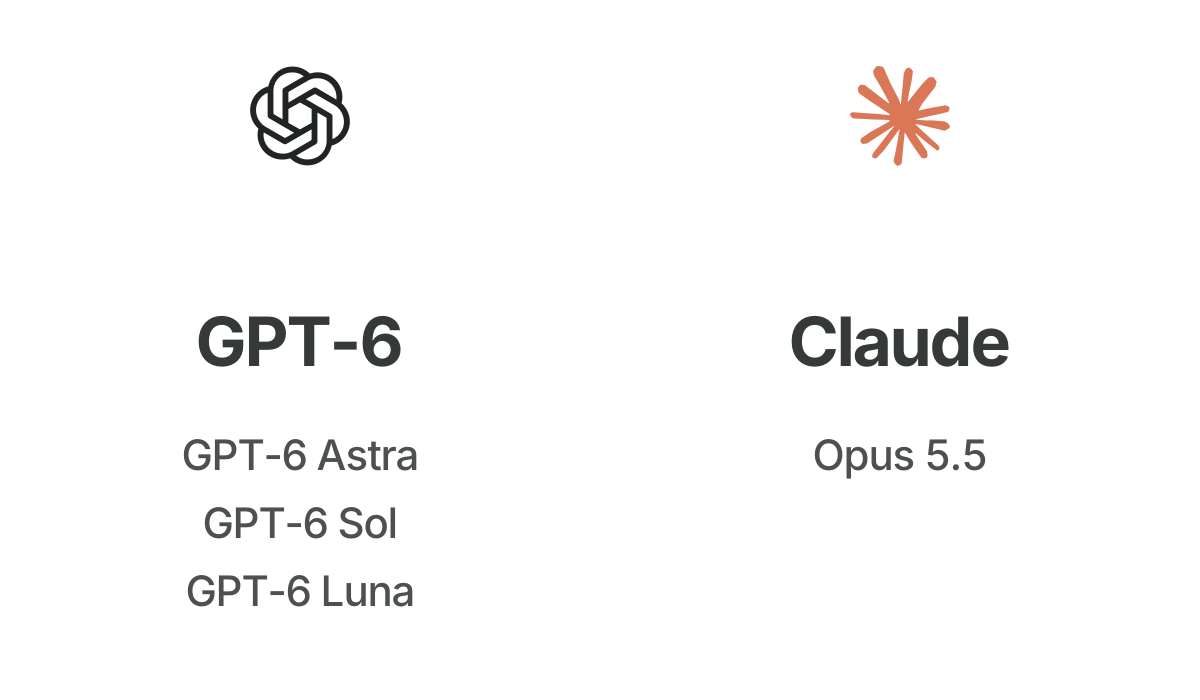
GPT-6 Sol and Luna, along with Claude Opus 5.5, are now available in Arky chat. Choose one of them or GPT-6 Astra from the model picker.
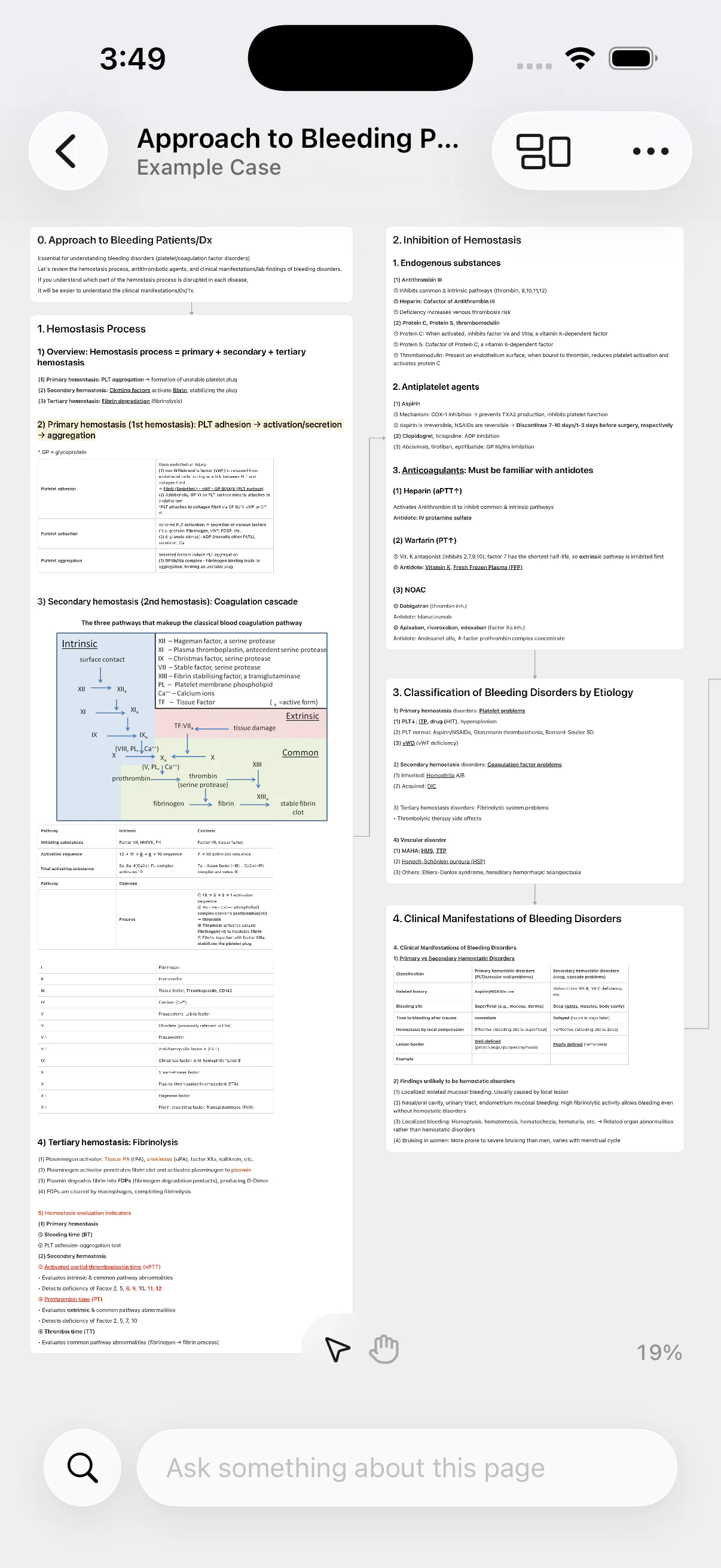
We've made it easier to highlight text, read reference material, and arrange blocks. AI can now help directly in documents and on the canvas.
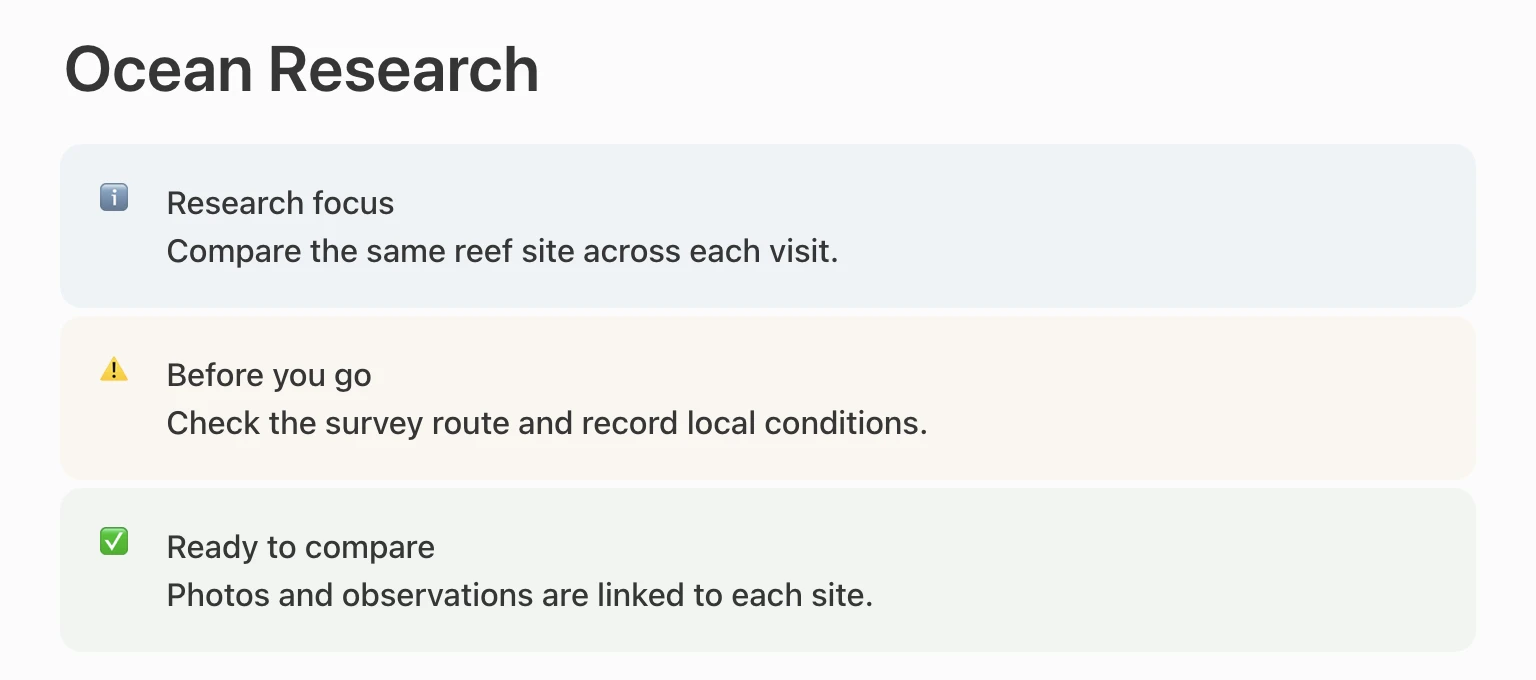
Choose a color and icon for each callout to draw attention to important information. To add a link, select some text and paste a URL.
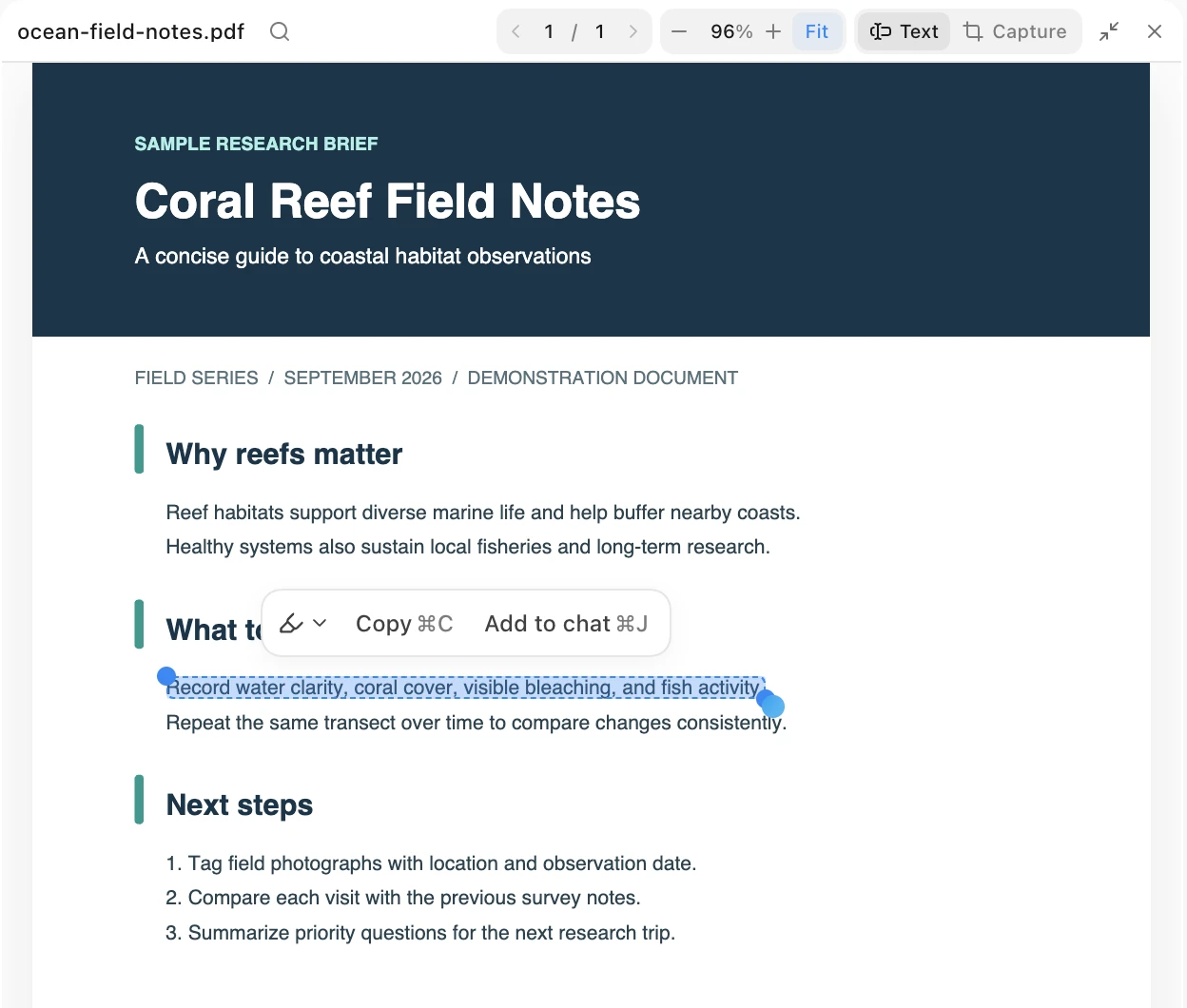
Select exactly the text you need from a PDF and bring it into a document or AI chat. After a refresh, the PDF opens to the last page you viewed, and citations preserve links and tables.
Preview where multiple blocks will land before moving them into place. Hold Shift while dragging to lock movement to one axis. Duplicated blocks appear near the original.
Voice dictation is now available in the chat input. See a waveform and a transcript for each segment as you speak. You can pause or retry a segment that wasn't transcribed.
We've made it clearer how to connect a personal ChatGPT or Claude subscription and choose a model. AI-generated math is easier to read in chat too.
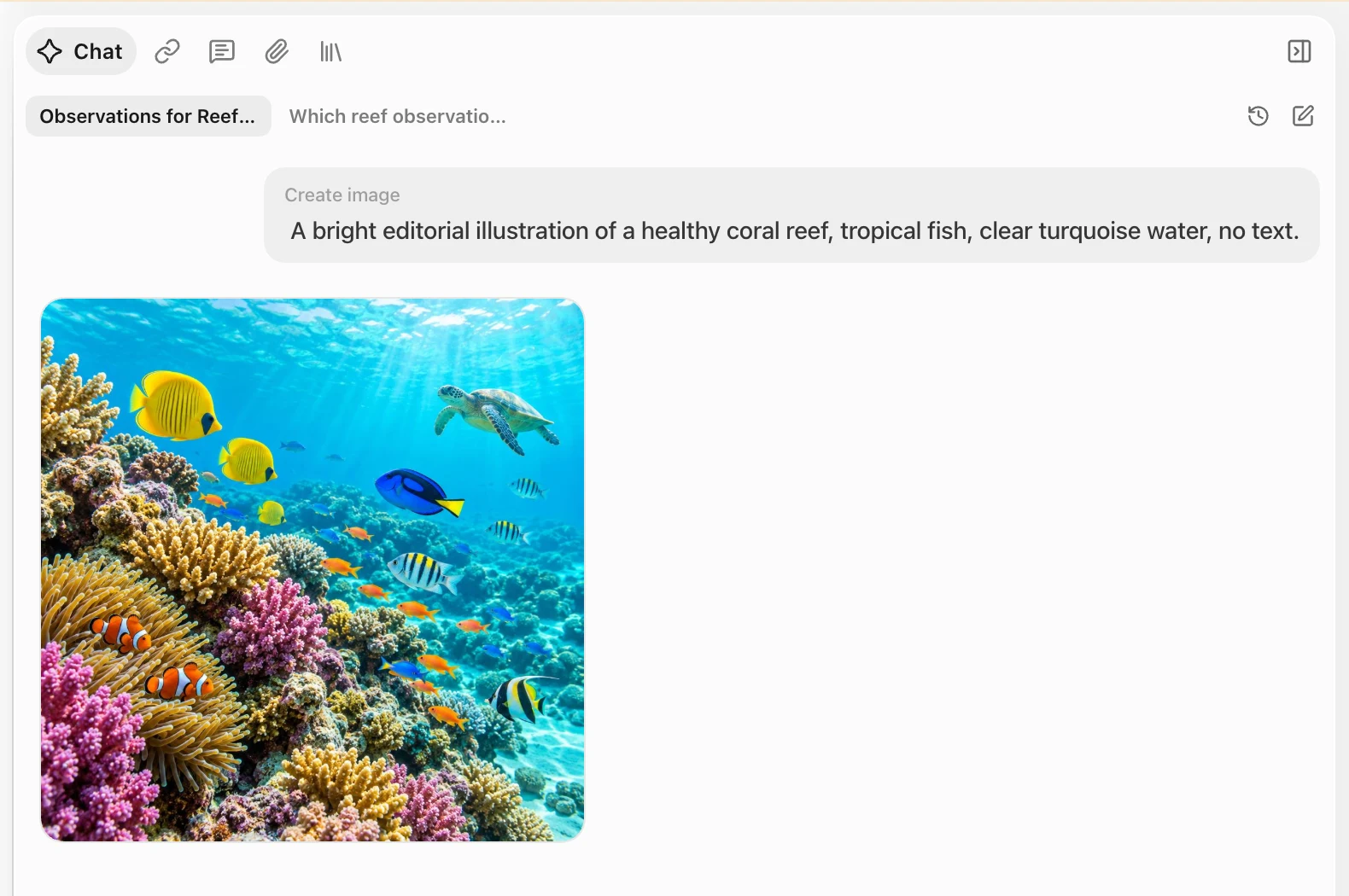
We've updated image generation to GPT Image 2.5 for faster, more reliable results. Follow the process in AI chat, review the image, then copy it from the gallery or use it in your next step.
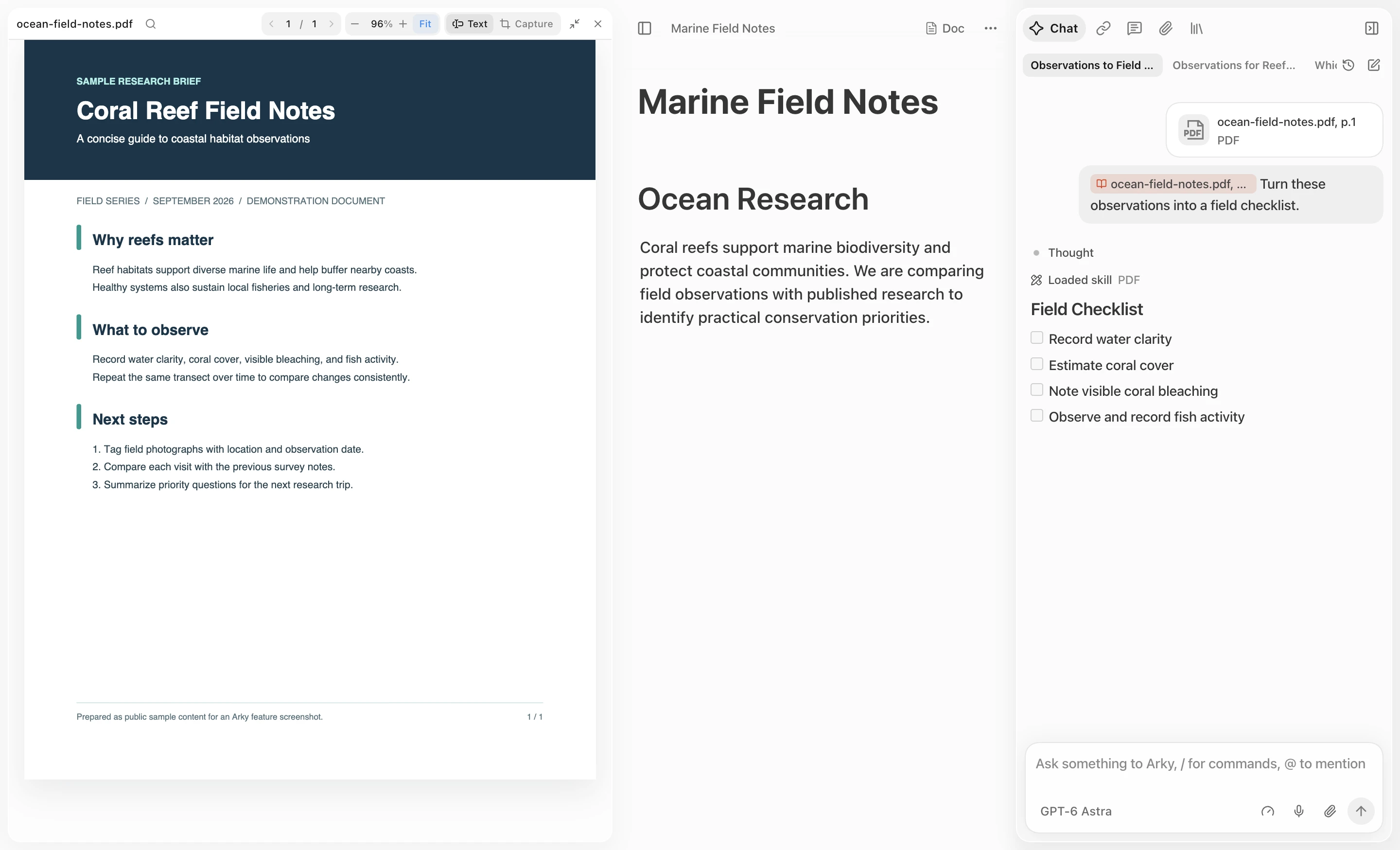
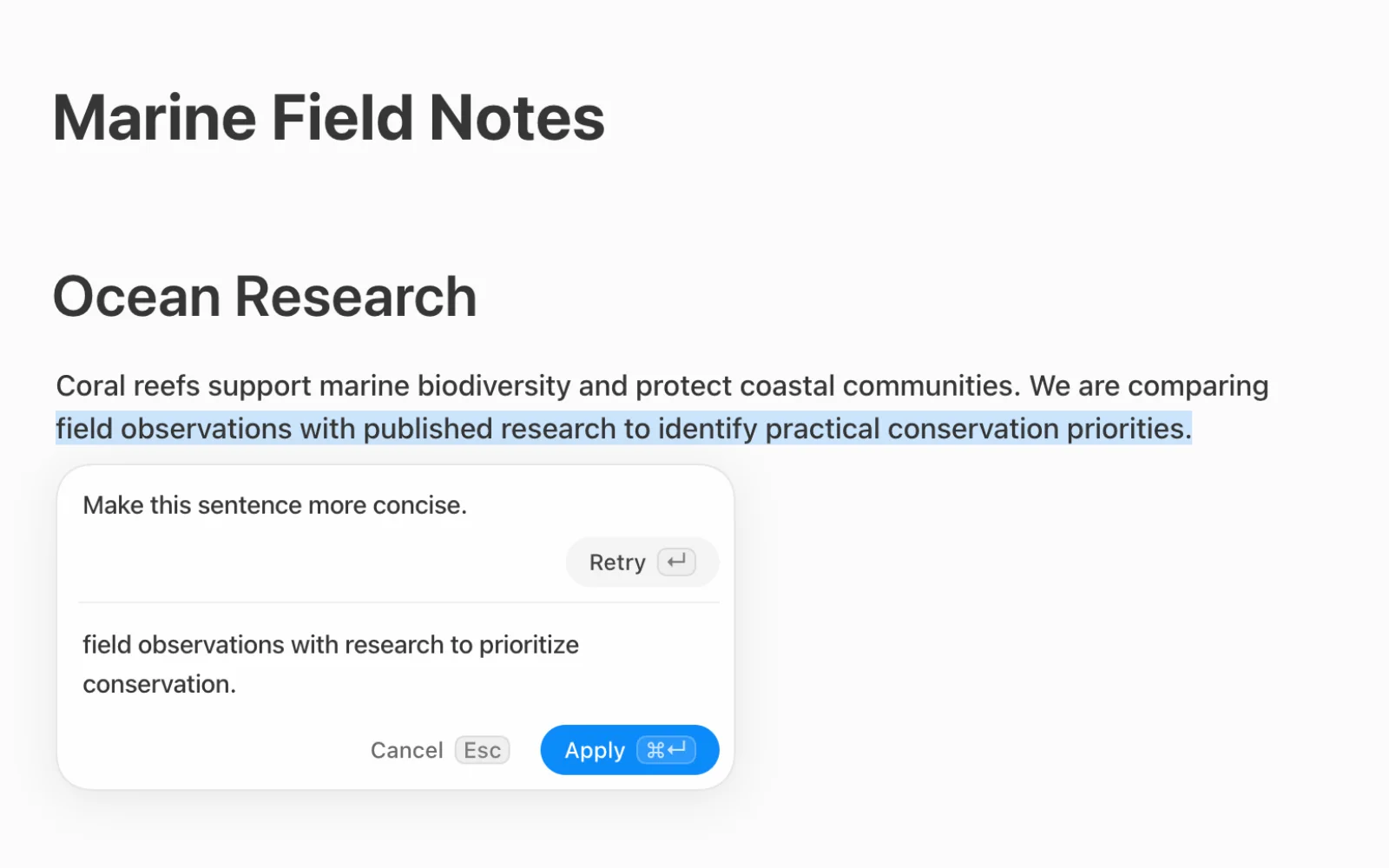
Select text or a table cell in a document or on the canvas, then ask AI to edit it in place. Refine wording, change formatting, expand on an idea, or reorganize content.
Review the proposed changes as AI works, then apply them right where you started. You can also ask for an explanation of the selection.
Leave your next instruction while AI is replying, or send an urgent one immediately. Pending requests and replies now recover more reliably after you reopen chat or briefly lose the connection.
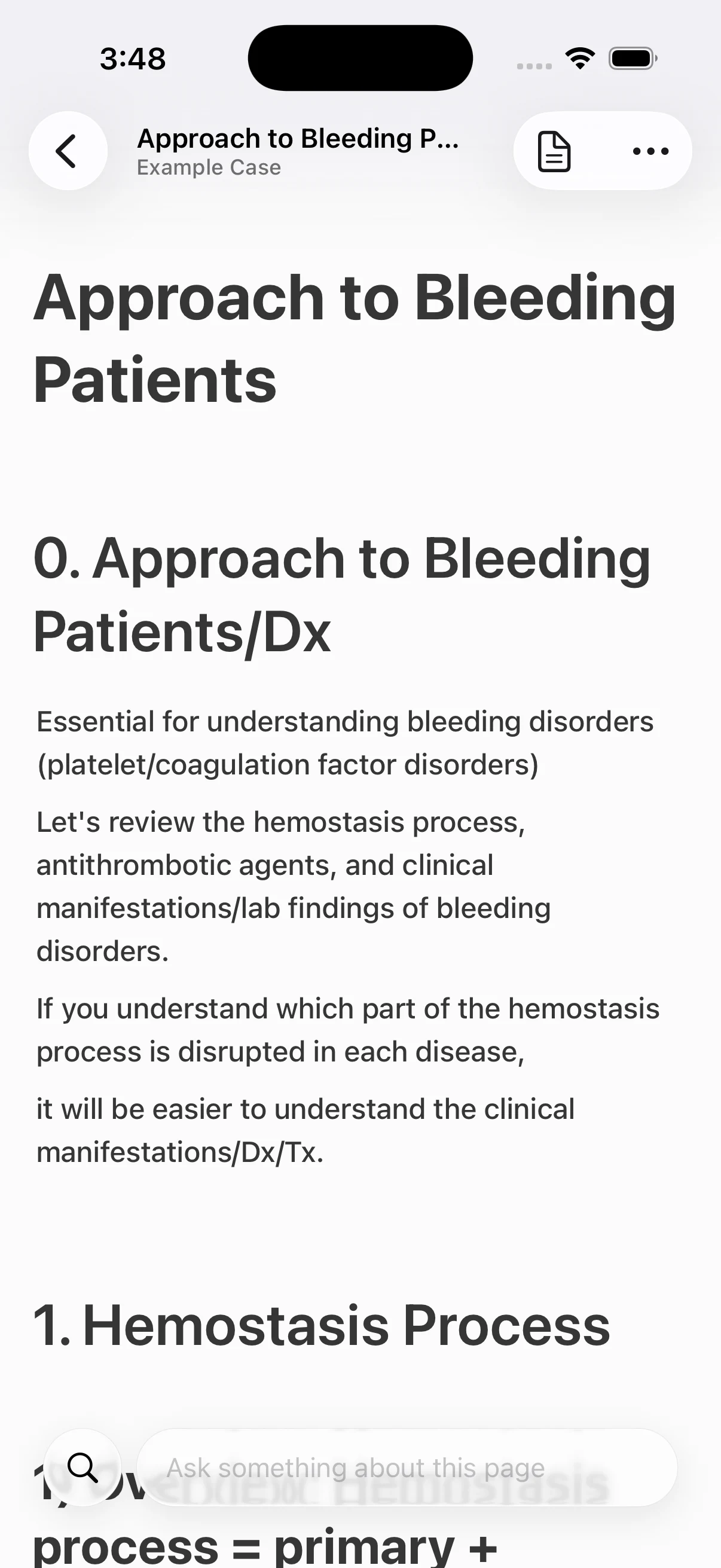
You can add video to documents, review your work on your phone, and recover more smoothly from interruptions.
Add videos to a document with the new video block. Larger uploads now continue without losing progress.
On your phone, browse your projects and document structure and read what you've written. Use an email sign-in link to return to the app without entering a password.
After a refresh or brief connection loss, you can continue and send what you were writing. Collaborative documents also open faster.
Choosing a model, arranging ideas on the canvas, and reading source files alongside your work now take fewer steps.
We added the GPT-5.6 model family and grouped models by connected provider. It's easier to find the one you want, even with multiple subscriptions.
You can set the language for AI responses separately, even when you're reading source material in another language.
Switch to mind map view to see connected cards that follow your document's Shell hierarchy. Select a card to explore the structure, or double-click it to edit.
Attach a Markdown file and open it in the side viewer with its headings and structure intact. Navigate longer files while keeping the original beside your work.
Drag a selected passage into a document, onto the canvas, or into chat. Its citation links back to the original, so you don't have to hunt for the source later.
We've made it easier to sign in, read PDFs, and use what you find in your next step.
Sign in without a password by opening the link in your email. In the desktop app, the link returns you to where you left off.
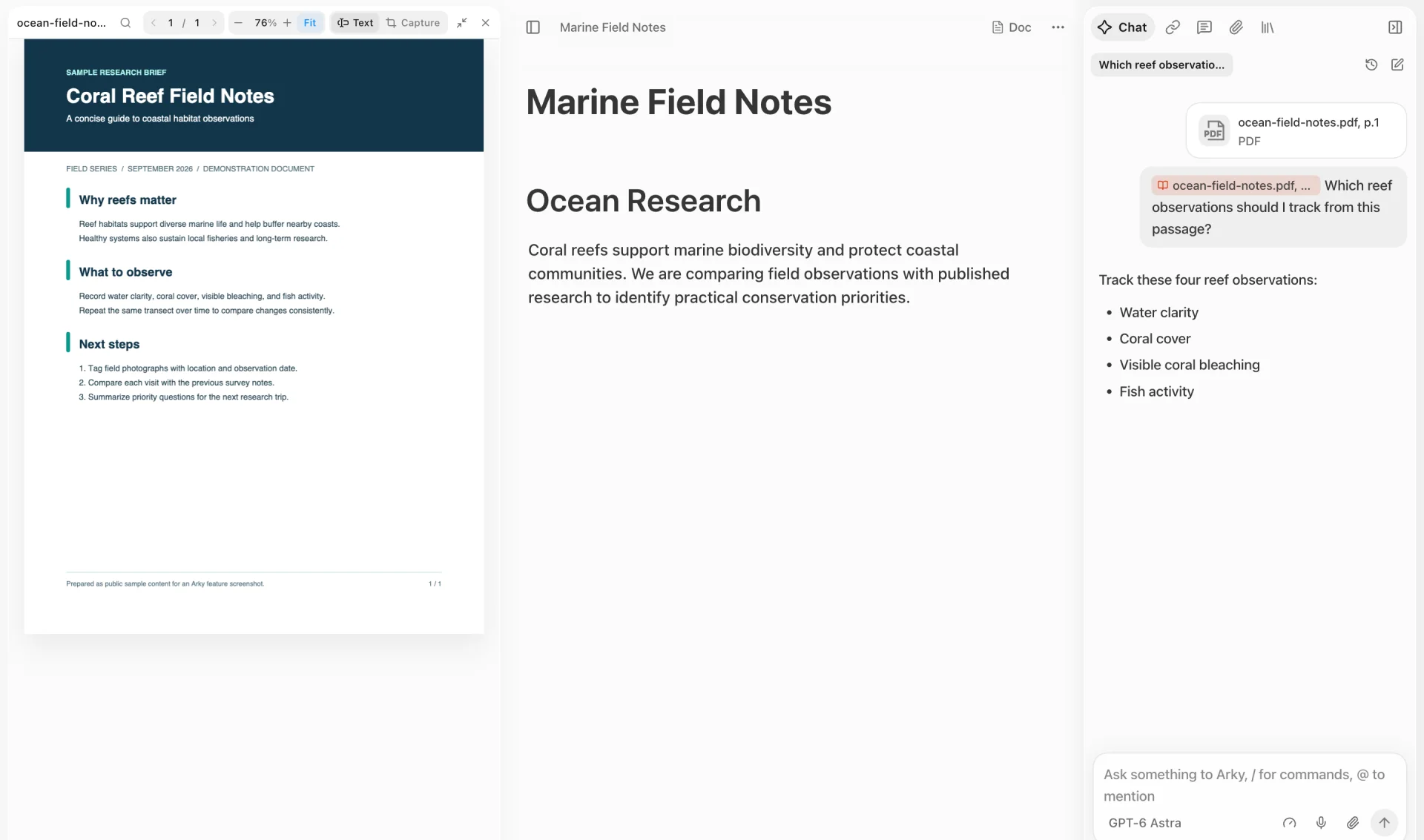
Attach a PDF to a project and use it as context in AI chat. Ask questions while viewing relevant passages, then follow citations in the answer back to the original PDF.
Since rebuilding from the ground up for 1.0, we focused on how you work together and on making AI go deeper. Now you can comment anywhere on the canvas and in your documents, and AI can run in the background to take on bigger jobs.
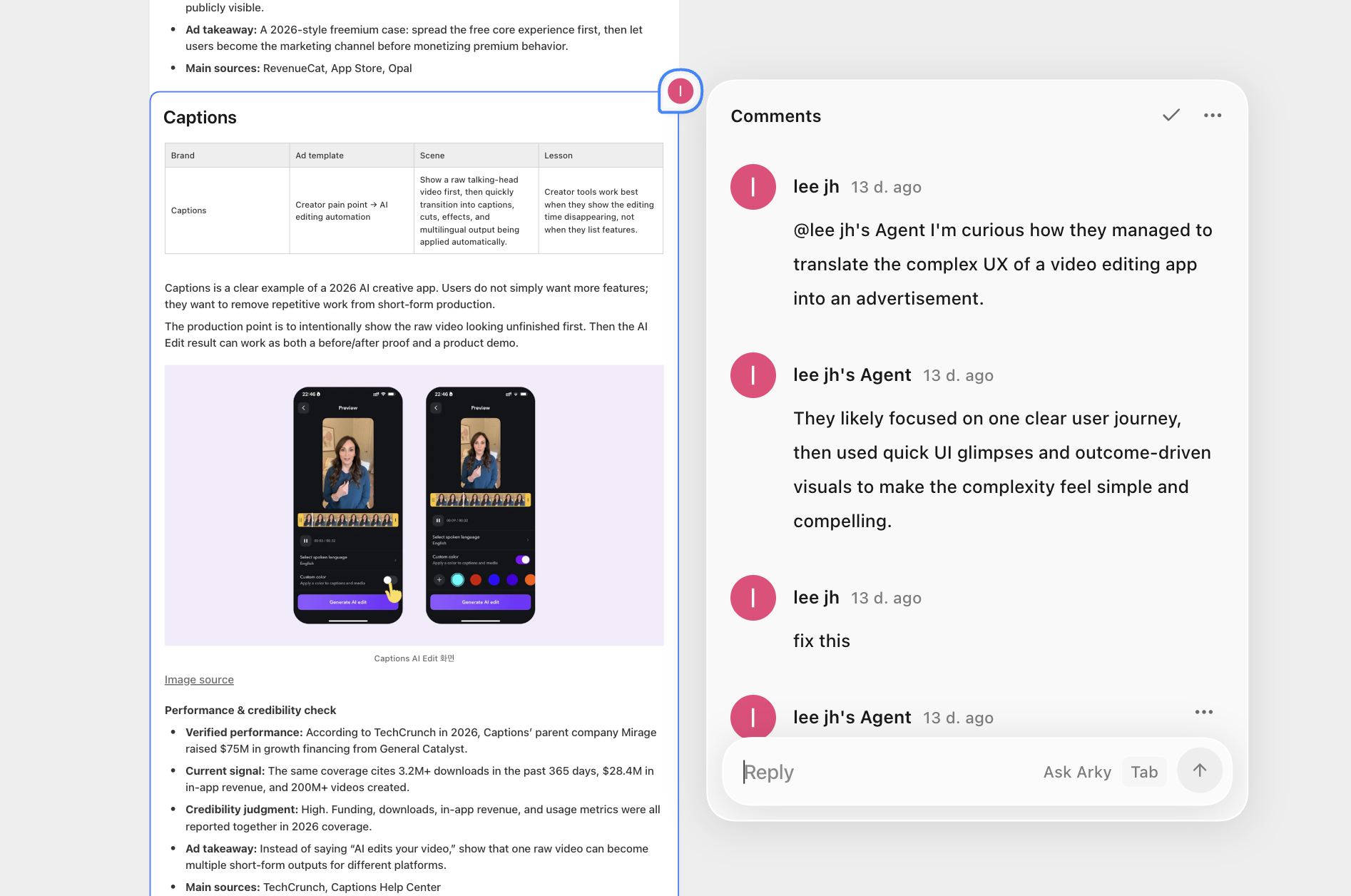
On the canvas, you can drop a comment right onto a shell, box, or section. Hover over a block and the comment target appears; click and a pin anchors to its top-right corner. Click empty space and the comment stays pinned to that exact spot.
In docs mode, a comment rail floats on the right, Notion-style, with cards lined up next to each paragraph. You can also select text to comment on just that range.
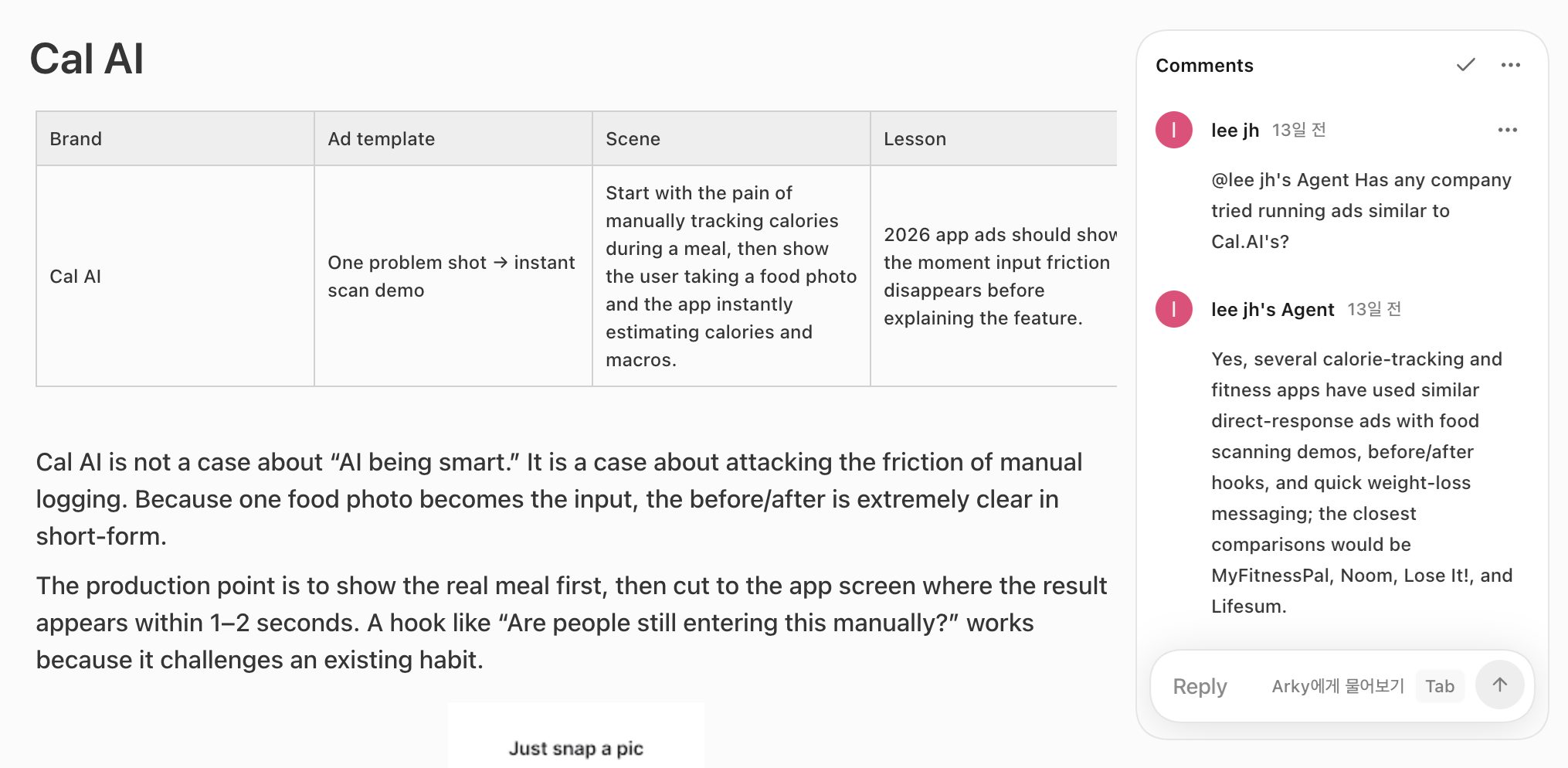
The Comments tab in the right sidebar lists every thread at a glance, and clicking one jumps the view straight to it. Share a link to a specific comment and whoever opens it lands right on that thread.
Ask Arky from the same comment thread. Type a reply, press Tab, and Arky answers in chat without making you open a separate conversation.

Press Alt twice on Windows or ⌥ (Option) twice on Mac, and an input pops up anywhere to ask the AI on the spot. Once you send, the input closes and a small pill in the top-right keeps working in the background. When the answer lands, the pill expands briefly to show a preview, and clicking it opens the full conversation.
Run several at once and keep working on other things. What's visible on screen and whatever you've selected are pulled into context automatically.

Ask a question and the AI digs through the web and hands back a research card with sources. Citation chips and source favicons come attached, and clicking one jumps to the original. Jobs are now stored on the server, so a redeploy or a brief disconnect won't lose your results.

The AI can save procedures it uses often as Skills and refine them. Create one with skill-creator — before saving, it shows you which phrasings it expects to react to — and type /skills in chat to jump straight to the management tab. It can also pull in the skill it needs mid-conversation.

Drop in links from YouTube, Vimeo, tweets, or maps as embed blocks. When you paste a URL that can be embedded, the options popup suggests embedding it first.
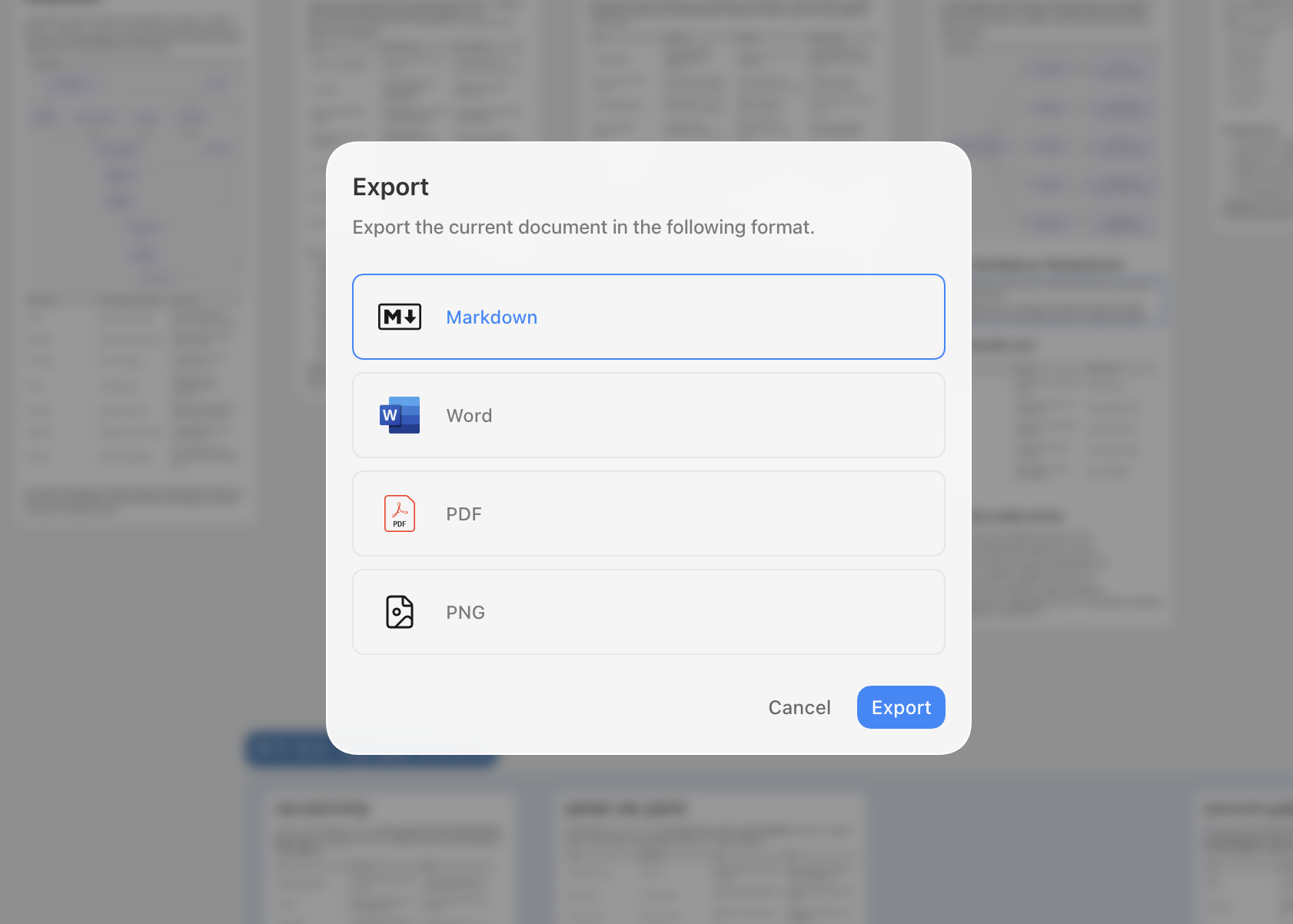
You can now export to Word (.docx), and formatted blocks like tables and images come through intact. Exporting the canvas as a PNG image is in too.
Mod-a to select all direct blocks under the current focus at once=> or <= auto-converts to ⇒ and ≤
The new Arky looks familiar, but it's effectively a brand-new product. We threw out every external framework we used to depend on and rebuilt from the ground up. Faster, lighter, and ready for what comes next.
Read the full story in Introducing Arky 1.0.
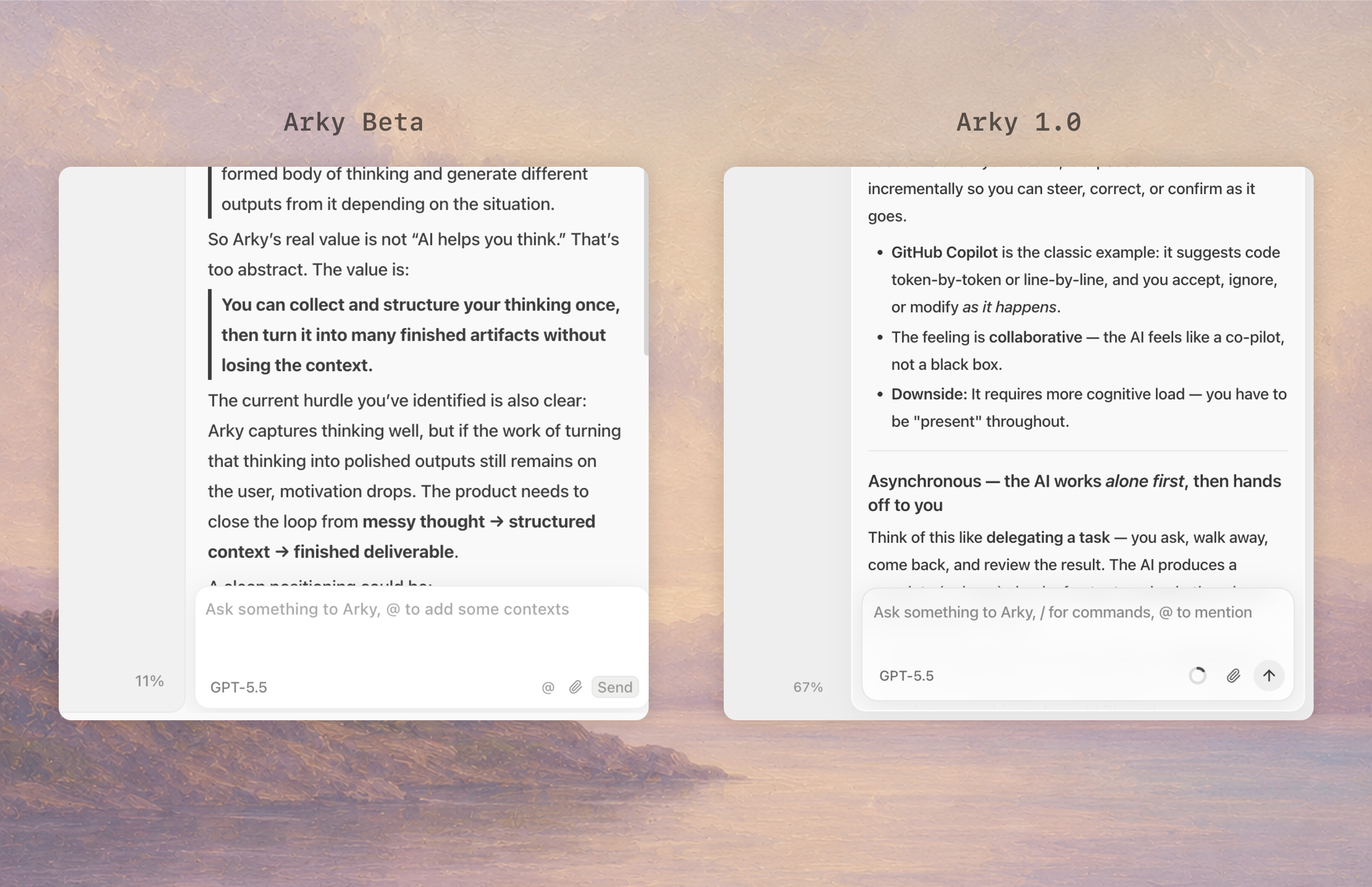
The old Arky had an inset feel, like everything was carved into the screen. The new one floats. Each element sits lightly on the background. We tuned the visual language for what's coming next: PDFs and web pages floating on the canvas as references, AI chat surfacing in the center, and more.
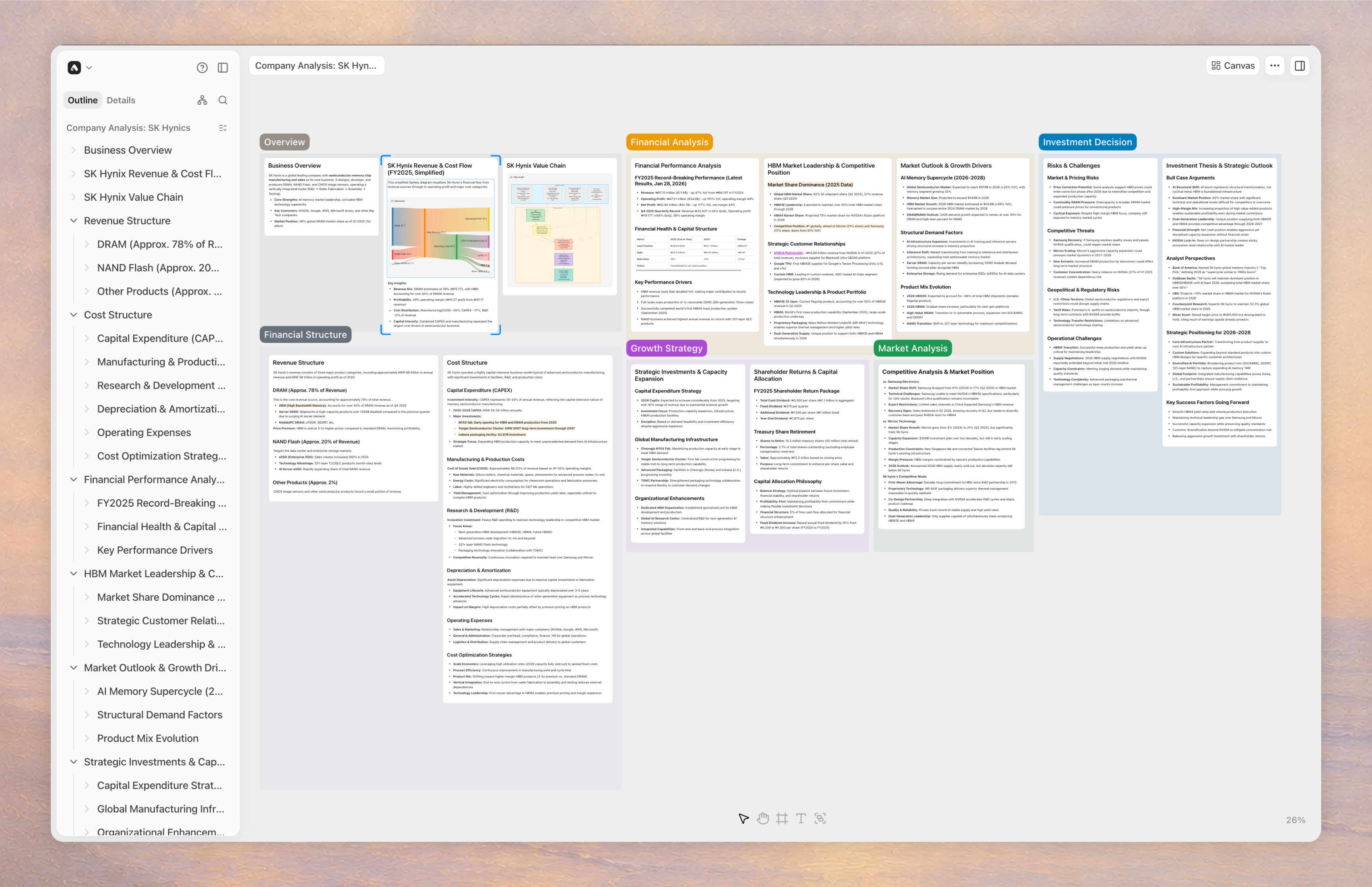
You can pile a lot of material onto the canvas and keep working without things grinding to a halt.
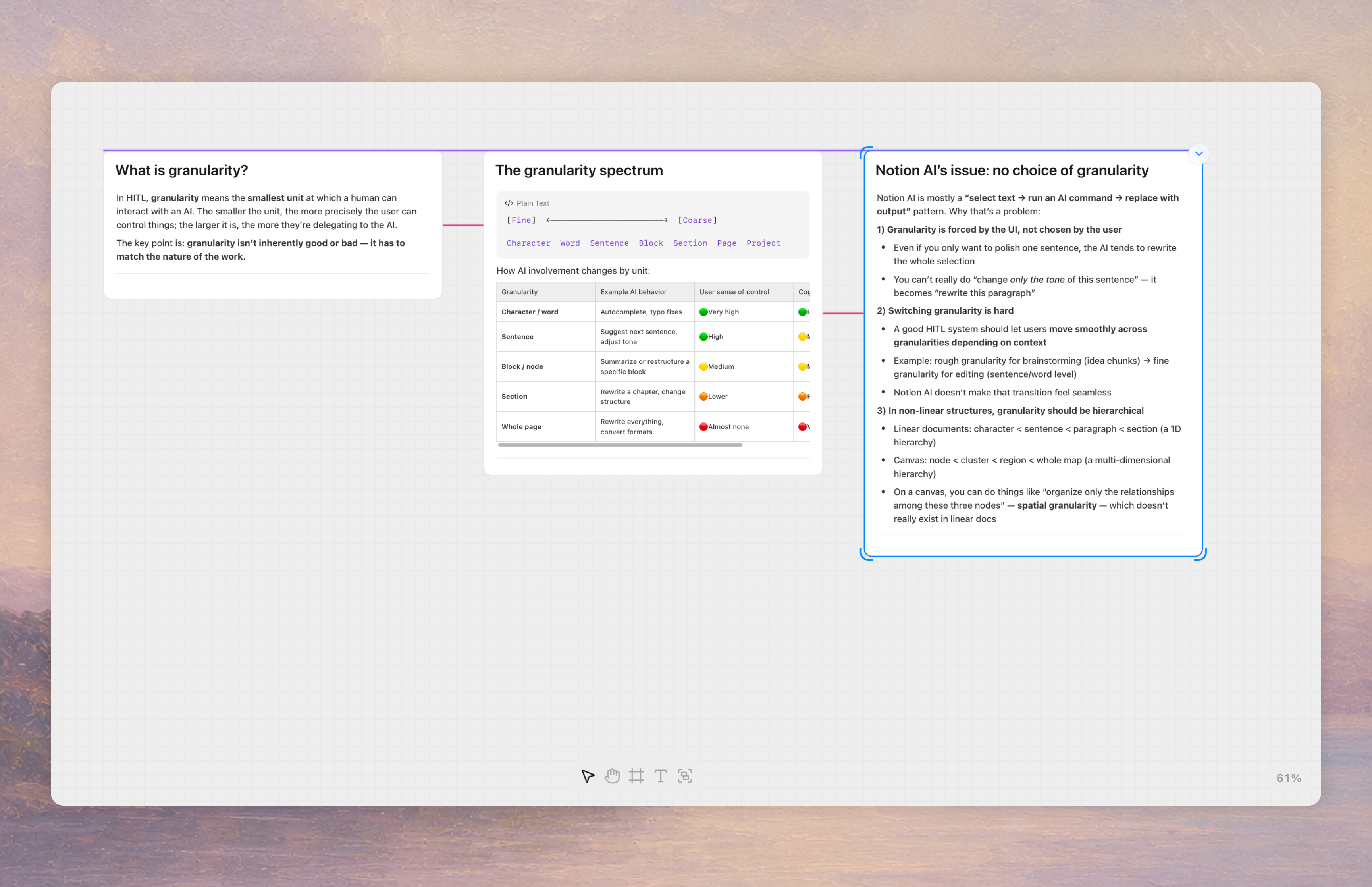
When you move things around the canvas, alignment guides now show up as you approach the same height as another object, and snap into place automatically. We also added helpers for the gaps between objects.
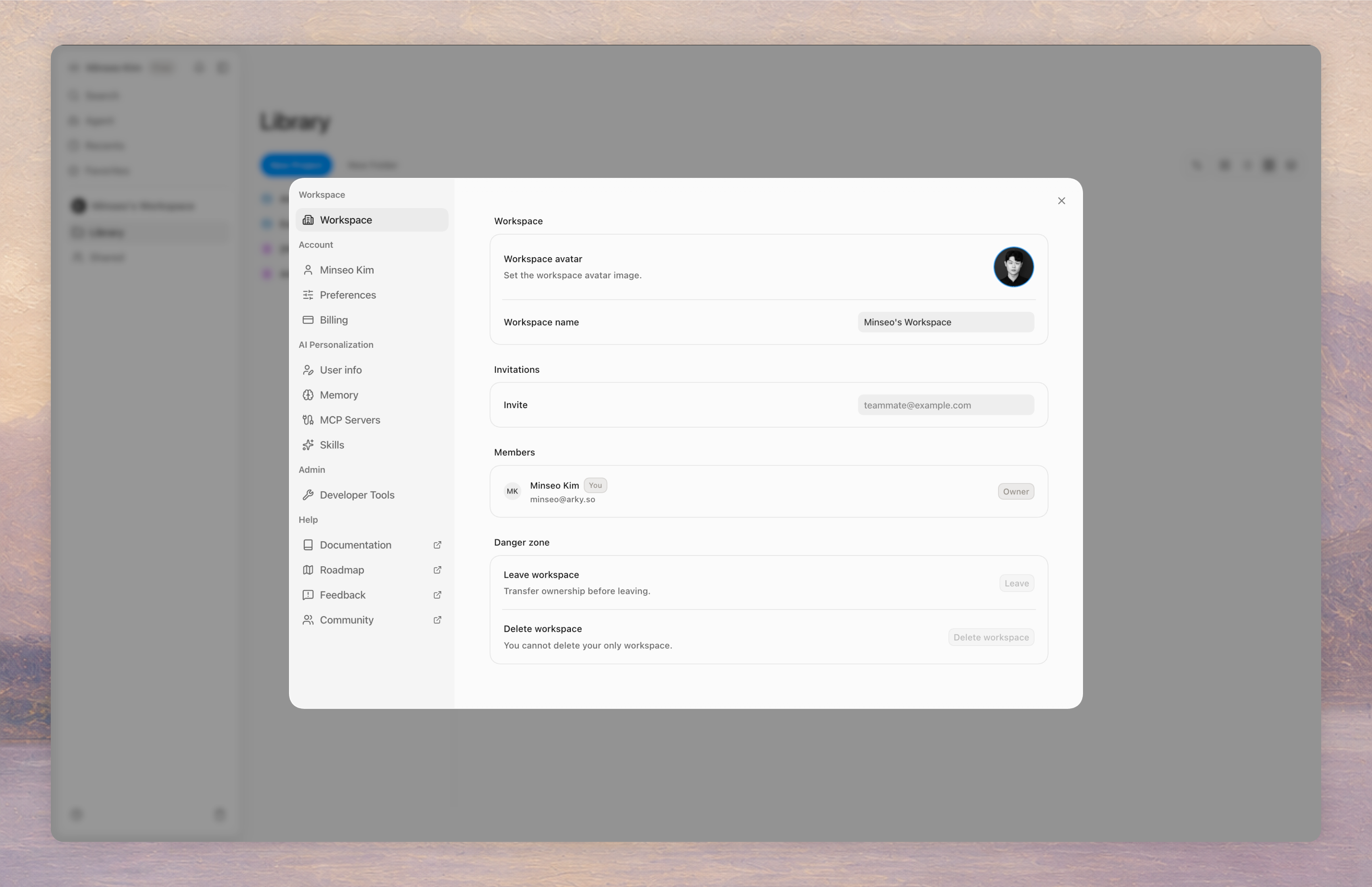
You can now invite your team at the workspace level to share and organize content together. We thought through collaboration scenarios more carefully this time around, so working with teammates feels smoother.
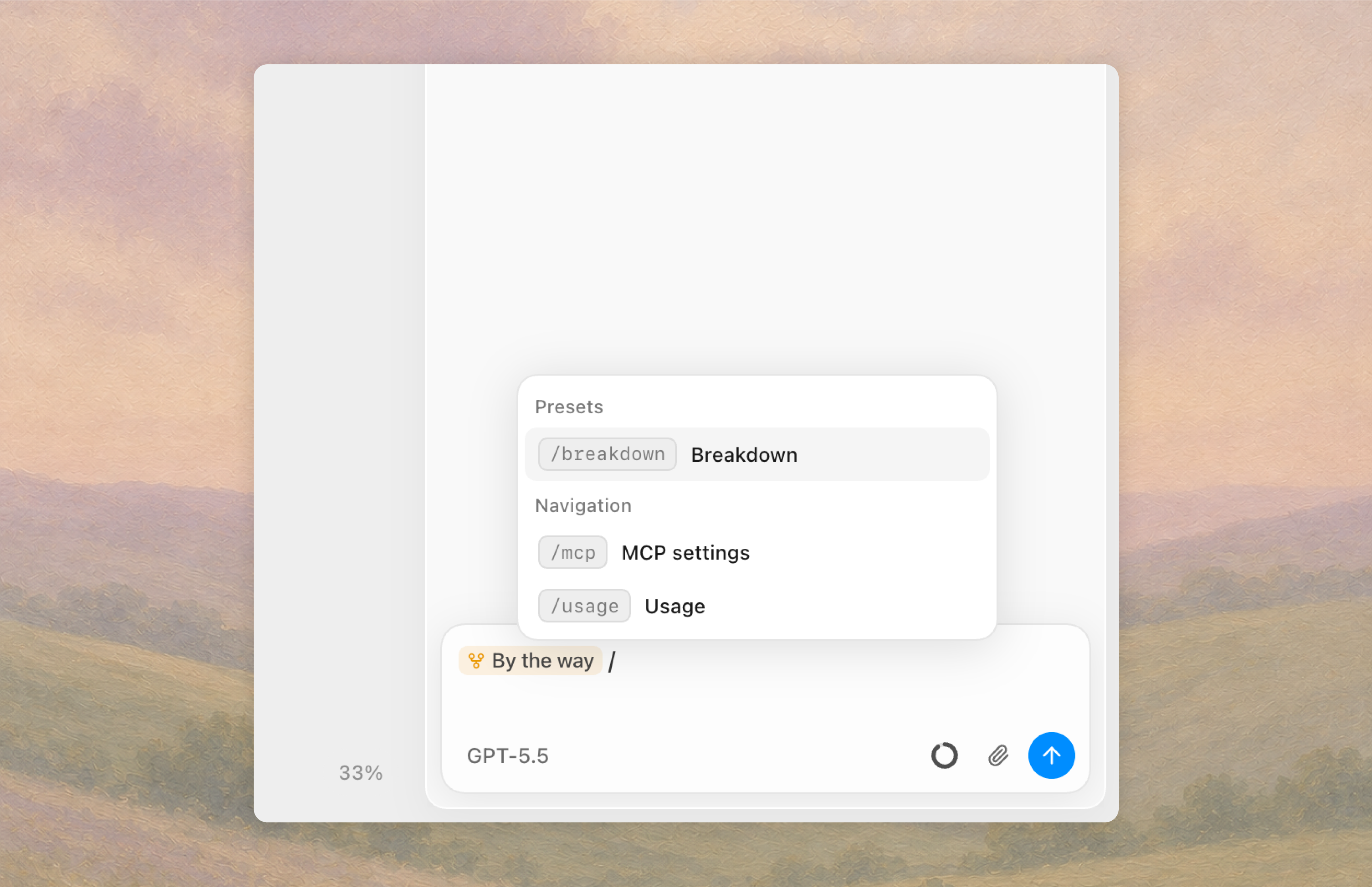
The AI can now use skills. On top of the Skill presets Arky ships with, you can write your own instructions for transforming or organizing content, and trigger them with a slash.
Download the Arky desktop app and Arky AI can read and work with files on your local machine.
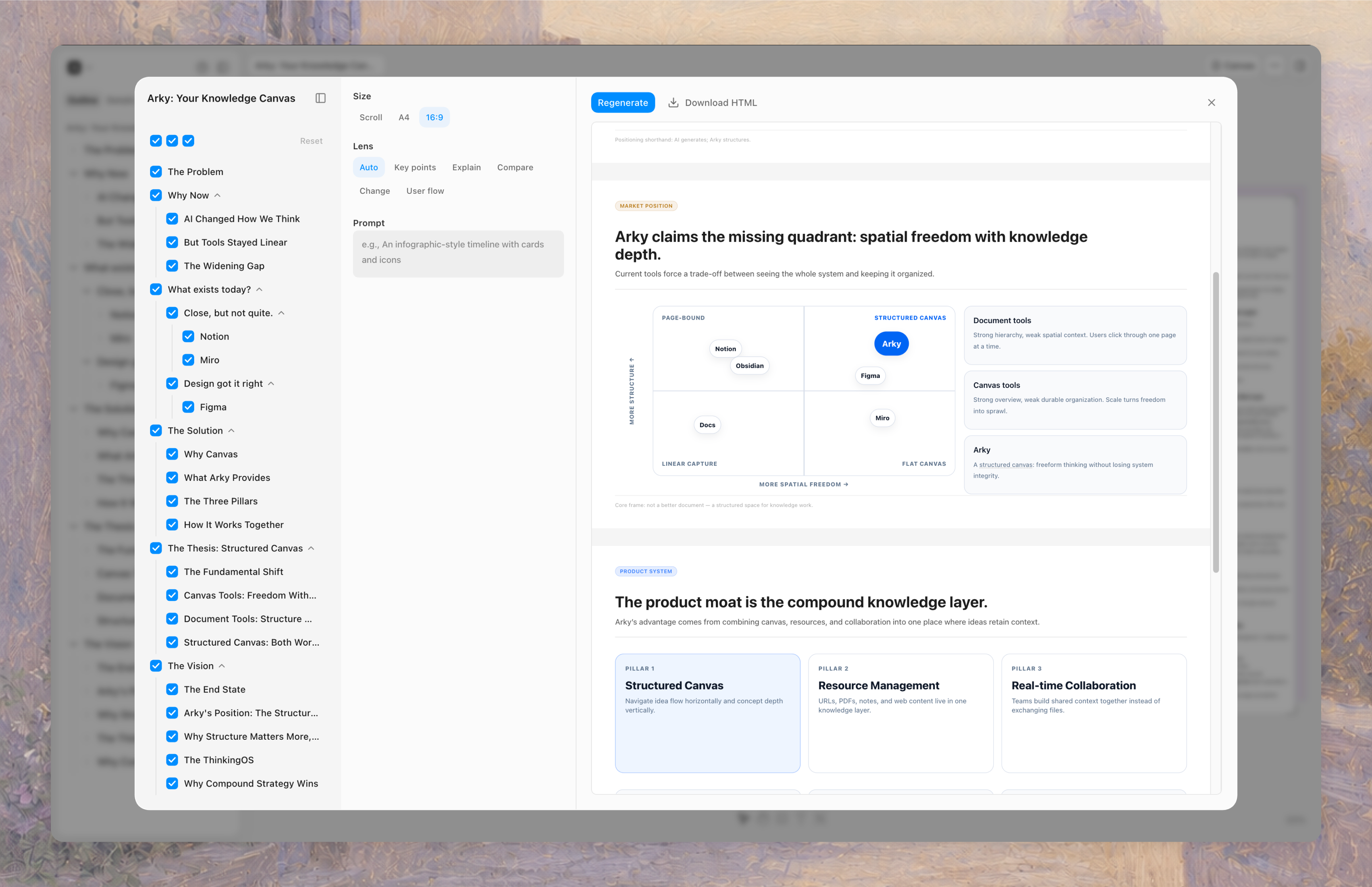
A new export option called Visualize. Based on what you've written, Arky generates visual artifacts: 1-pagers, slide decks for reports, and more. Pick the format (scroll, A4, 16:9) and either share via the web or download.
The context you built inside Arky doesn't have to stay there. It can become whatever final output you need.
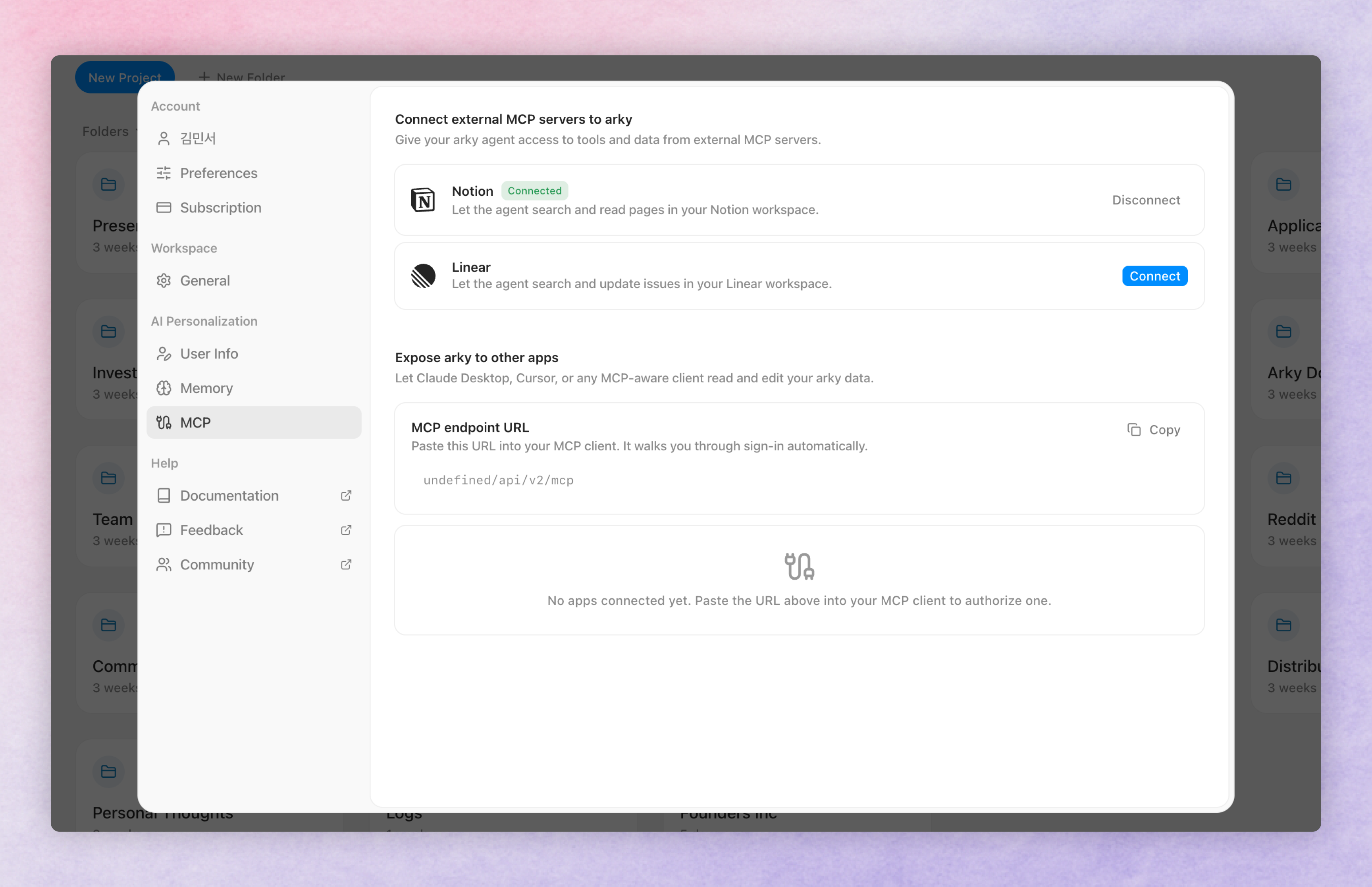
Open Settings → MCP to wire Arky into the Model Context Protocol ecosystem — both as a client and as a server.
Plug in Notion, Linear, or any MCP server. Once connected, the AI in Arky chat can search, read, and (where supported) update those workspaces while it answers you — no copy-paste, no context switch.
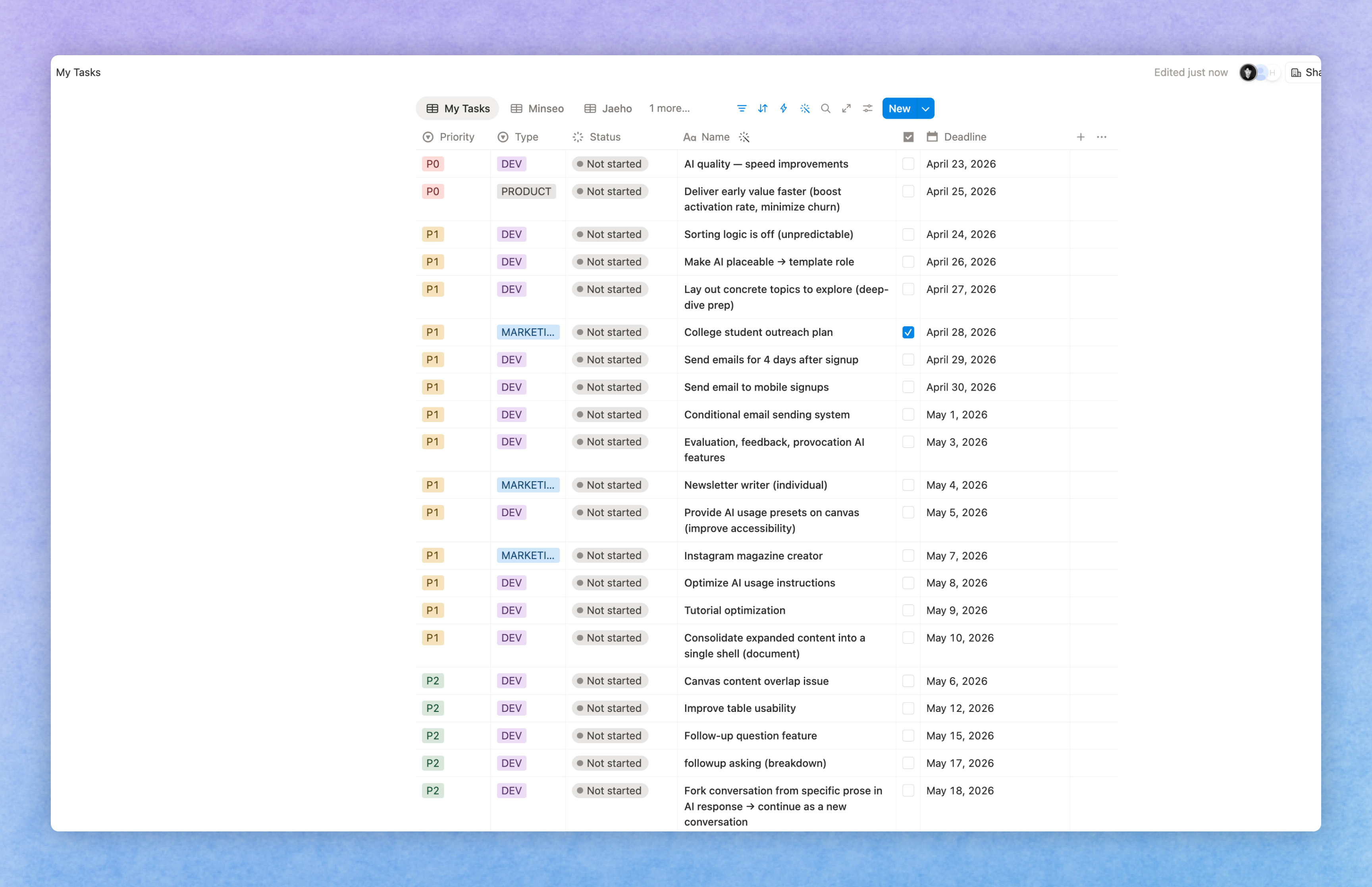
Ask "pull my open Linear issues for this milestone" or "find the onboarding spec in Notion" and the agent goes straight to the source.
Arky is also an MCP server. Copy the MCP endpoint URL, paste it into Claude Desktop, Cursor, or any MCP-aware client, and that client signs in and reads/edits your Arky data.
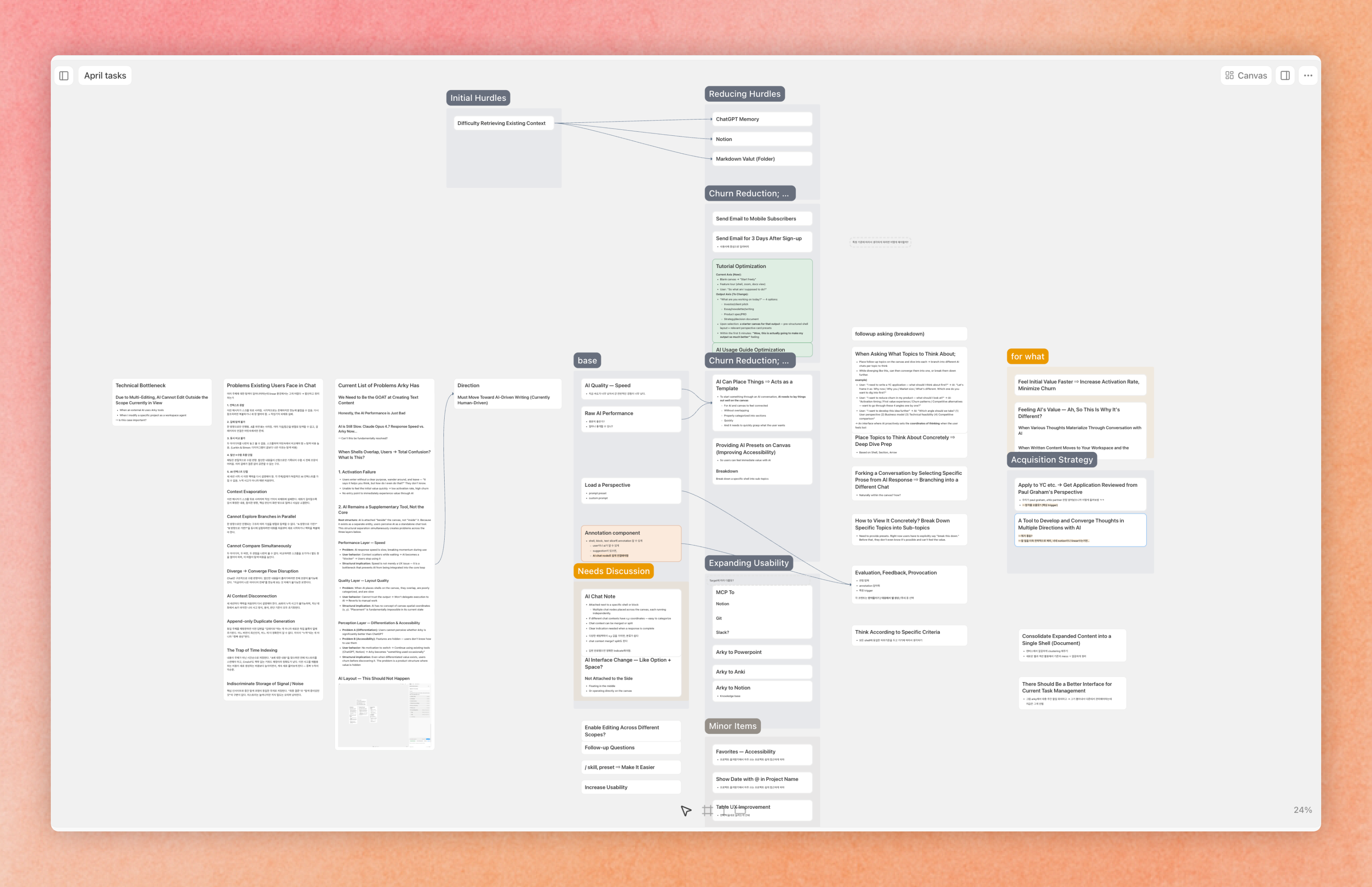
Build dashboards, run agents, or pipe Arky into your own tooling — your shells, snapshots, and notes are first-class citizens for any agent you use.
Add the Arky MCP URL as a connector in Claude and your shells, snapshots, and notes become searchable from any Claude conversation. Ask Claude to summarize a project, draft from a snapshot, or pull up a note you wrote yesterday — all without leaving the chat.
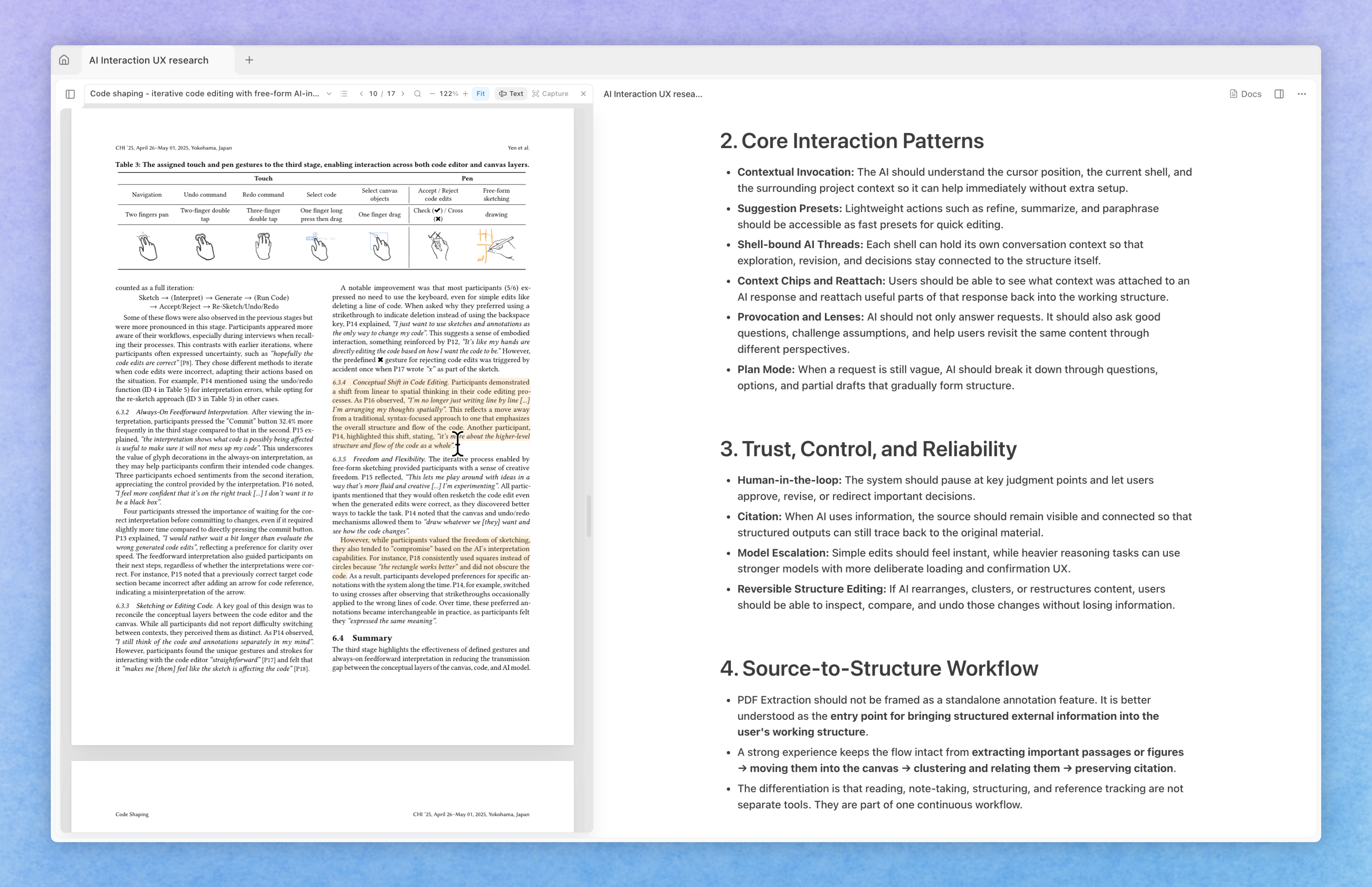
Upload PDFs from the Attachments tab in the right sidebar. Click an uploaded PDF to open it in a side viewer — read the source while you write in the main canvas.
Highlight any passage to mark the parts you care about.
Drag text or images from the PDF and drop them onto the canvas to paste them straight into your document. Drop a selection into chat to ask the AI about it on the spot.
A blue citation link is automatically appended right after each drop — click it to jump back to the original location in the PDF.
The AI now understands the content across your relevant projects.
@) a project directly to reference it.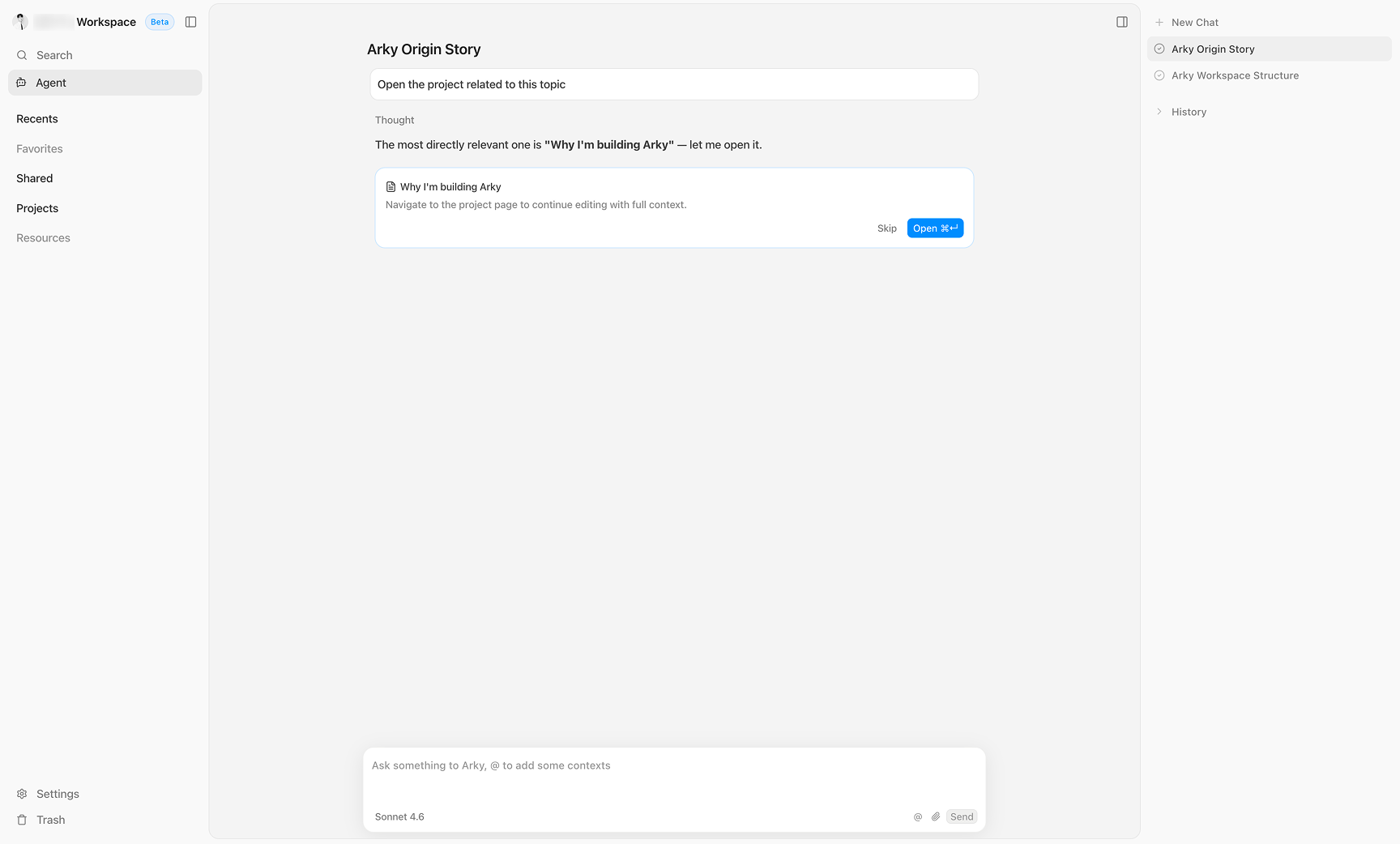
Try the Arky Agent — it knows your knowledge base and gets smarter with every use!
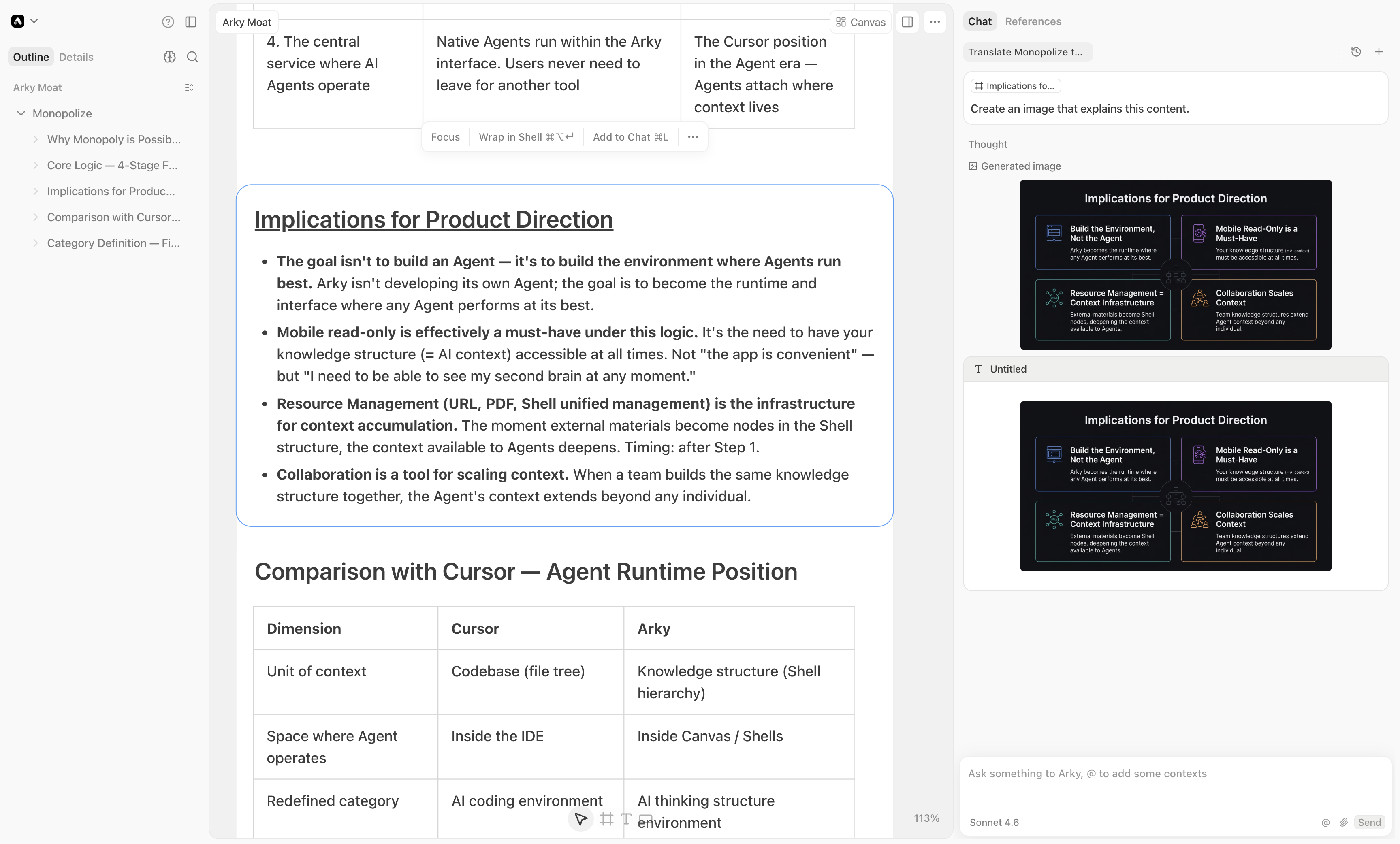
When you need a visual while you write, ask the AI to create one! Just drag and drop it onto the canvas.
You can now export your content not just as Markdown or Word, but as PDF as well. The PDF downloads exactly as it appears in document view.
Customizable export styles are in the works — stay tuned!
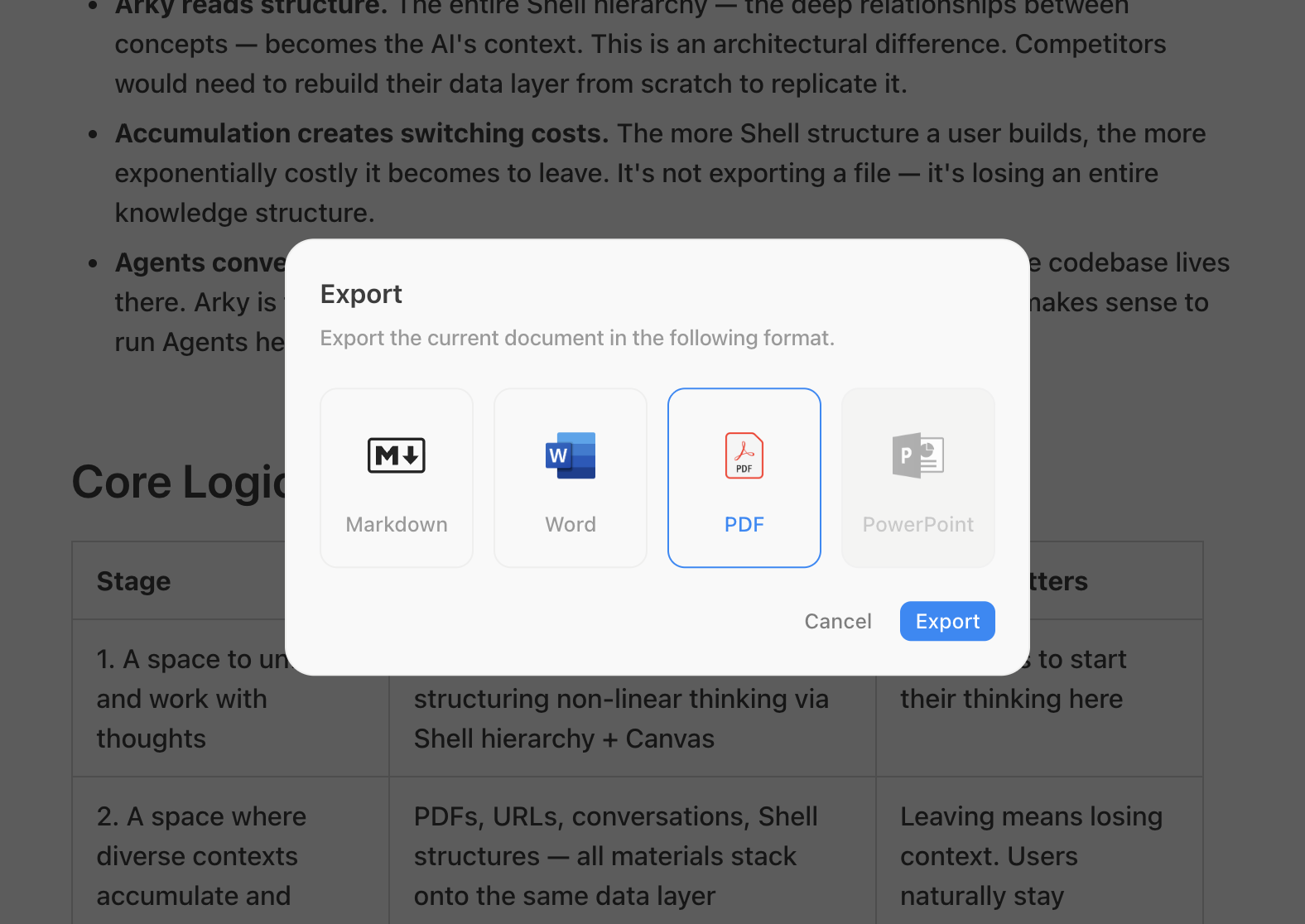
You can now use superscript and subscript formatting in your documents!
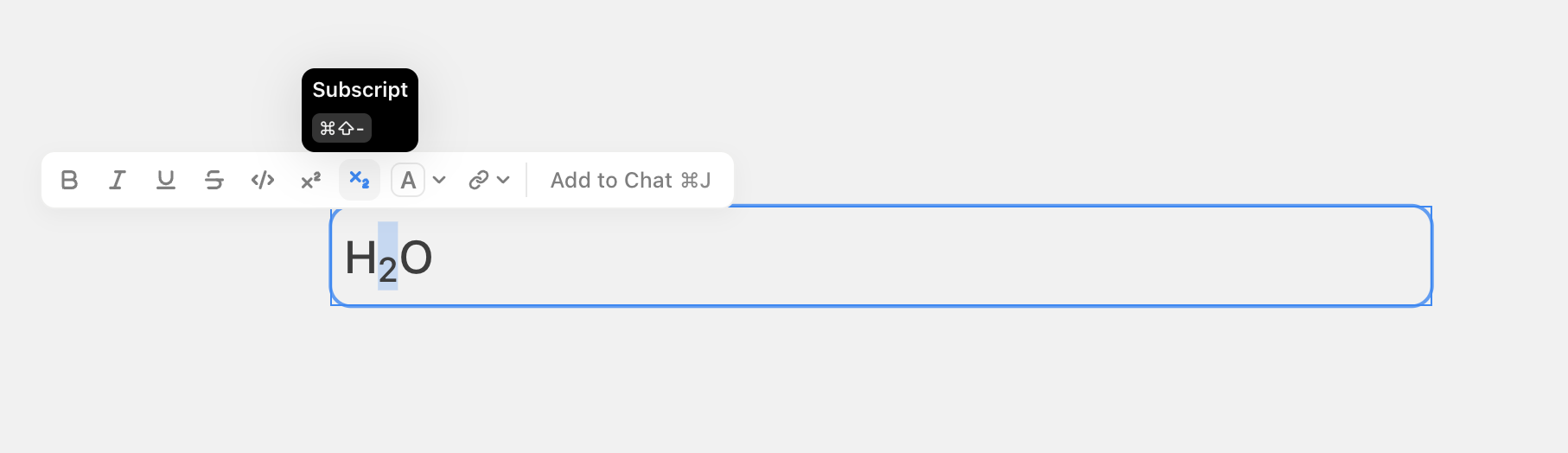
Check the character and word count for your current shell — just click the ... button in the top right corner. You can switch between character count and word count in Settings - Preferences.
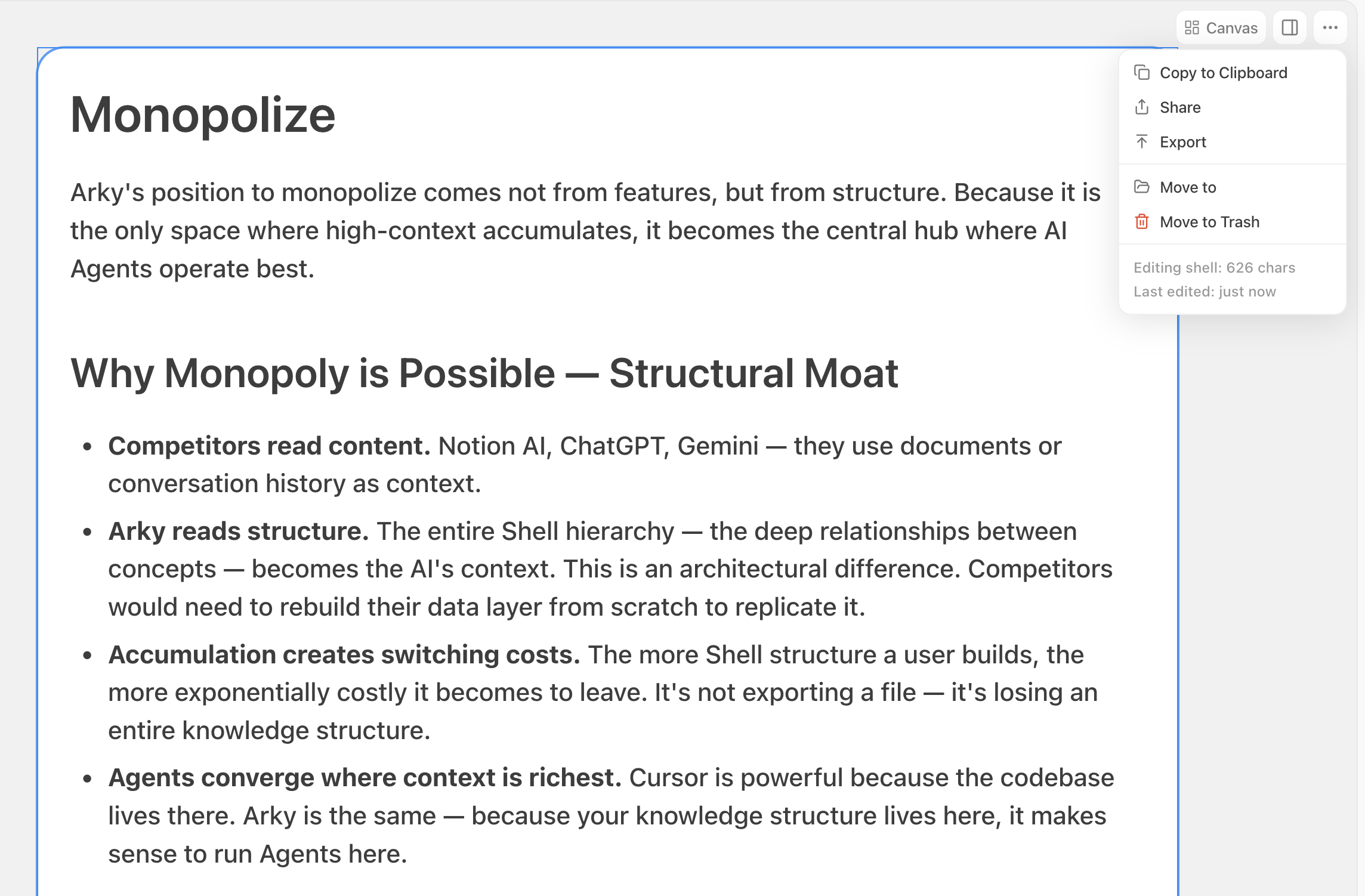
Arky now works on tablets like iPad and Galaxy Book. We're also working on a dedicated app — coming soon!
We've updated the shortcut to Cmd(Ctrl) + J to avoid conflicts with existing web browser shortcuts.
Welcome to Open Beta! Over the past three months during our Closed Beta, we've been heads down fixing bugs and refining features. This update focuses on logical visualization — richer ways to represent your thoughts and related information on the canvas.
We've added the arrow connection feature that many of you have requested. Draw arrows between shells to express relationships, and AI can now understand these connections to provide more relevant answers.
Attach your content to AI and have it create appropriate diagrams. For example, you can generate a Sankey diagram to visualize how a company makes and spends money during a business analysis.
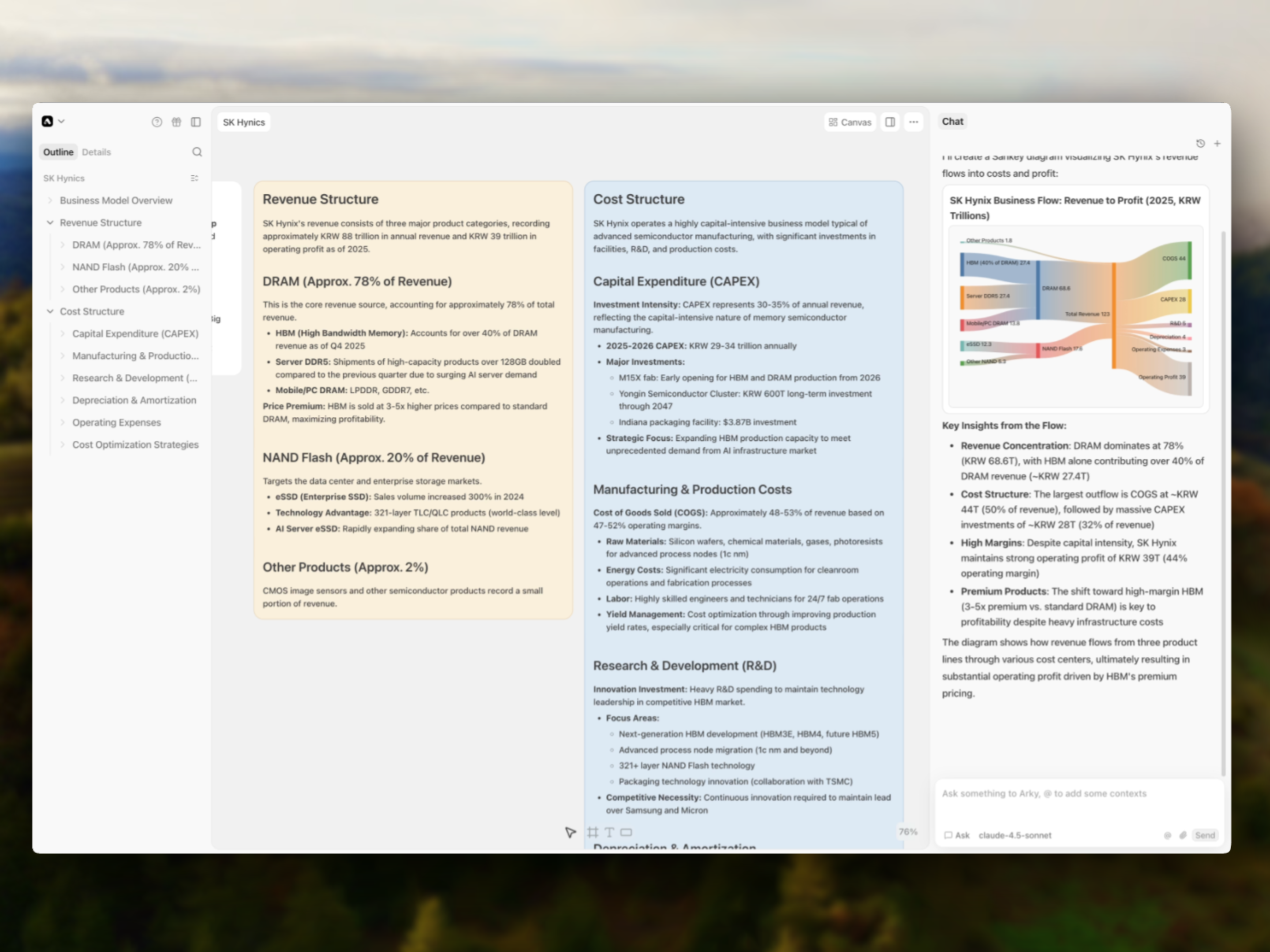
When you're organizing content, sometimes you just want to zoom out and see the big picture. Now you can visualize your entire project's Shell structure as a mind map! Double-click any node to jump straight to that Shell.
We're also working on letting you edit directly from the mind map view.
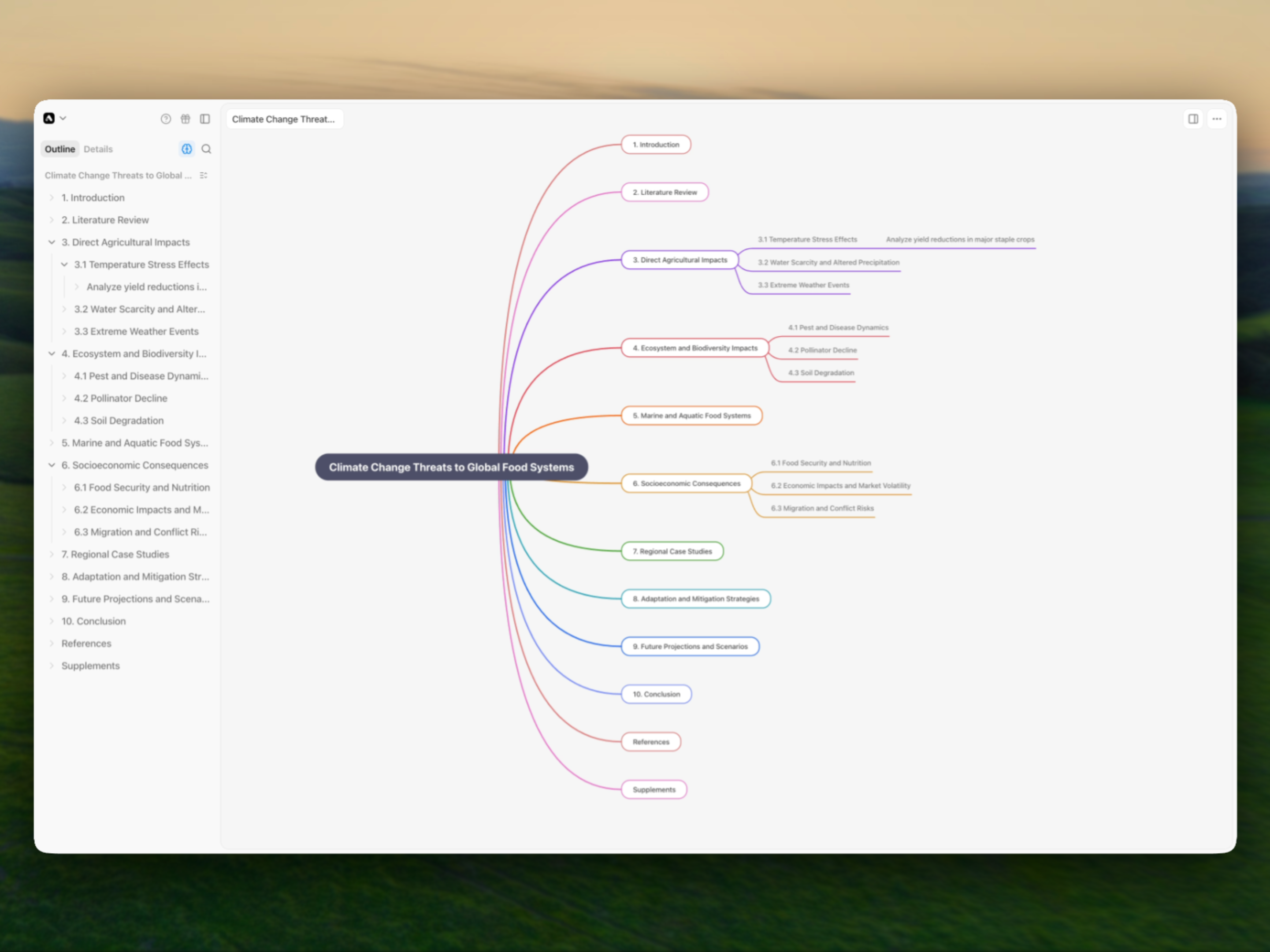
Create sections to organize content by category. Use sections when a Shell becomes too long, or when you want to categorize without adding hierarchical depth.
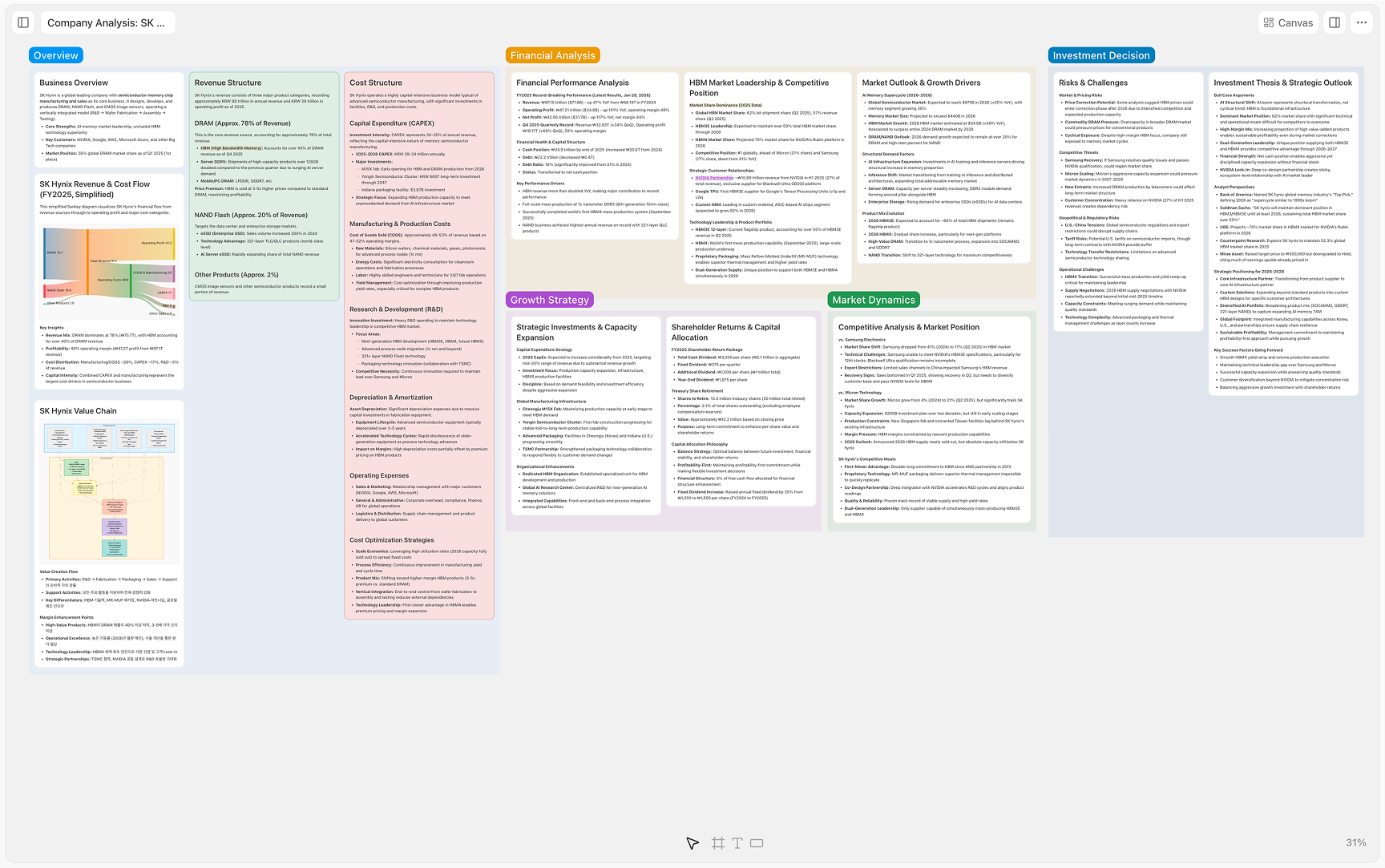
You can now mention other projects or shells using the @ key. Paste external links to display them as inline blocks. All referenced content can be viewed together in the References tab in the right sidebar.
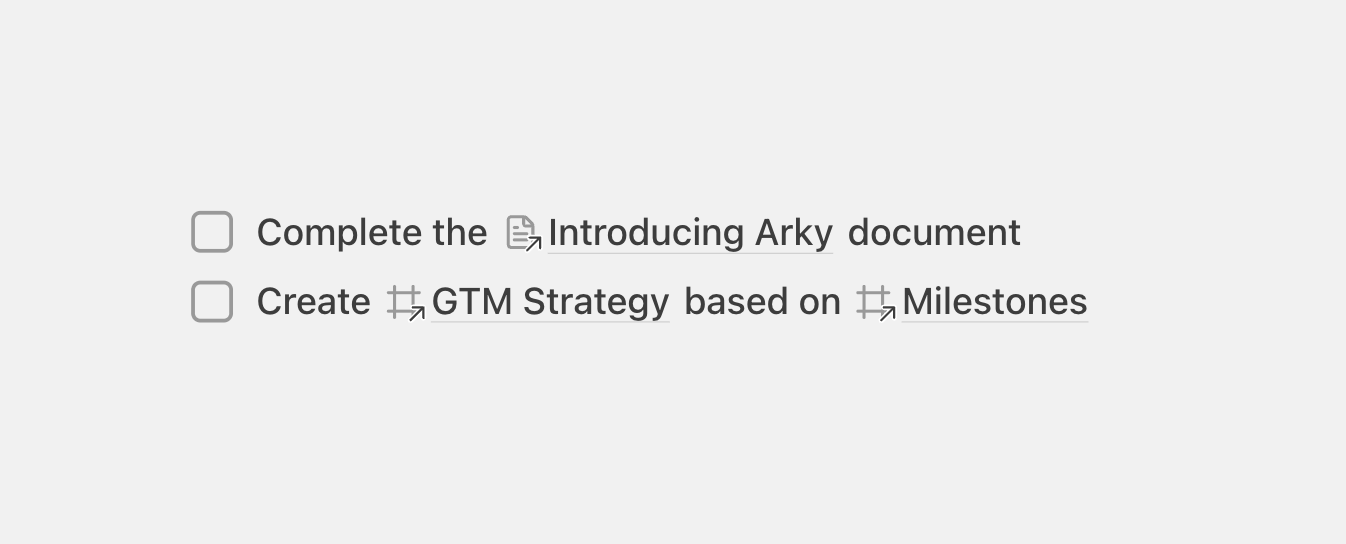
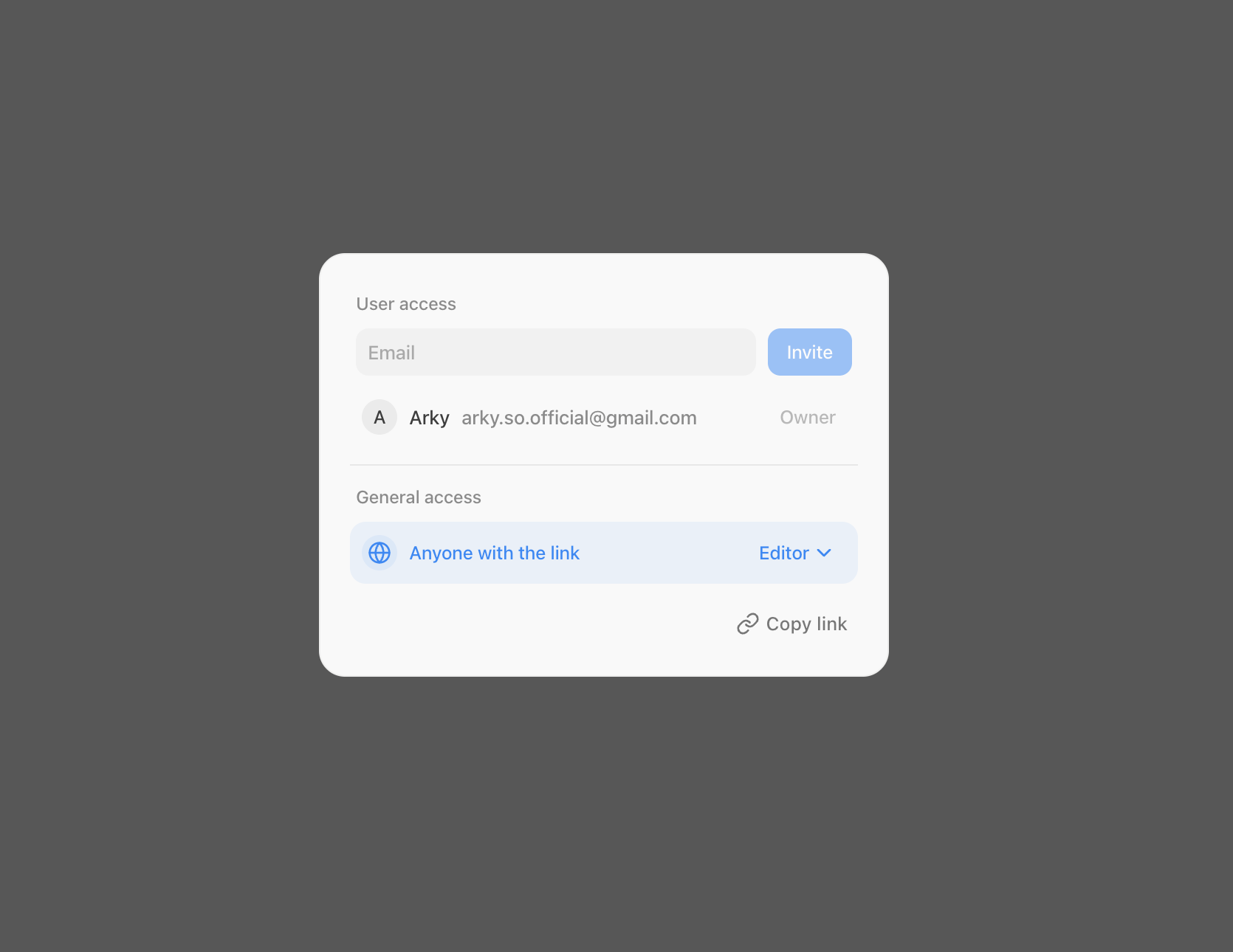
Invite colleagues or friends to Arky to share document content in real-time or collaborate together. Share via link or send an email invitation to existing Arky users. Shared projects can be found in the Shared tab of your workspace.
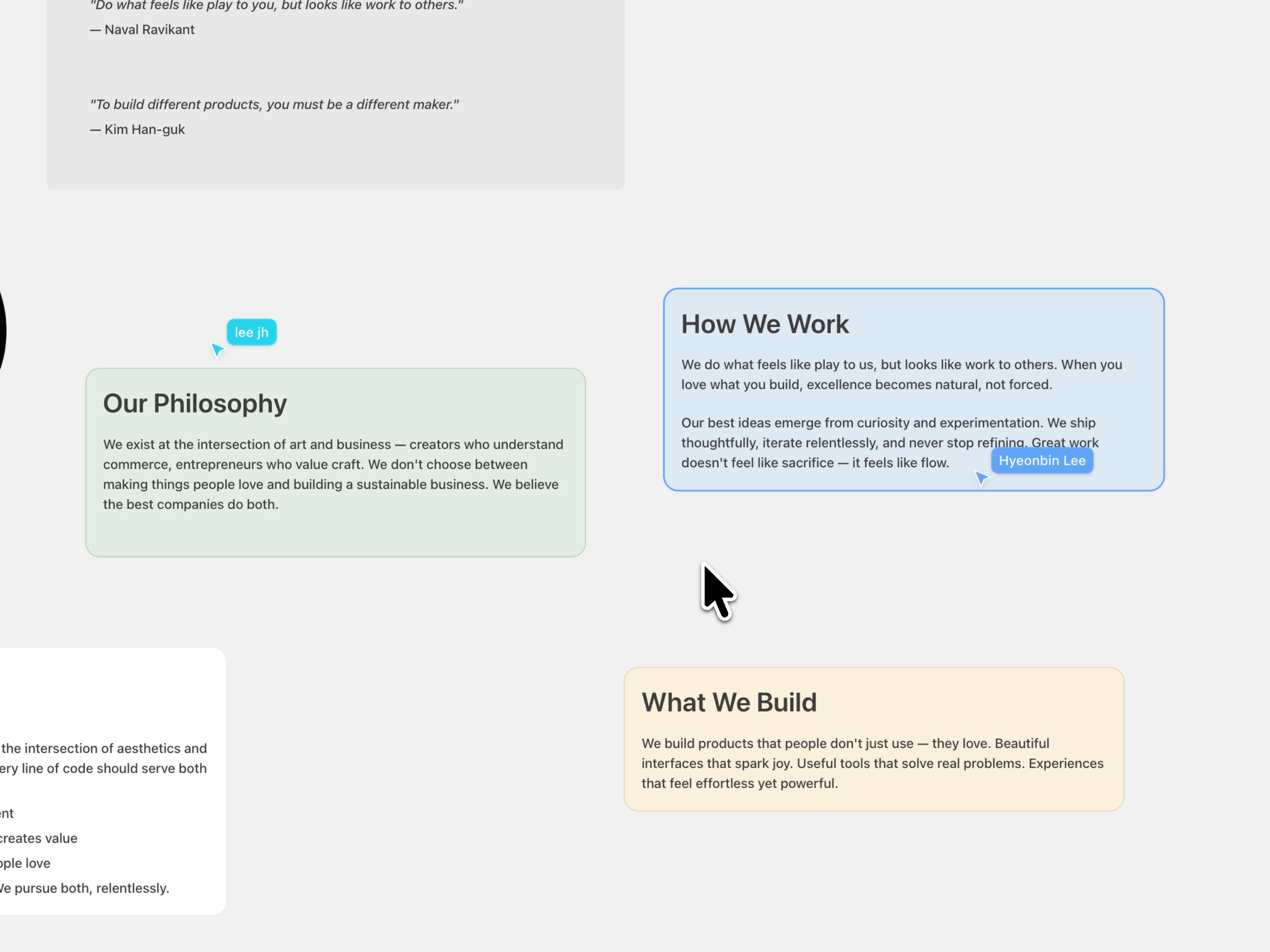
Real-time collaborative editing is in Alpha, so occasional sync delays or conflicts may occur. We'll continue improving stability based on your feedback.
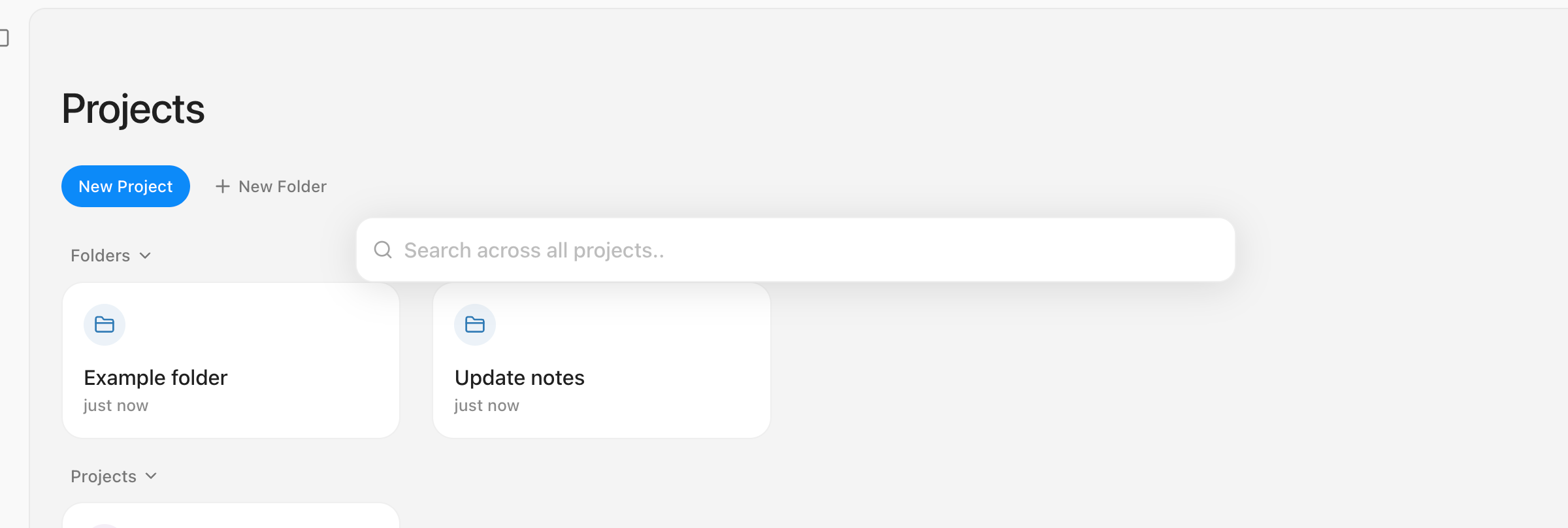
Now you can navigate anywhere instantly. Just press Cmd (Ctrl) + K or Cmd (Ctrl) + P to find other projects or specific content anytime, with ease.
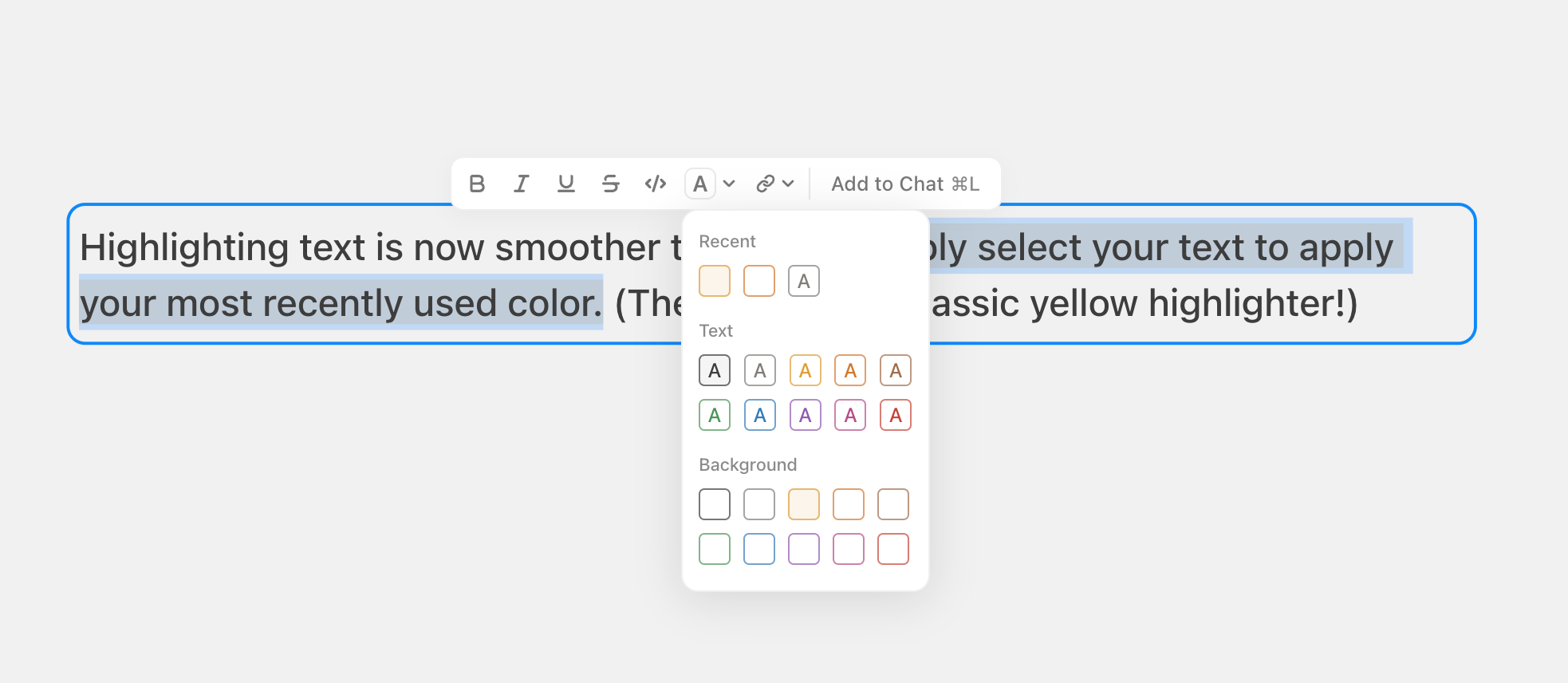
Highlighting text is now smoother than ever. Simply select your text to apply your most recently used color with Cmd + Shift + H (The default is a classic yellow highlighter!)
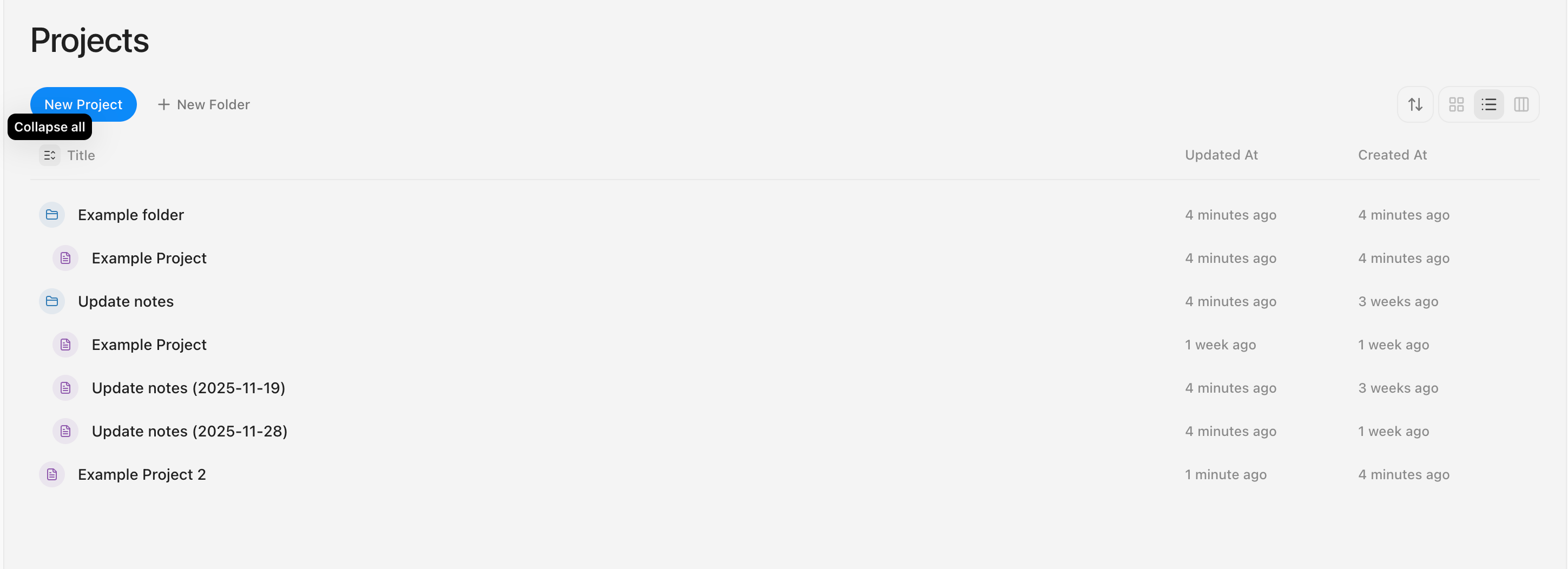
Now you can view all sub-items directly in the List View.
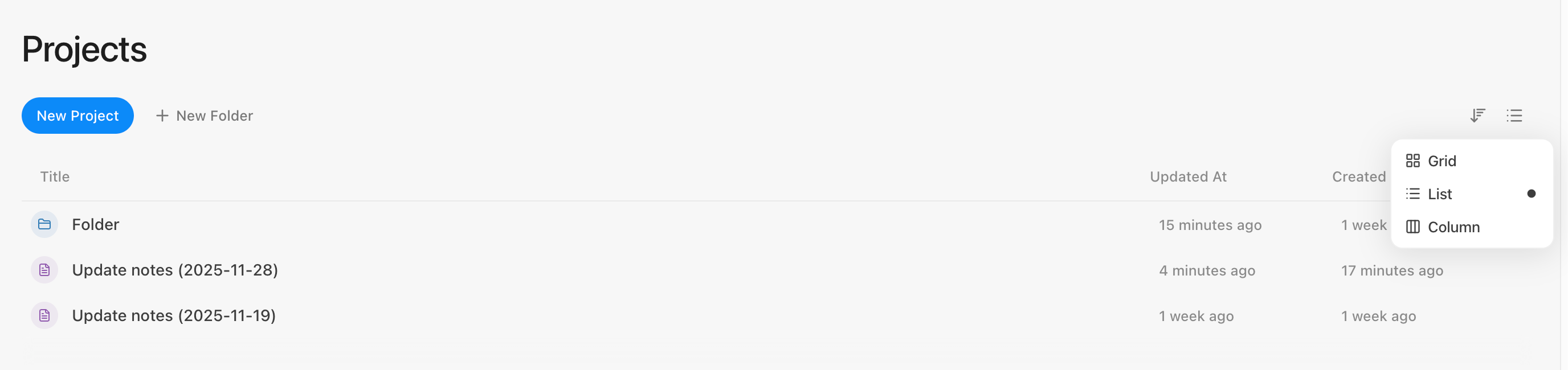
Simply click the folder icon to expand specific folders, or use the button next to Title to expand or collapse all items at once.
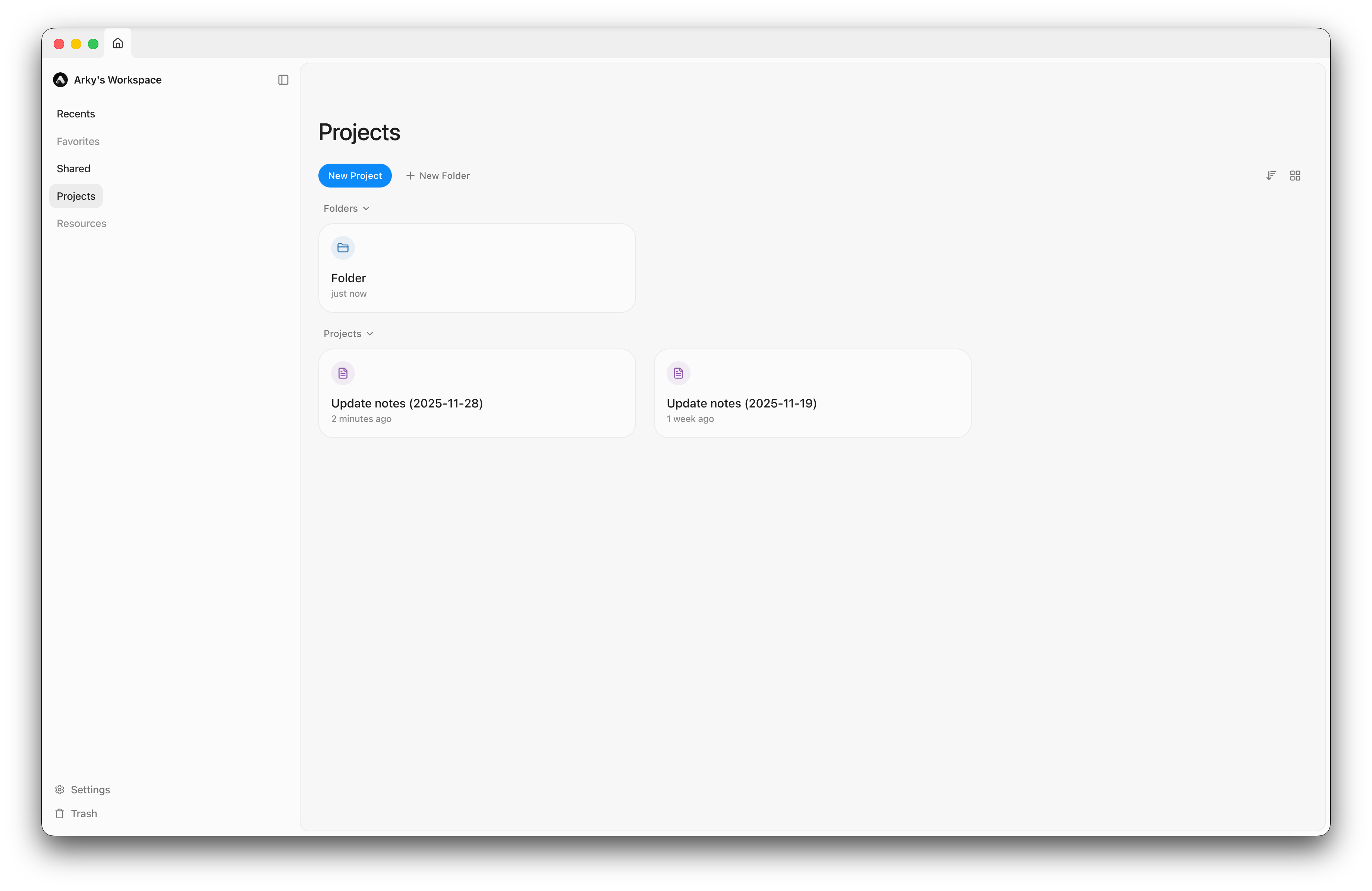
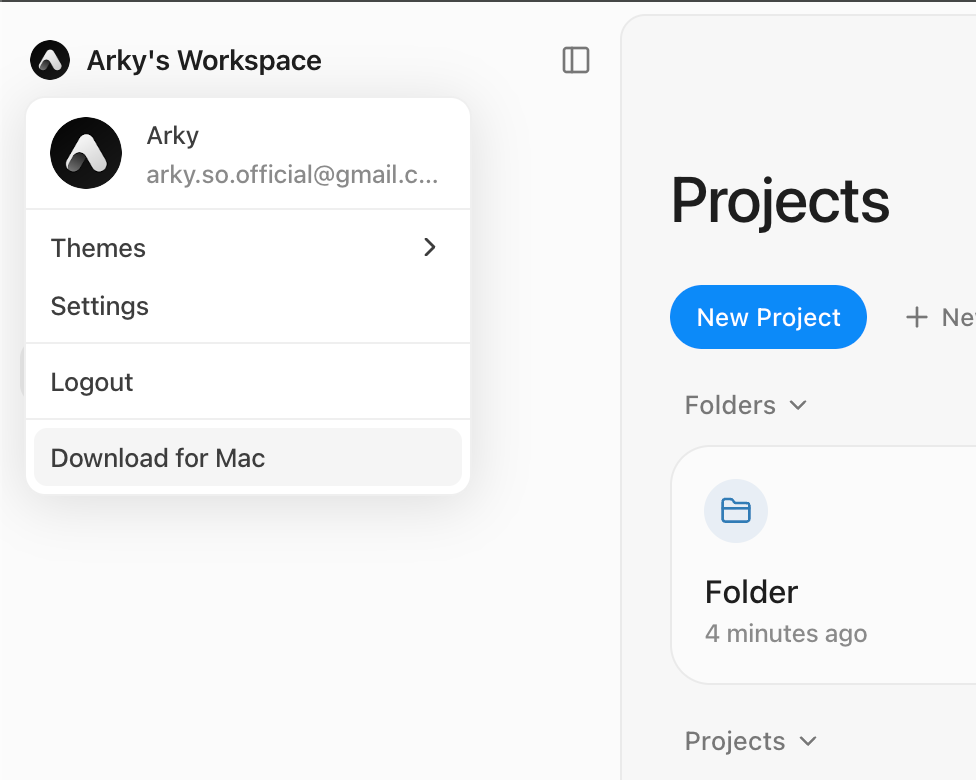
Download the app now for a faster, seamless Arky experience!
You can also download it by clicking the button in the top-left corner or at this link.
We are discontinuing support for Gemini 2.5 Flash.
Try GPT 5.1 Instant instead! It delivers faster, higher-quality responses.
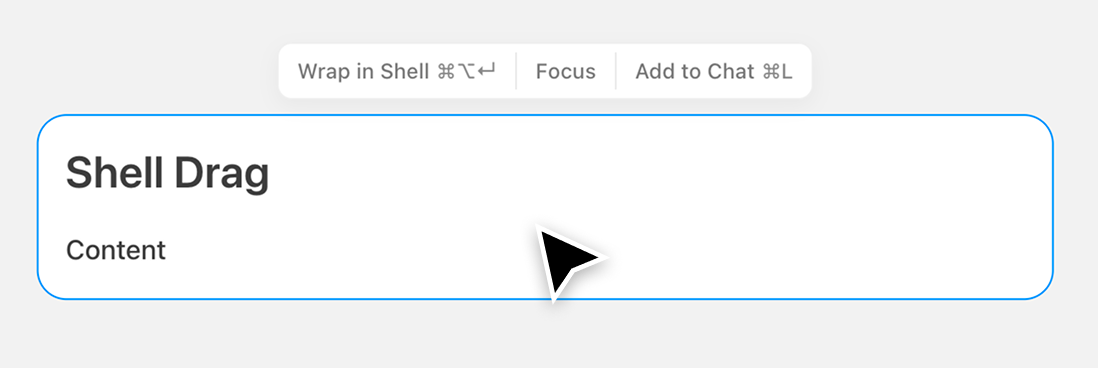
We heard your feedback that dragging shells on the canvas often caused child content to detach unintentionally.
Now, dragging a shell keeps all its nested content intact, making it much easier to reorganize your canvas.
Shift + Scroll on Windows.You can now use the smarter AI models GPT-5.1 and Gemini 3 (preview).


Hi everyone!
We're kicking off our official changelog to keep you updated on what's new in Arky.
If you're signed up for Arky, you'll get our updates by email. And you can unsubscribe anytime.
We're still in closed beta for now, aiming to move into open beta once we hit the quality bar we're shooting for. That'll likely be around late this year or early next year.
Thanks so much for using Arky.
Minseo from Arky