Introducing Arky 1.0
 Minseo
Introducing a faster, more powerful Arky!
Hi, I'm Minseo, building Arky. If you want to jump straight to what's new, click here!
Why Arky
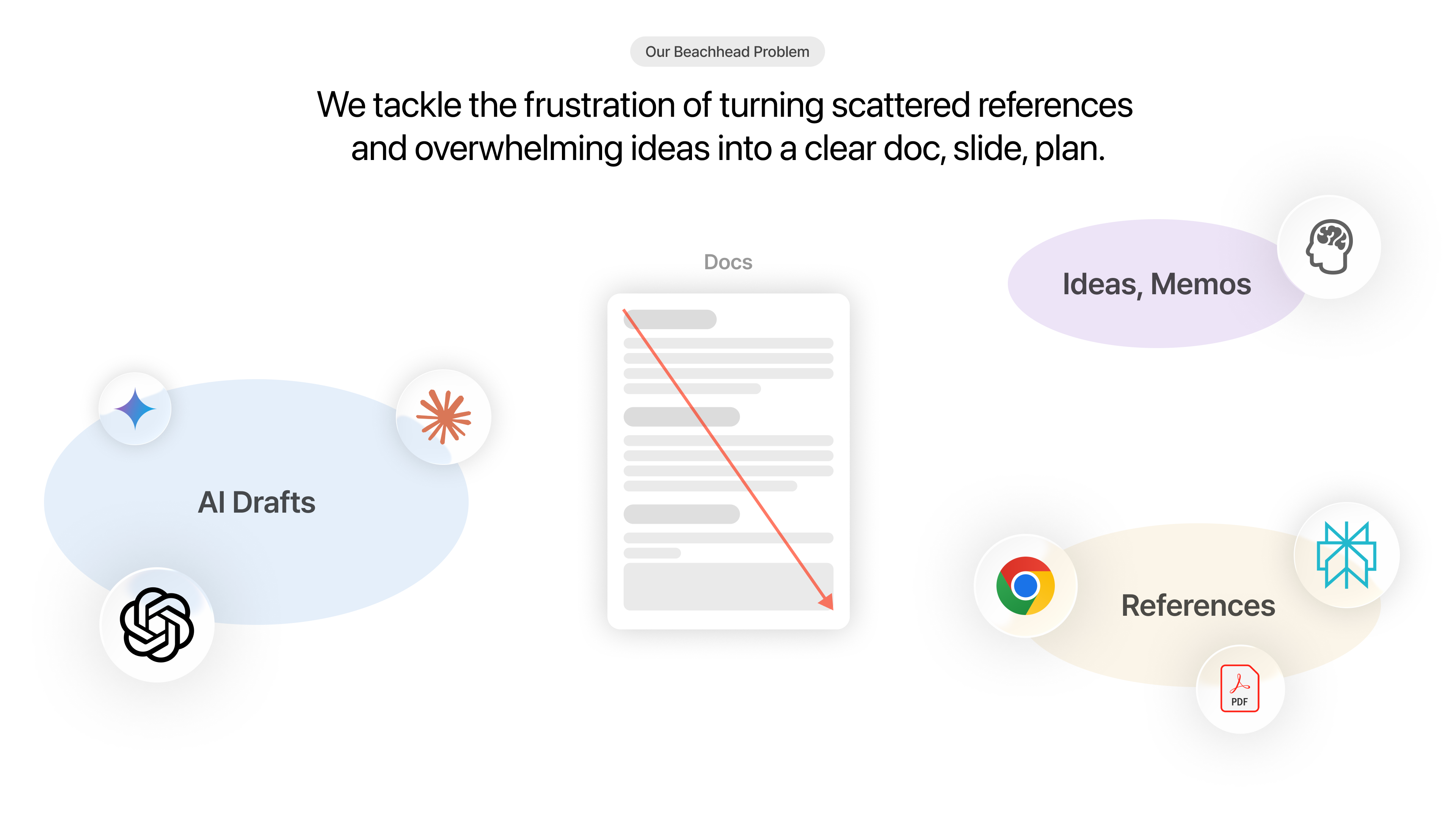
We started seriously building Arky in July of last year (2025).
The name comes from "Architect." This was never about building a cleaner notes app or another document editor. The question we couldn't let go of was more fundamental: how do you build a digital space that actually helps you architect your thinking?
Think about the moments when you're going deep on a topic, planning something new, trying to make sense of a flood of complex information, or organizing your thoughts to explain clearly to someone else. You have a sense of direction, but your head is a mess. You want to get it out somewhere, but nothing fits.
Arky is built for those moments. A digital space to organize context, develop your thoughts, and shape scattered material into a single structure.
AI has changed how we think and write. And it keeps evolving, by the day. Now we can ask and get an answer, draft a first pass, expand on an idea, almost instantly.
A lot of work now lives inside the chat. As people type into a command-line interface (CLI) and pull out results, some have started questioning whether we even need a common interface for everyone anymore. Personalized tools often feel more useful to each individual.
Even so, we're building Arky because there's an editing experience we believe in, and we want to share it.
Chat is great for quick back-and-forth. But it's not enough to hold and develop complex context over time. The only channel for thought is a single prompt window.
What if we extended that one-dimensional, top-down experience into a two-dimensional canvas? Lay things out flexibly. See how they relate. Getting your thoughts out becomes easier. And AI can follow your reasoning more dimensionally.
So Arky is a canvas for building raw context. You spread out your materials, list out fragments of thought, group them by topic, zoom in to flesh things out, and see the relationships between ideas.
With that source material in hand, you can shape it into whatever output you need. This is where we part ways with tools that pump results straight out of a chat.
We want to build a new kind of human-AI interface for developing thought together. A two-dimensional surface that's free, but with just enough scaffolding to hold your context. The flow goes from raw context to usable material. You stay in the driver's seat. You can pull AI in for help, or for a challenge.
Arky 1.0 is our starting point.
A new interface
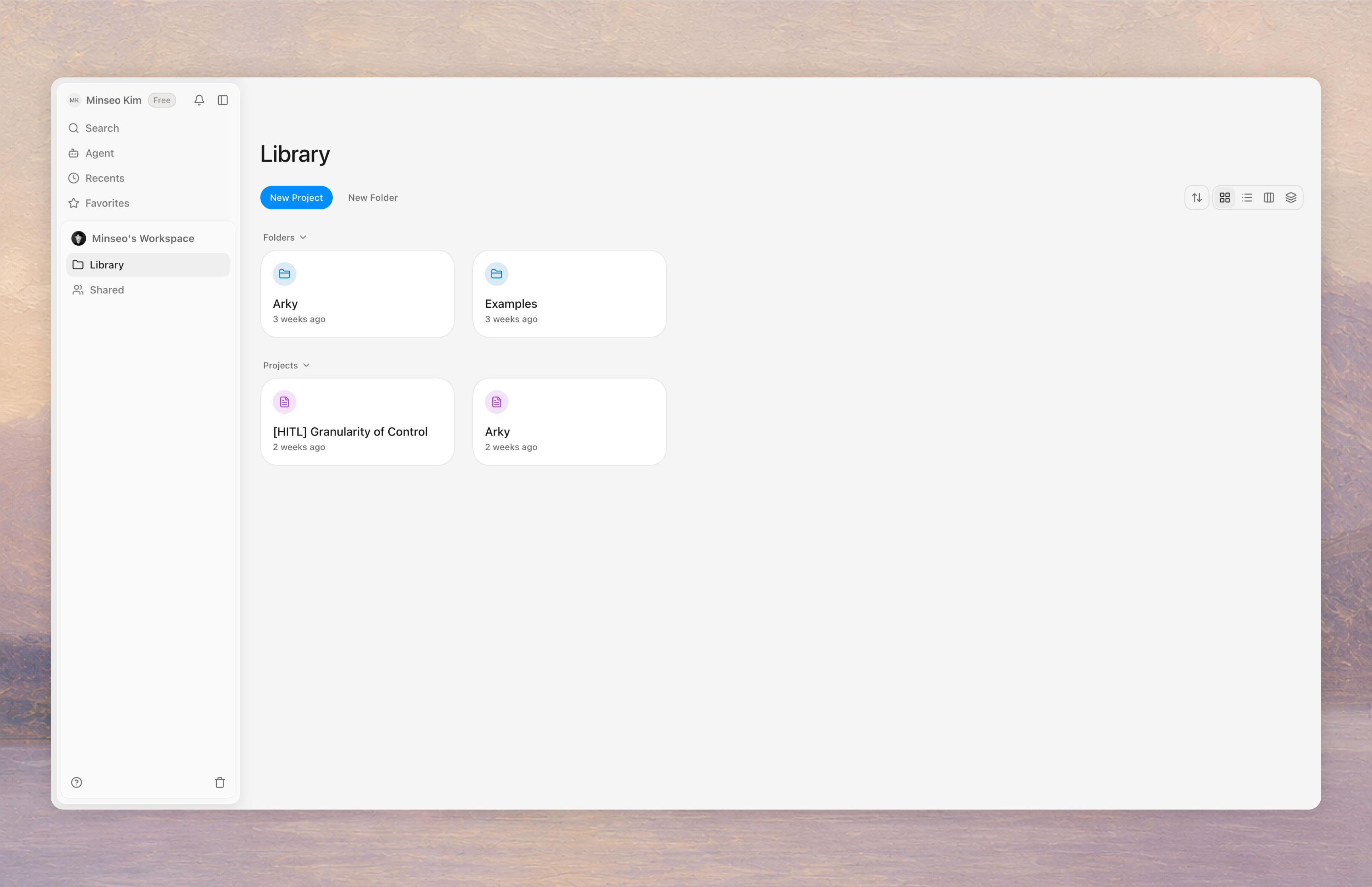
The new Arky looks familiar, but it's effectively a brand-new product. We threw out every external framework we used to depend on and rebuilt from the ground up.
Performance
Faster and lighter across the board.
Style
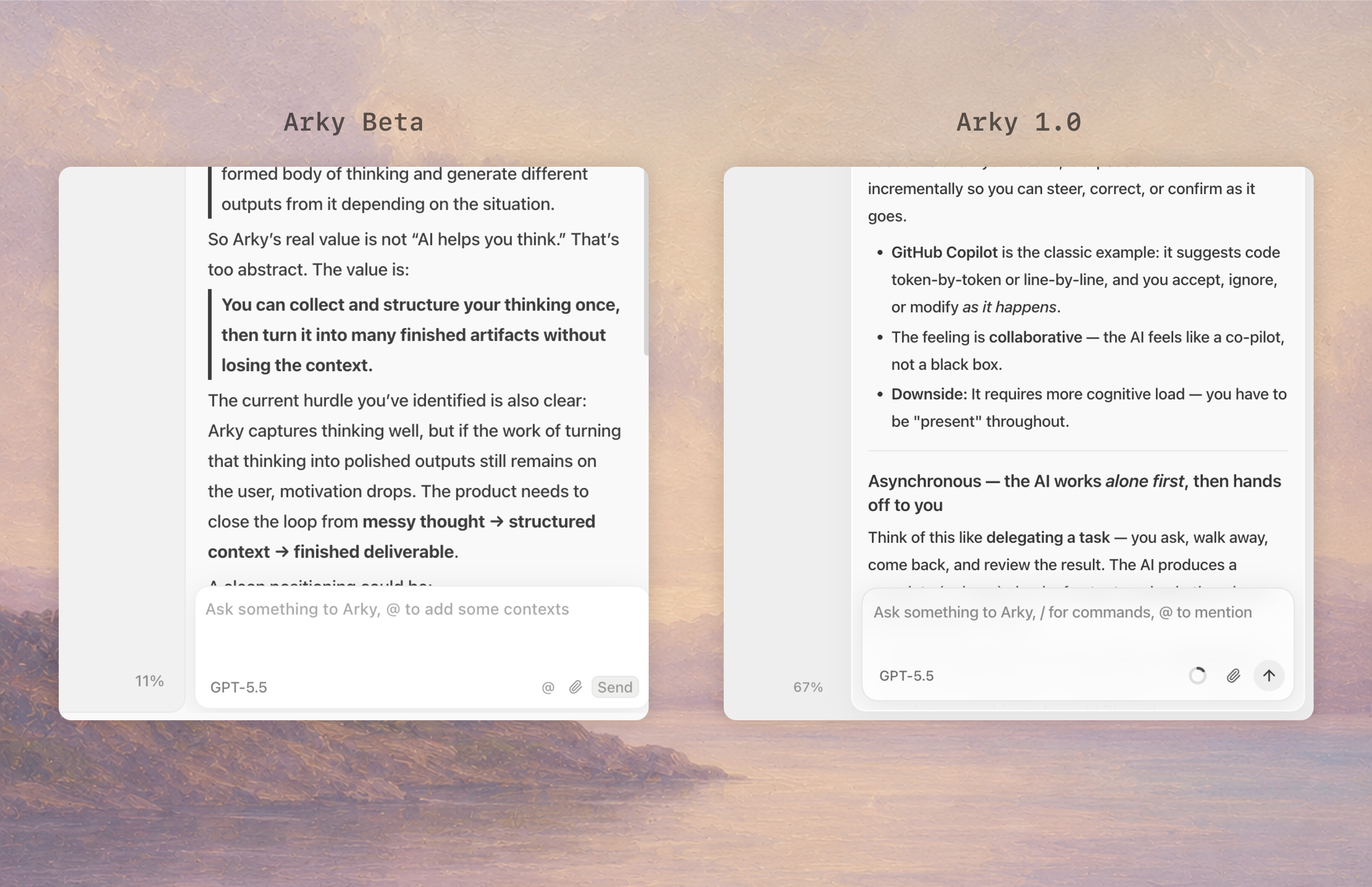
The old Arky had an inset feel, like everything was carved into the screen. The new one floats. Each element sits lightly on the background. We tuned the visual language for what's coming next: PDFs and web pages floating on the canvas as references, AI chat surfacing in the center instead of a sidebar, and more.
Smoother canvas
Canvases have real upsides, but two-dimensional canvases are generally a pain to manipulate. Classifying and sorting things gets harder as the volume grows.
Heavier workloads
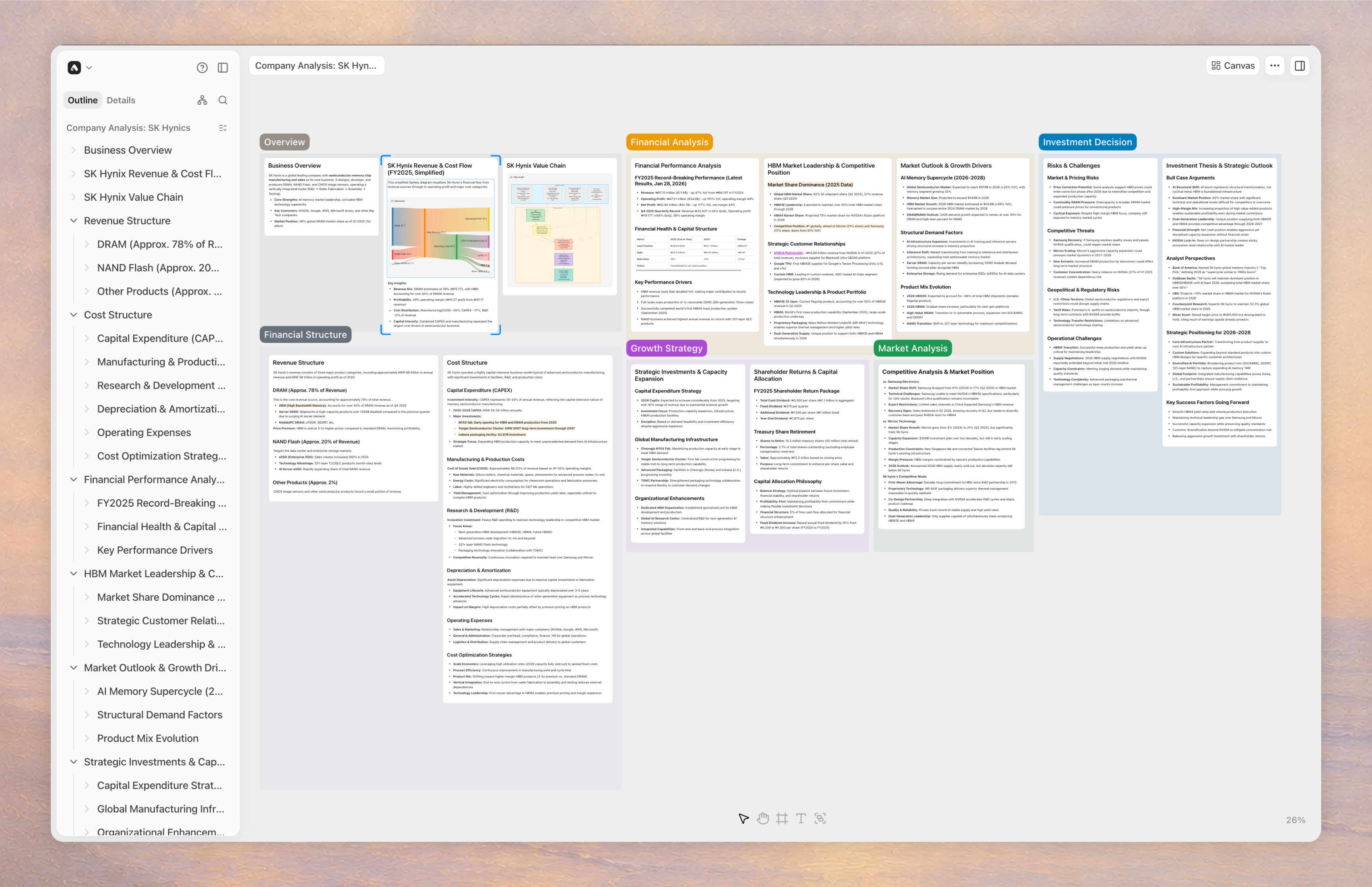
You can pile a lot of material onto the canvas and keep working without things grinding to a halt.
Snap
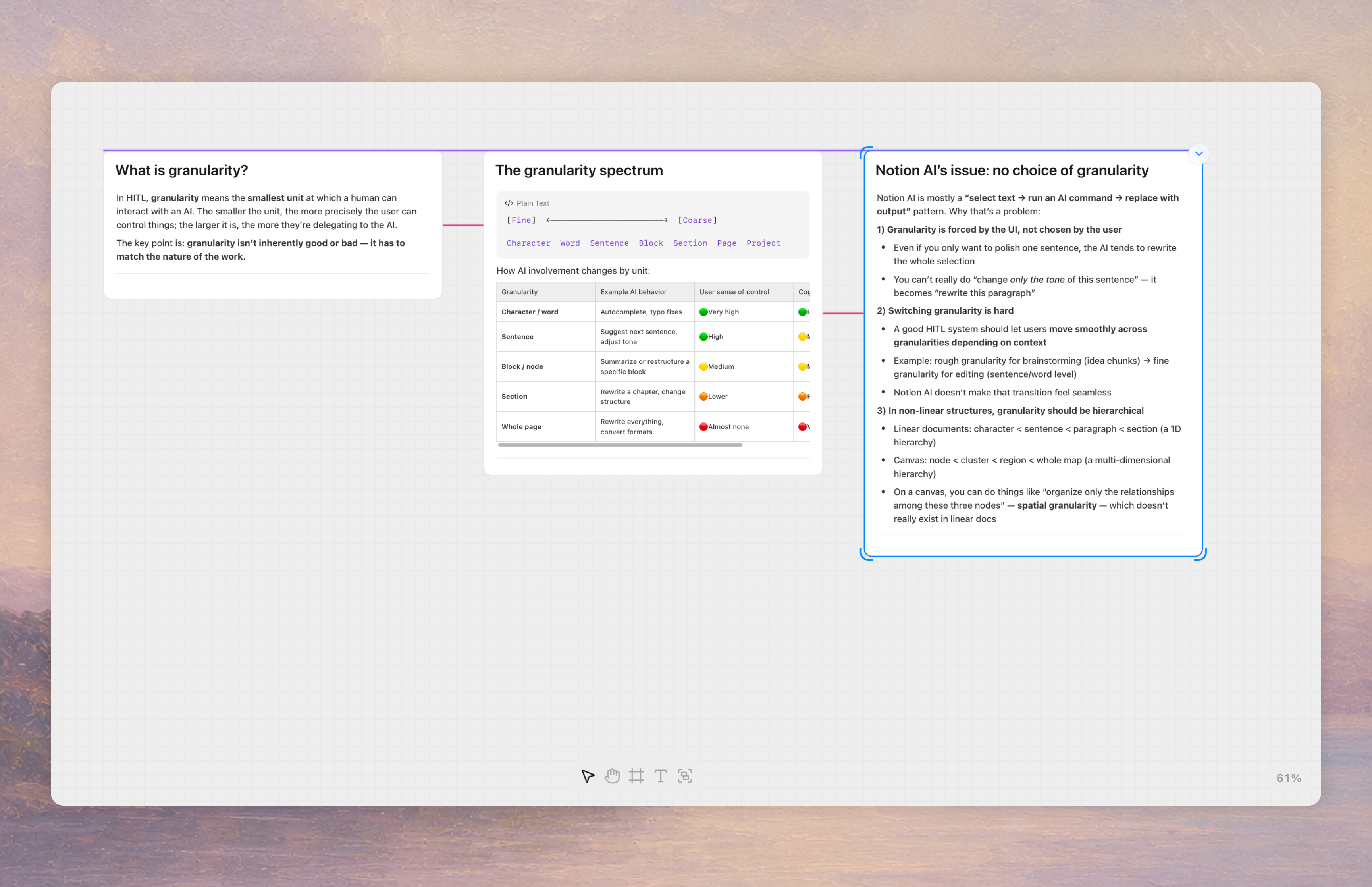
When you move things around the canvas, alignment guides now show up as you approach the same height as another object, and snap into place automatically. We also added helpers for the gaps between objects.
Collaboration
We've thought through collaboration scenarios more carefully this time around, so working together with your teammates feels smoother.
Workspaces
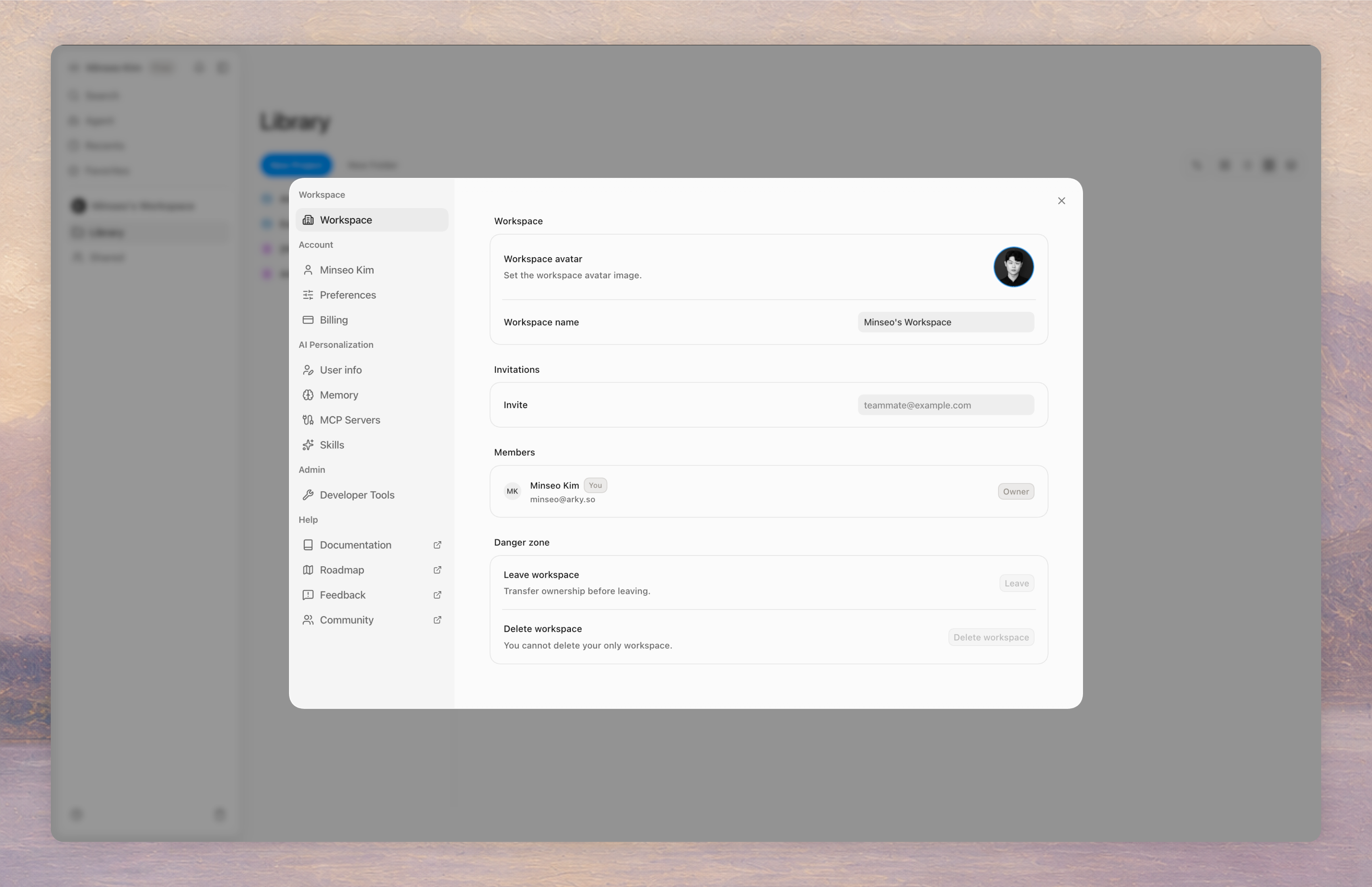
You can invite your team at the workspace level to share and organize content together.
Better AI
Skills (Beta)
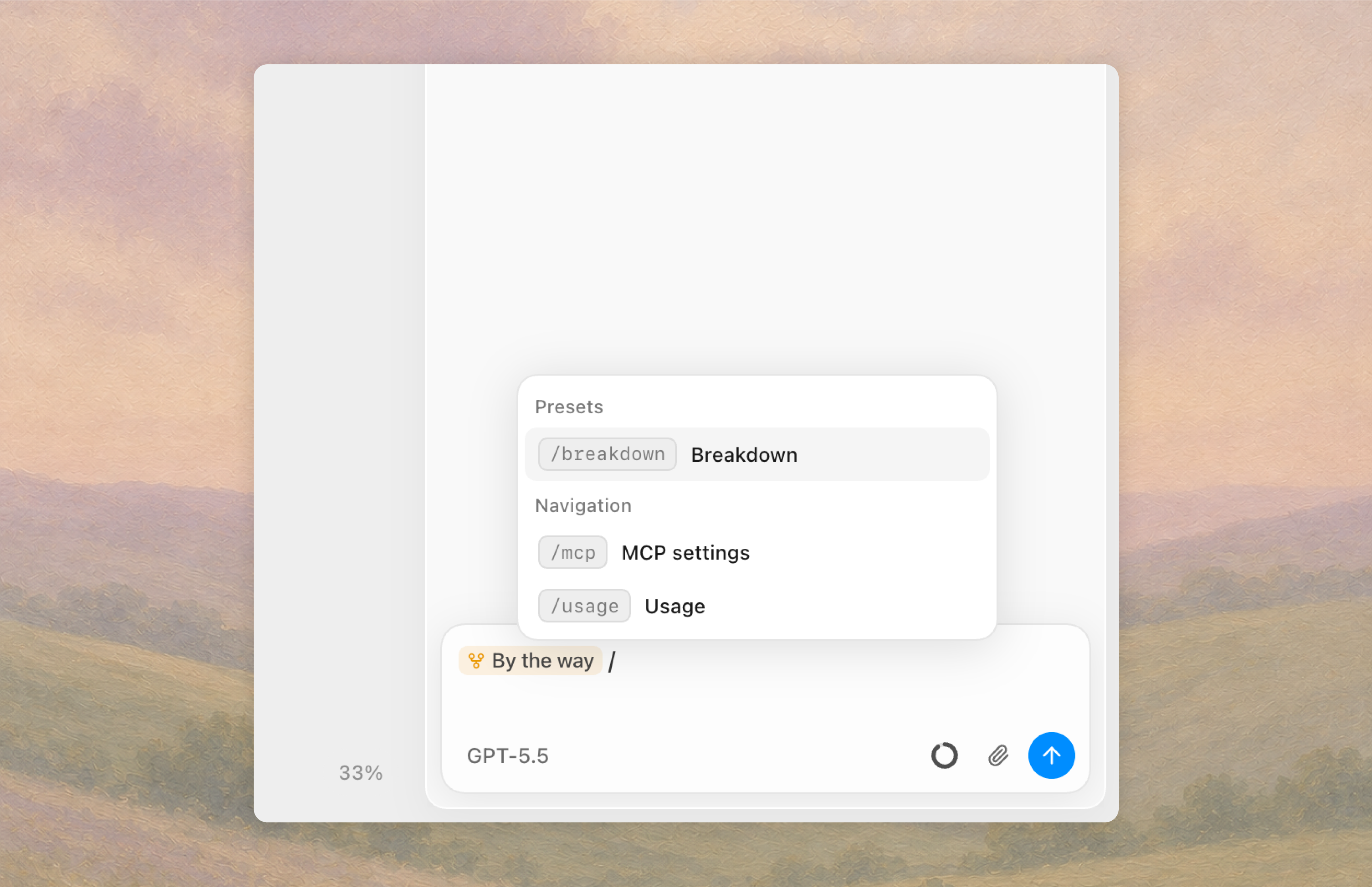
The AI can now use skills. On top of the Skill presets Arky ships with, you can write your own instructions for transforming or organizing content, and trigger them with a slash.
Local files (Beta)
If you download the Arky desktop app, Arky AI can read and work with files on your local machine.
New ways to export
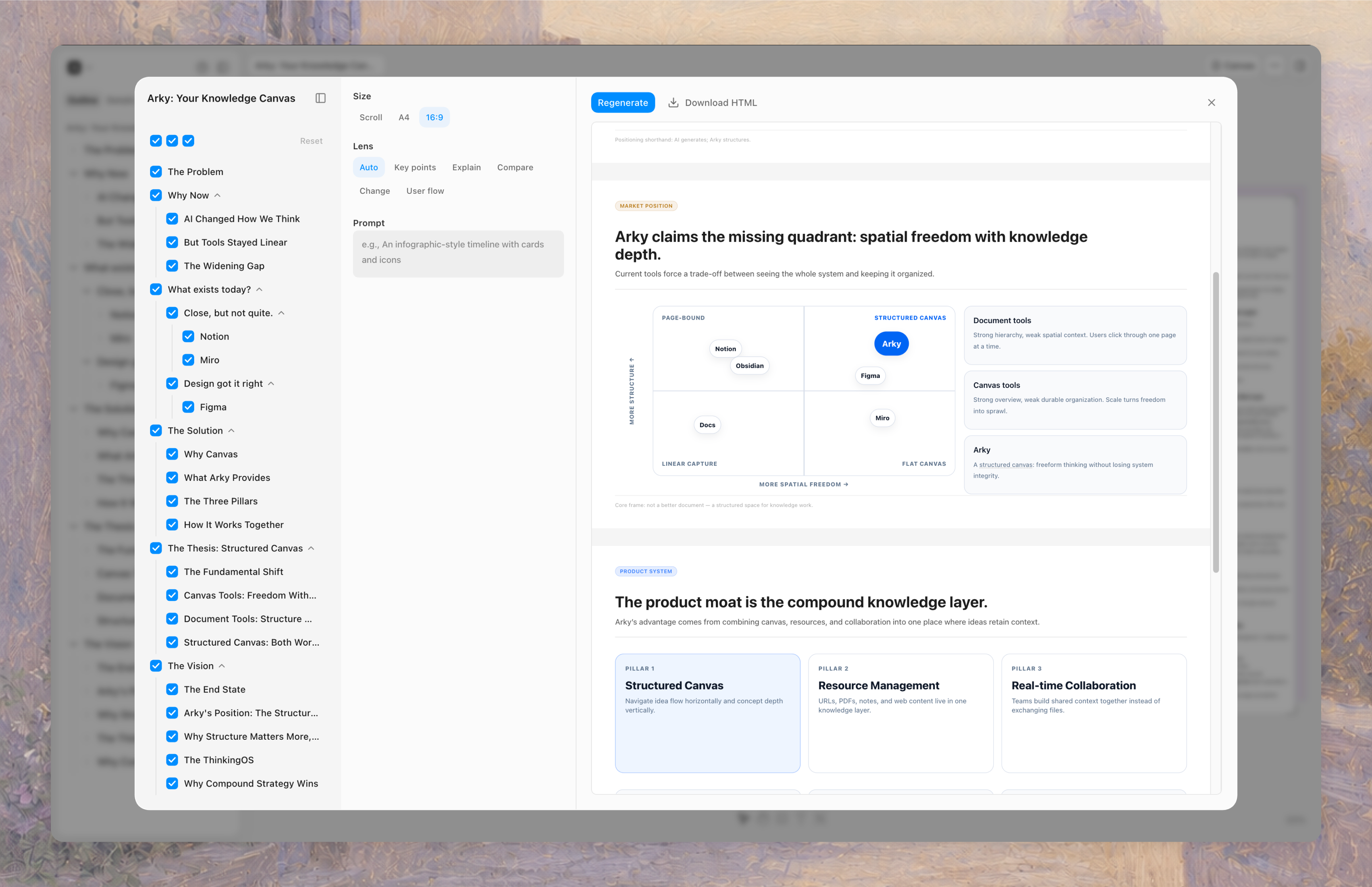
We're introducing a new export option called "Visualize." Based on what you've written, Arky can generate visual artifacts: 1-pagers, slide decks for reports, and more. You'll be able to pick the format (scroll, A4, 16:9) and either share via the web or download.
The context you built inside Arky doesn't have to stay there. It can become whatever final output you need. We're collecting feedback now to make sure the outputs match the intent behind the work!
Where we're going
We still have a lot of open questions. While building Arky, we keep asking ourselves and each other: what should Arky be? We said it's a tool for organizing thought, but how do we make that journey actually effective?
Our direction is a space where humans and AI can hash out complex problems together and arrive at real outputs. As making things gets easier, the last remaining bottleneck and the place where differentiation comes from is creative ideas and critical thinking. And that comes from the ability to hold complex context and structure it through your own perspective.
We're building this for people who still want to think for themselves in the age of AI. An intellectual workshop, or maybe a kind of mental drawer to keep your work in. We'll keep asking, building, and fixing.
Try the new Arky and let us know how it went. What helped, where you got stuck, what kind of work it was a good fit for. We'd love to hear it!
Happy thinking, building, and shaping what's next.
Minseo, from Fort Mason, San Francisco.